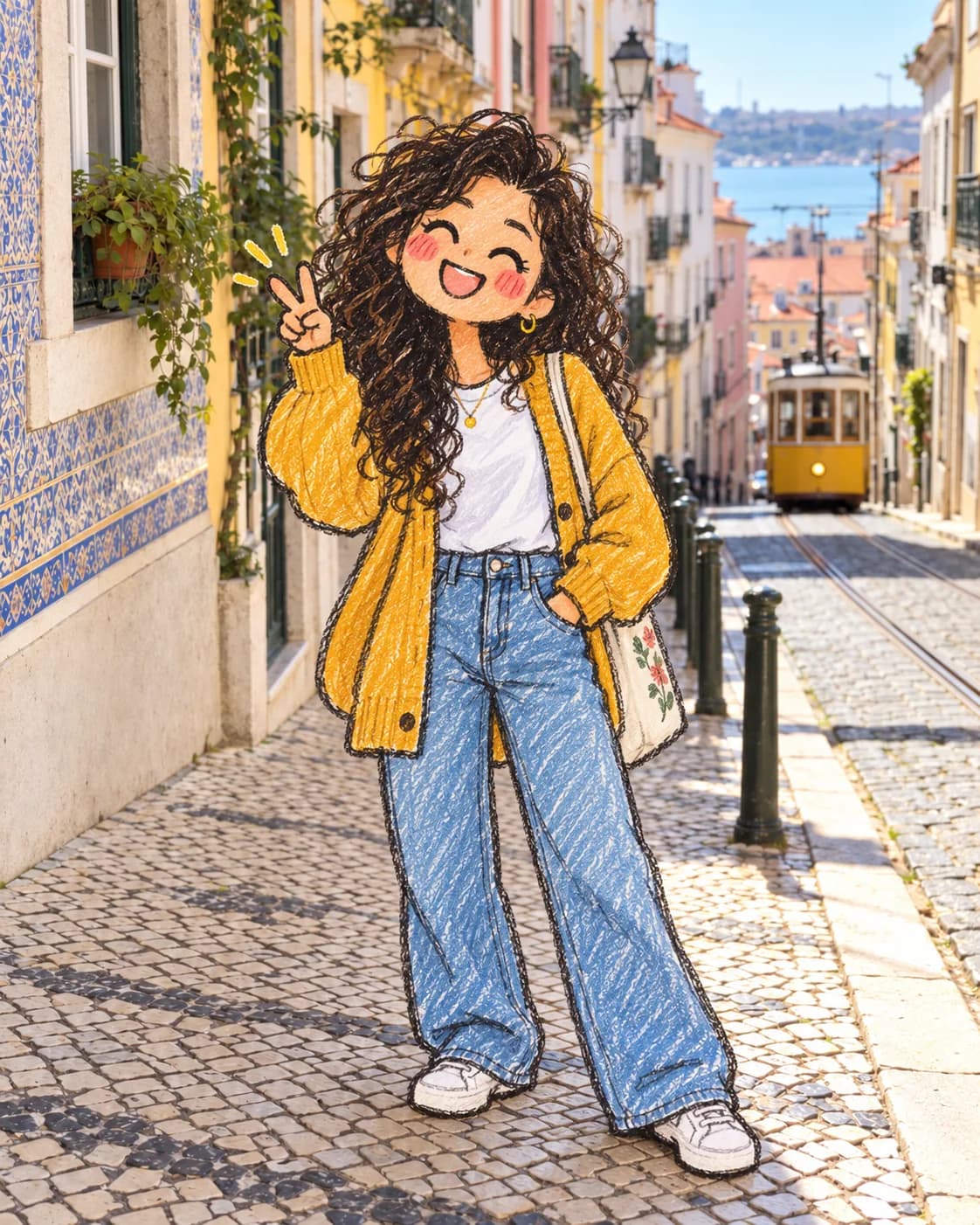
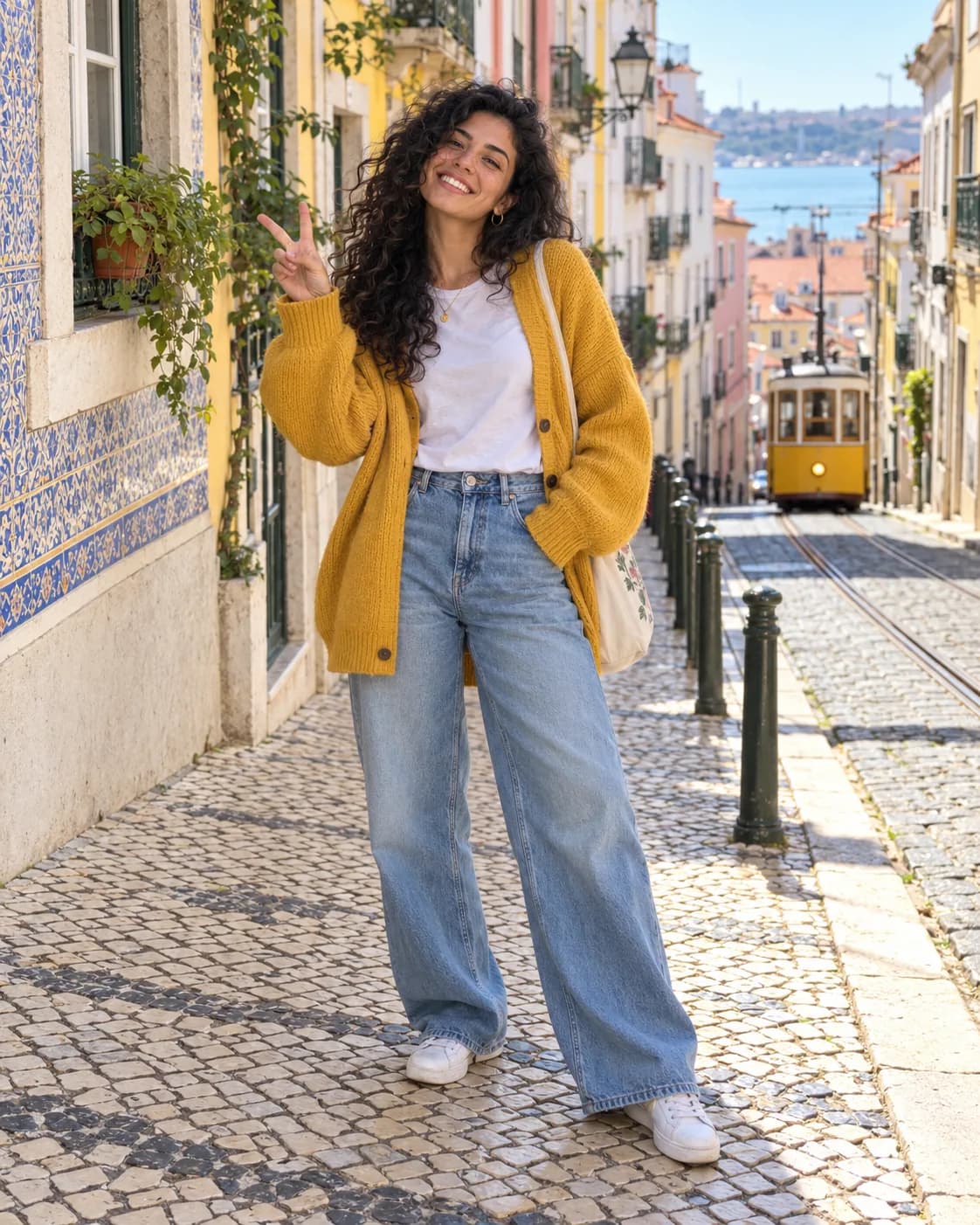
 BeforeAfter
Doodle in real life
Turn the people into hand-drawn doodles; keep the real background.
Image to image AI for your photos: upload one, pick a look or say what to change.
Image to image AI that starts from your photo: upload it, pick a look or say what to change, and get a new image in seconds. Not quite right? Keep editing the result.
Drop, paste or upload a photo
JPG, PNG, WebP or HEIC · up to 20 MB
Every look is a ready-made prompt you can still edit. Nothing is generated until you press Generate.
BeforeAfterTurn the people into hand-drawn doodles; keep the real background.
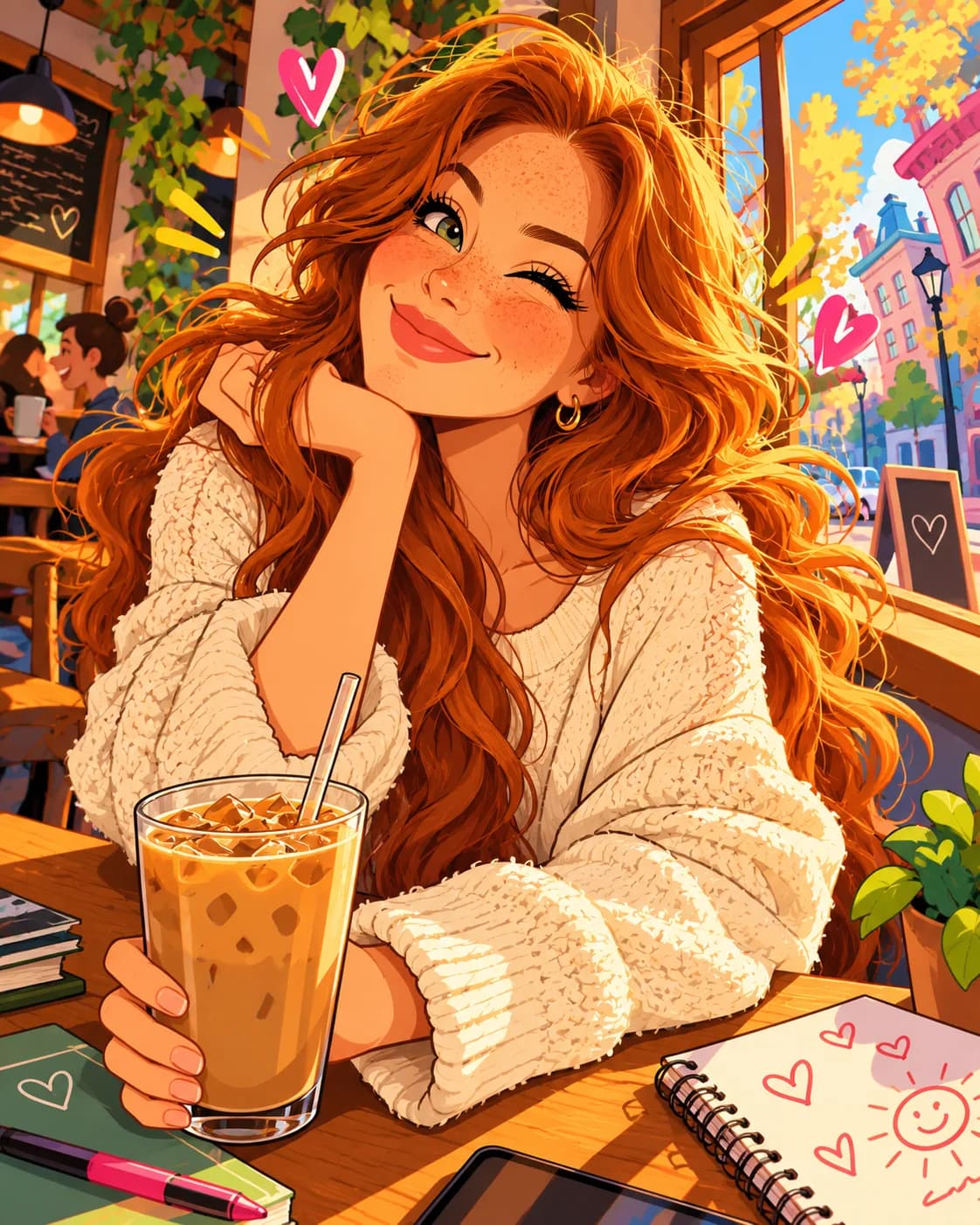
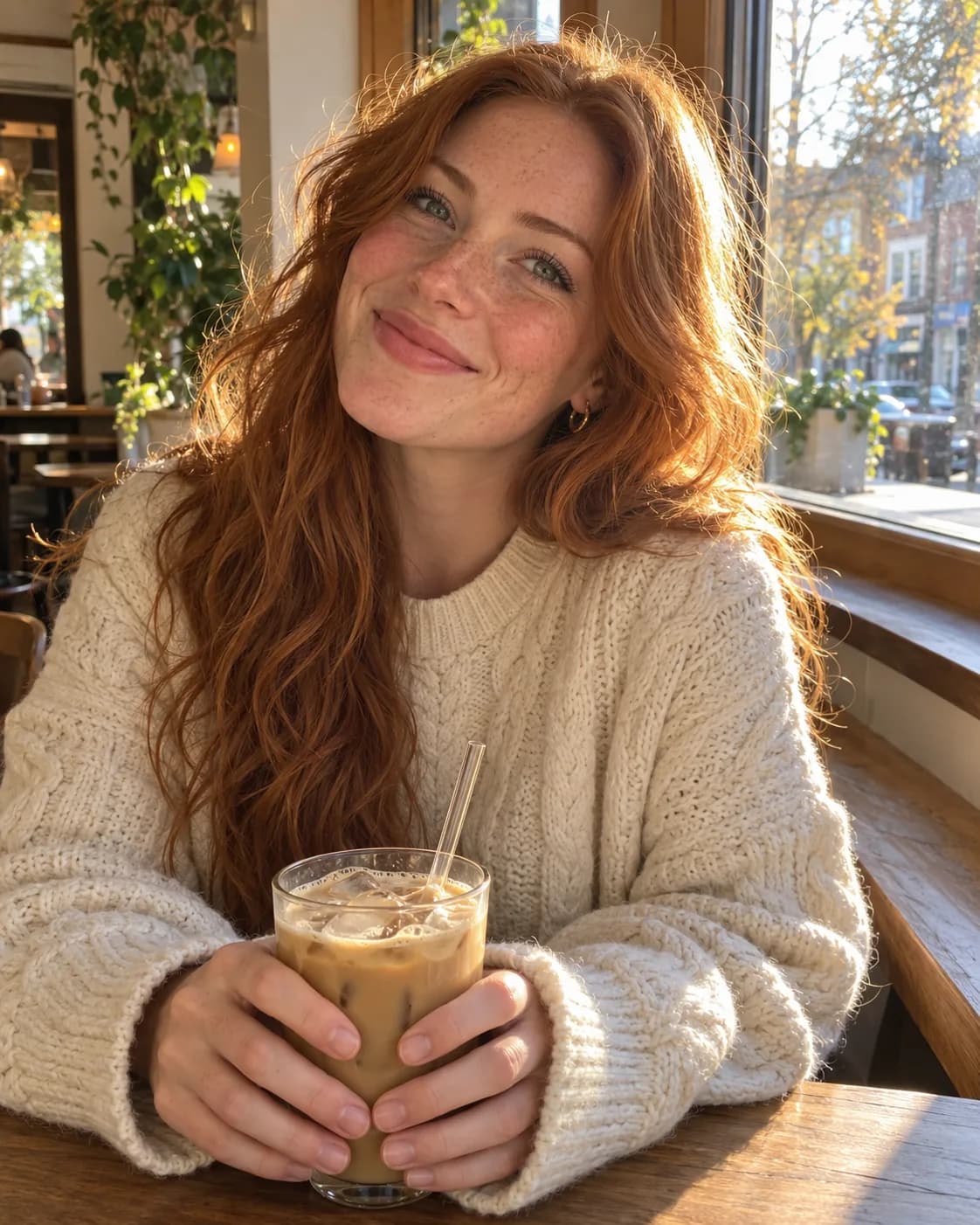 BeforeAfter
Turn this photo into an anime illustration.
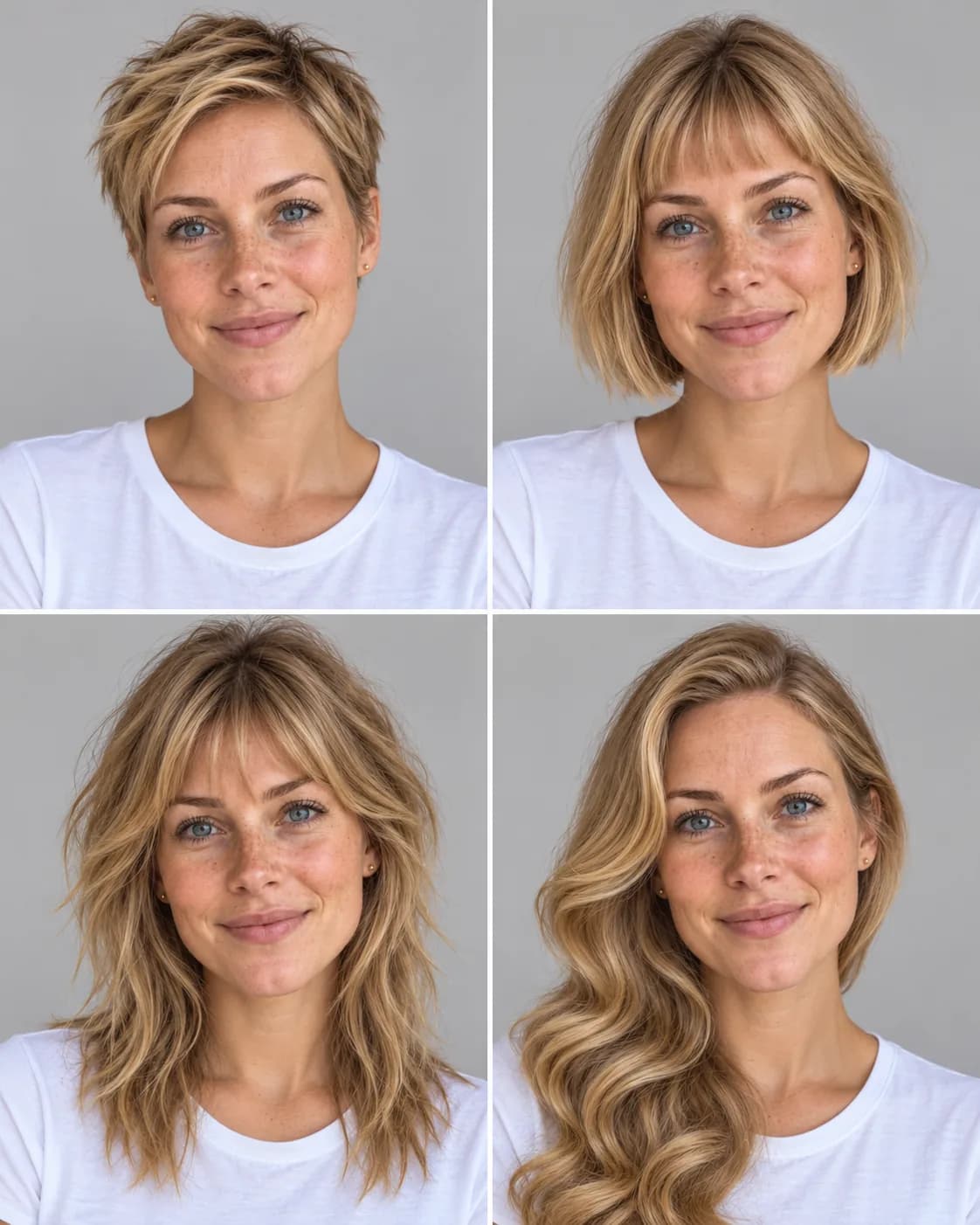
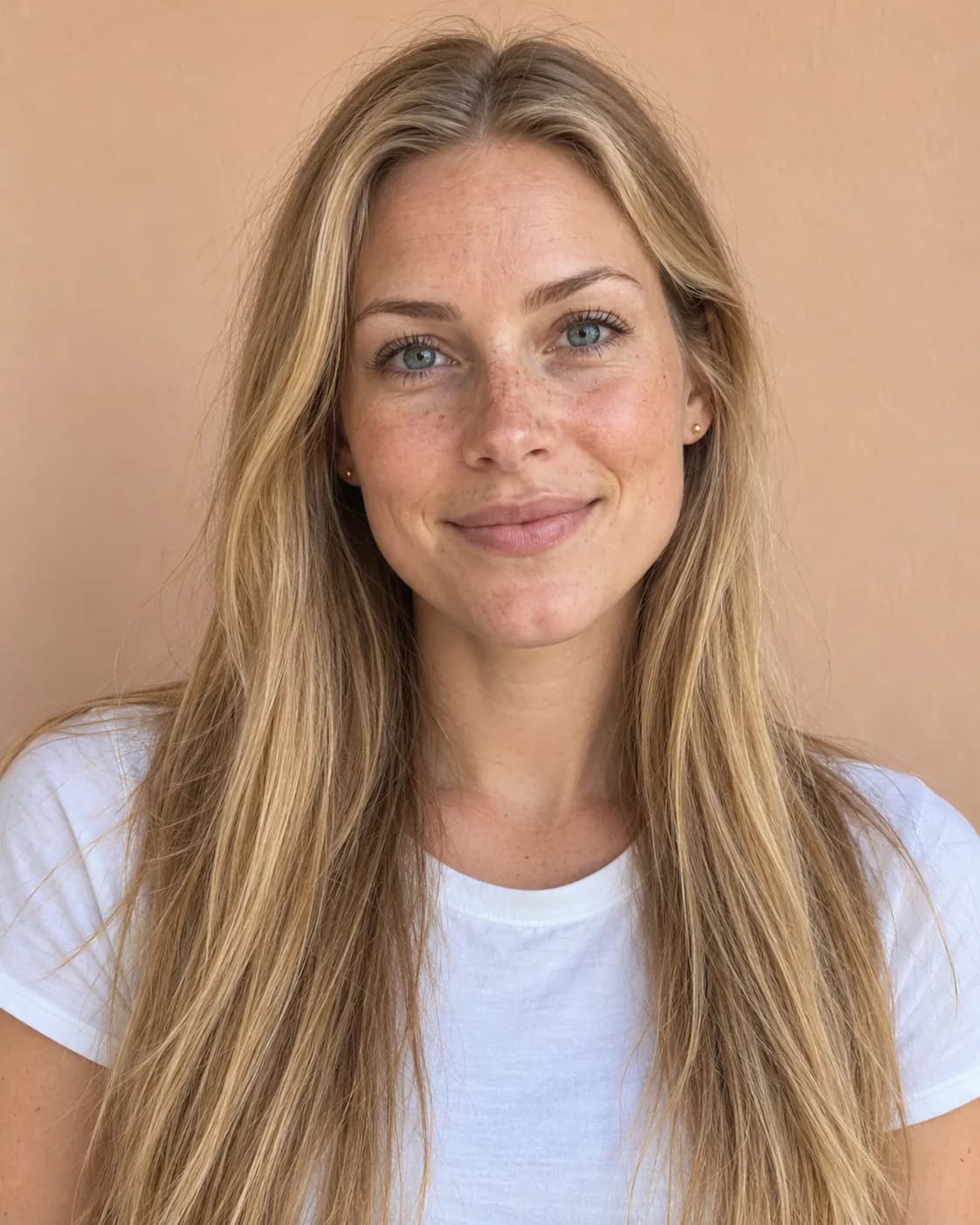 BeforeAfter
Preview four hairstyles on the same person.
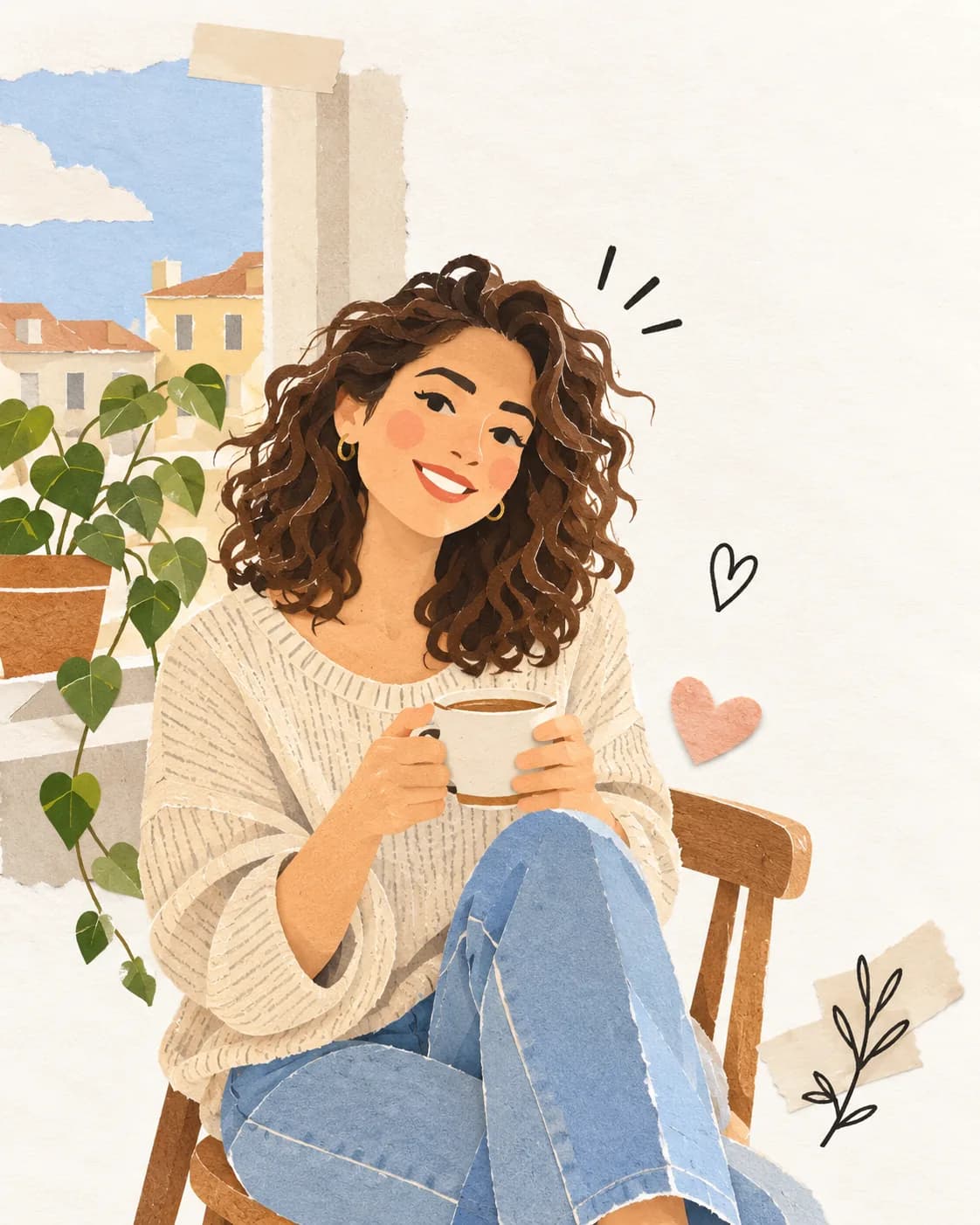
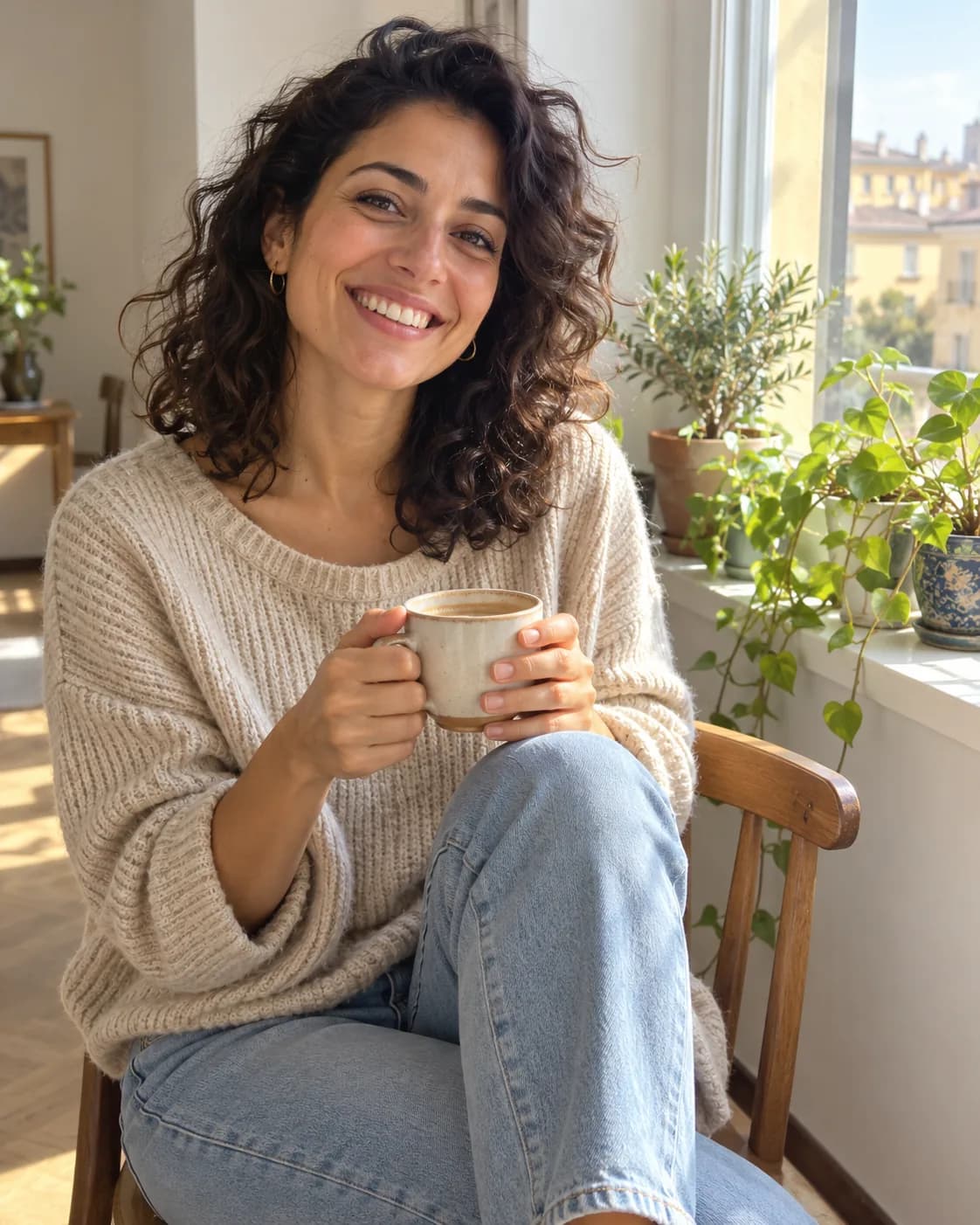 BeforeAfter
Reimagine this photo as a handmade paper collage.
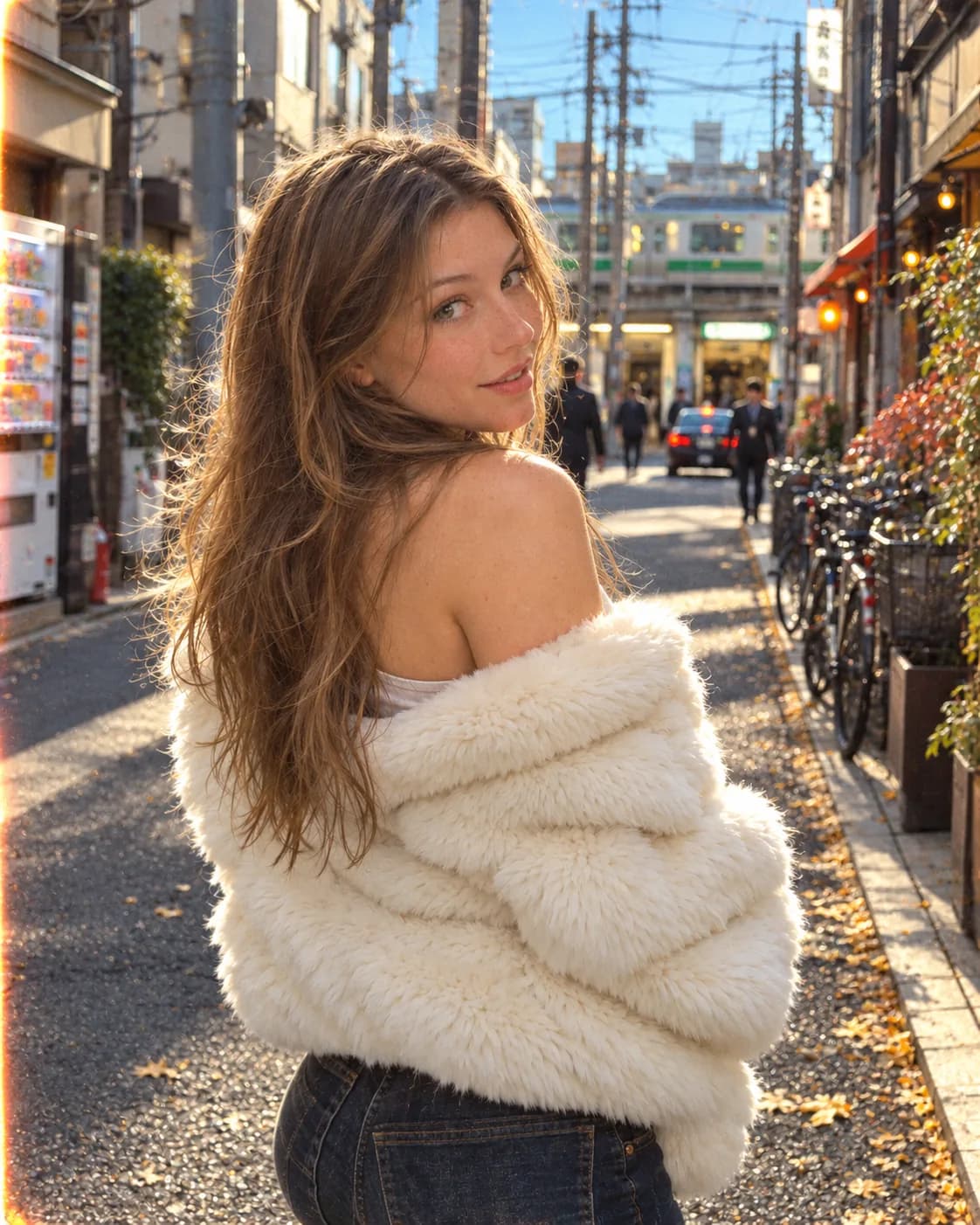
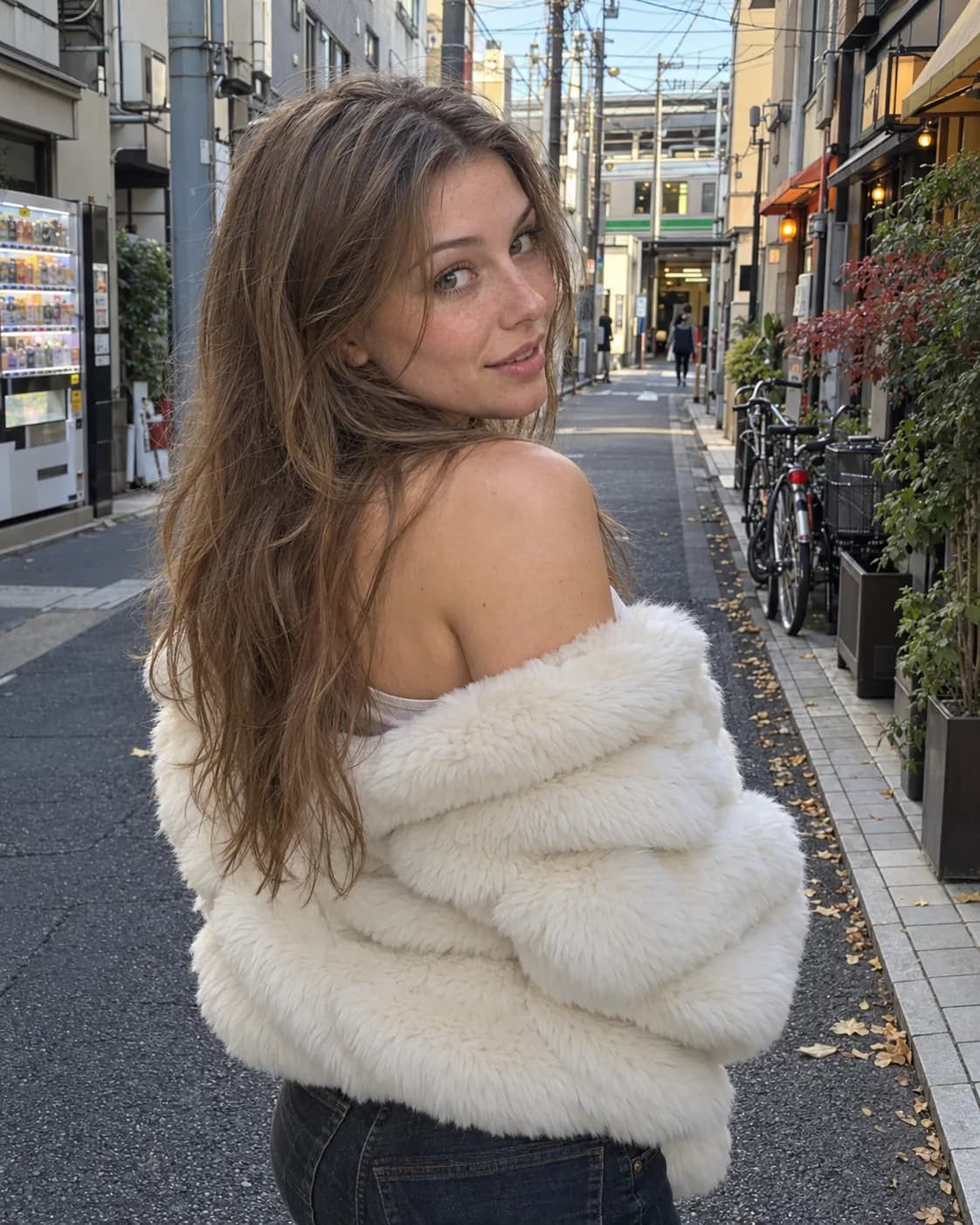 BeforeAfter
Make it look like a 90s film photo with a warm flash.
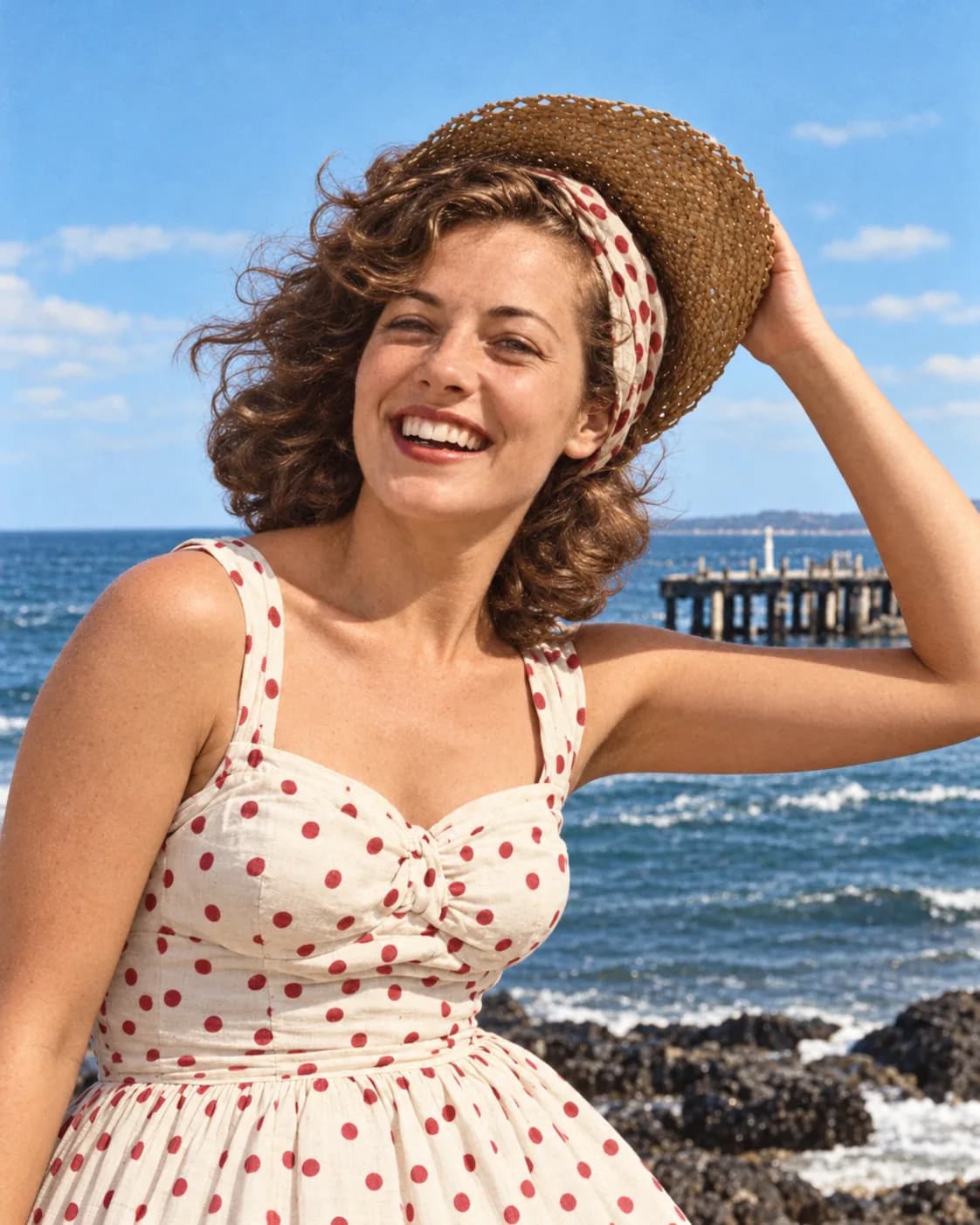
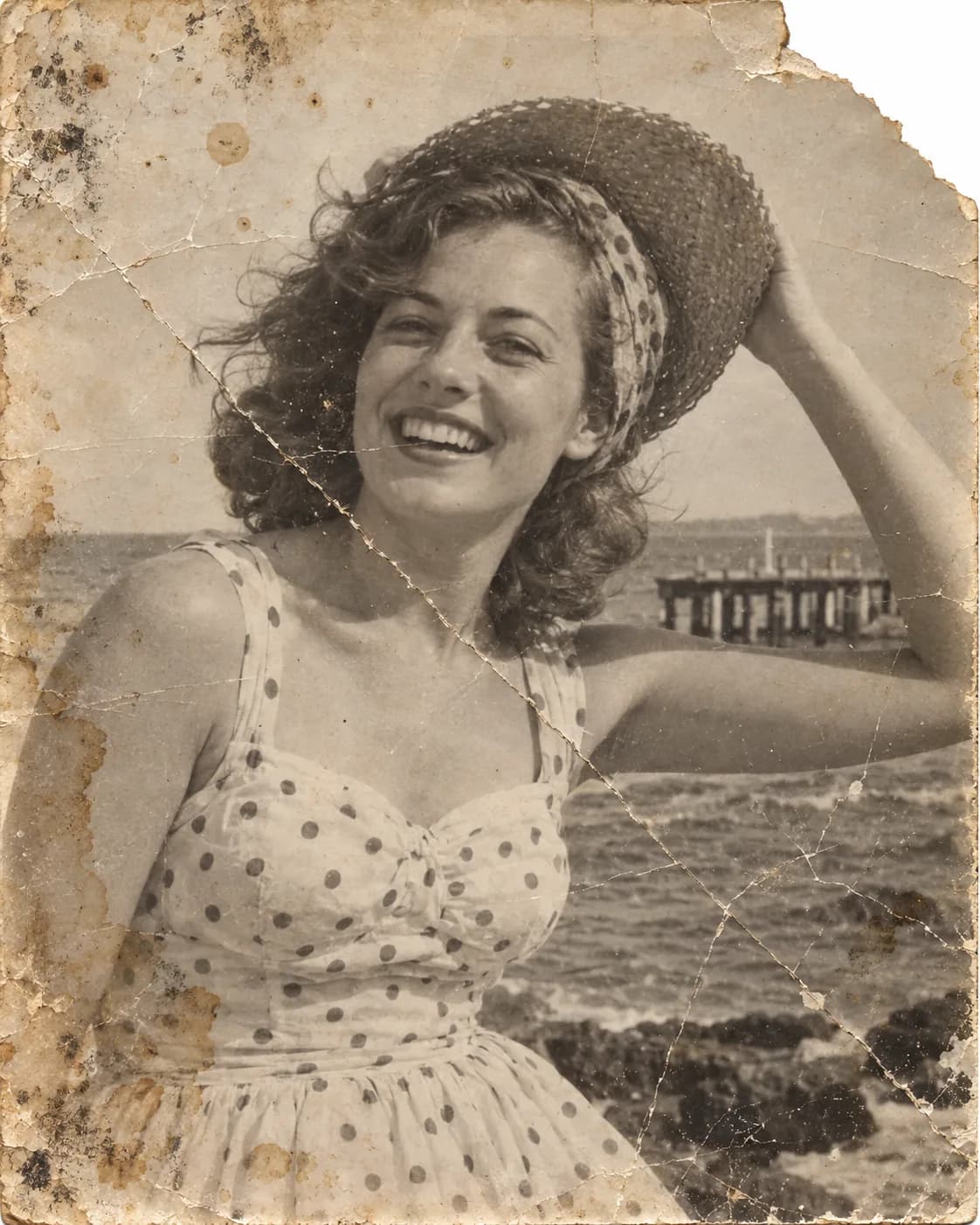 BeforeAfter
Repair scratches and fading, then add natural color.
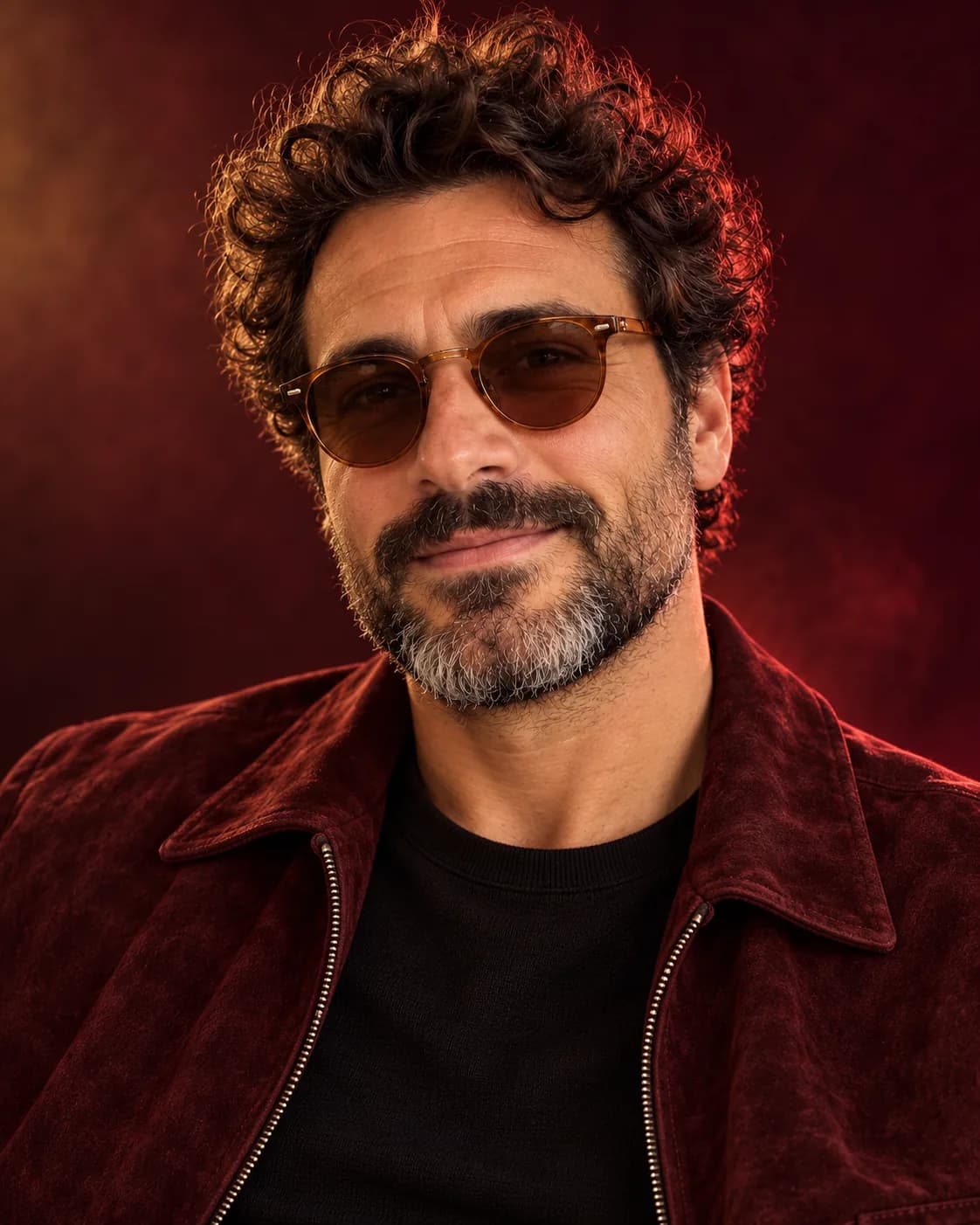
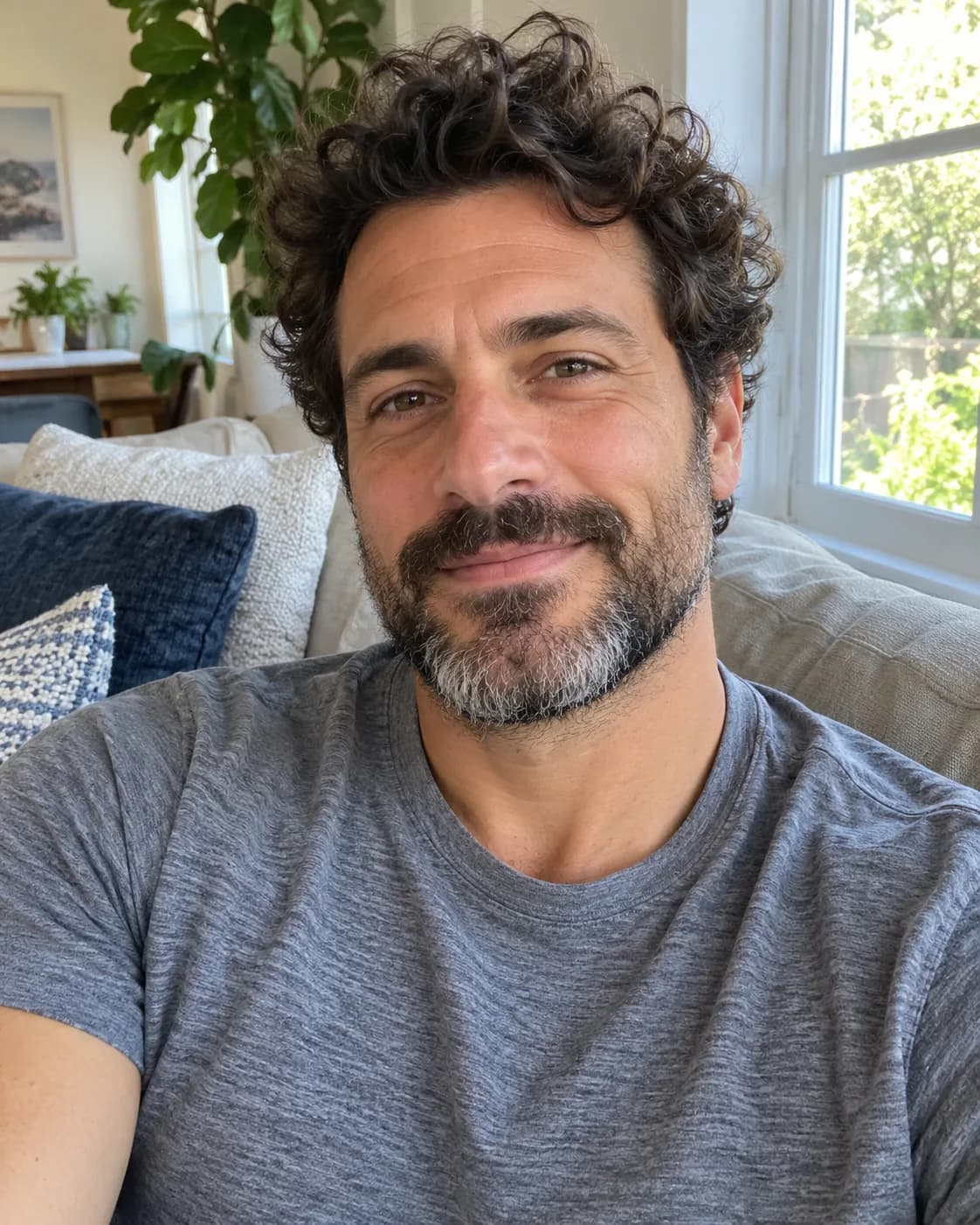 BeforeAfter
A clean studio headshot on a soft grey backdrop.
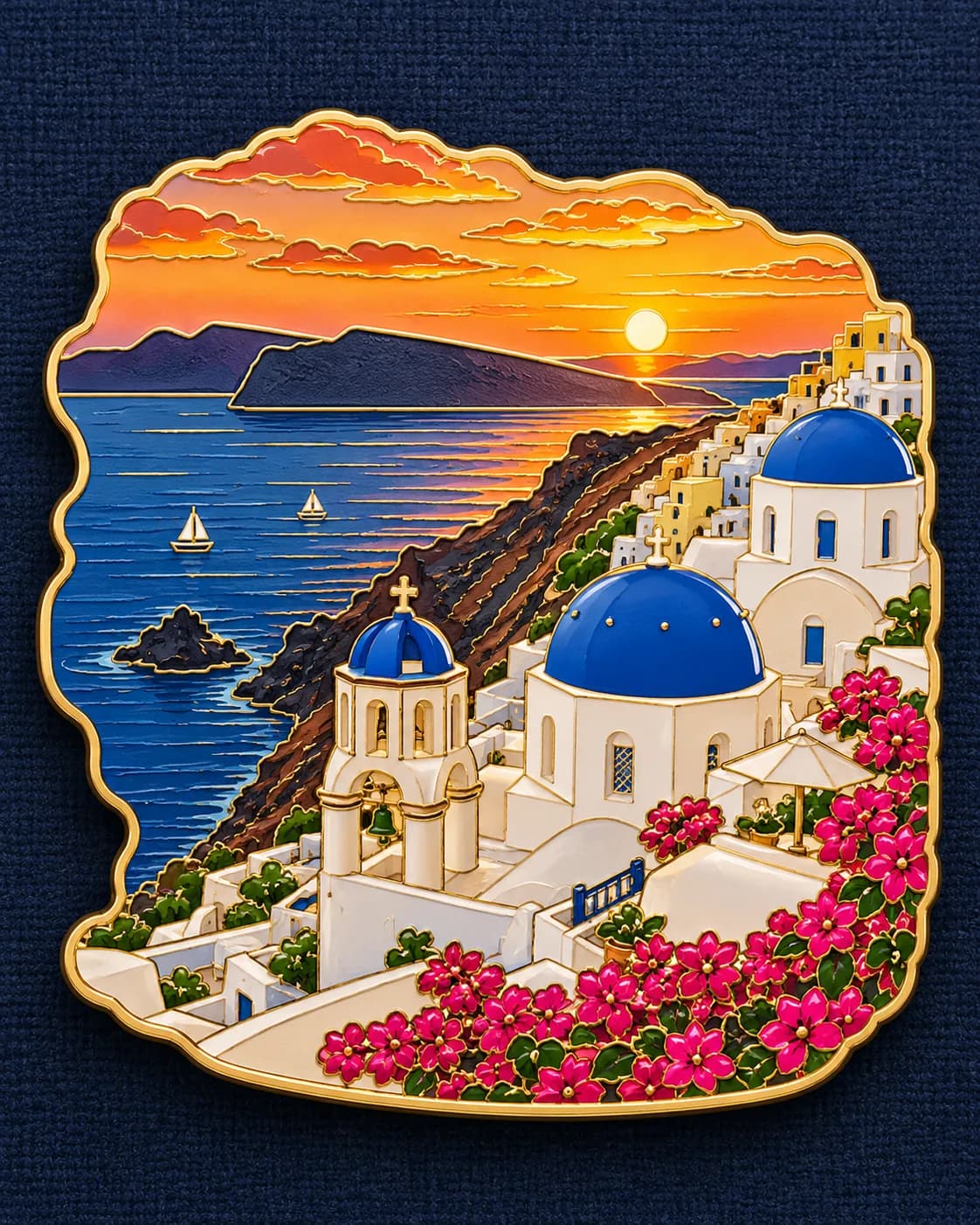
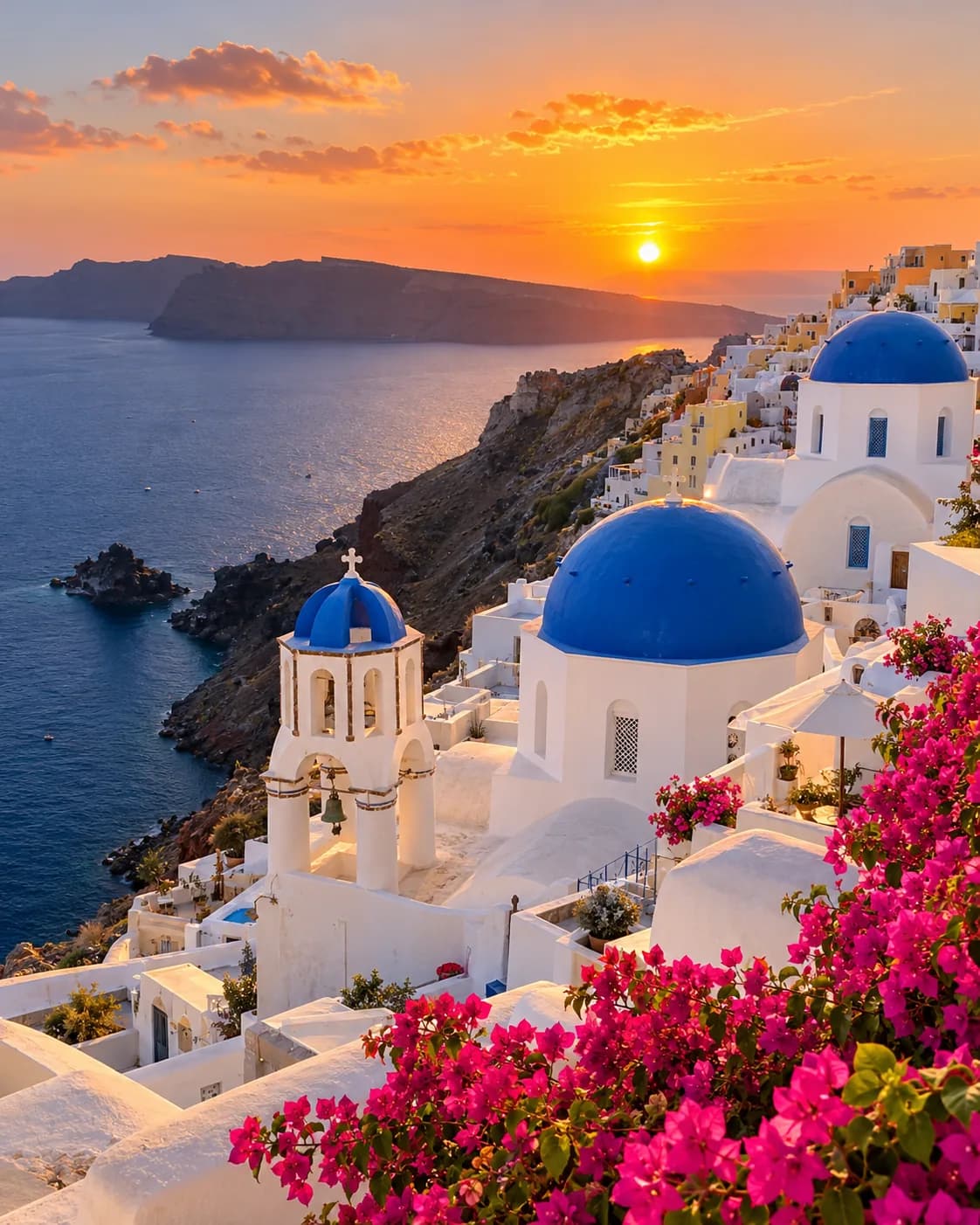 BeforeAfter
Turn a landscape into an enamel souvenir pin.
Image to image AI turns one picture into another. Instead of starting from a blank canvas like text to image, it starts from your photo and keeps what matters — the person, the pose, the composition — while changing only what you ask for: the style, the hair, the lighting, or the damage on an old print.
Drag it in, paste it, or take one with your phone. JPG, PNG, WebP or HEIC.
Choose a ready-made look, or just type what you want — “make it a watercolor”.
Happy? Download it. Not quite? Say what to fix. Every version stays one click away.
Try anime, film, playful doodles or handmade paper. Pick a look, then make it yours.
BeforeAfterSee four hairstyles from one photo, then tell it which one to explore.
BeforeAfterSharpen soft shots, repair scratches and bring color back to family photos.
BeforeAfterClean studio portraits and profile pictures from a photo you already have.
BeforeAfterSay what to change next. The new version builds on the one you picked.
Jump back to V1, V2 or V3 at any time while you work.
Start from a look and tweak the words — no prompt skills needed.
Upload from your camera roll and download straight to your phone.
Downloads are clean and full size, even on the free plan.
Results are removed after 2 days, or 30 days if you save them.
Anything else? Contact us.
Yes. Everyone gets 5 free generations a day, with or without an account. The count resets at 00:00 UTC.
No. Logging in only saves your work to My Creations so you can come back to it.
Text to image starts from nothing. Image to image starts from your photo and keeps the person, pose and details — changing only what you ask for.
They are only used to make your image. To generate, your photo is sent to our AI provider, which keeps it for up to 72 hours. Results without an account are deleted after 2 days; saved results after 30 days.
Yes, as long as you have the rights to the photo you uploaded.
Ready-made prompts for popular styles. Picking one never generates or uses a free image — you can edit the words before pressing Generate.
JPG, PNG, WebP and HEIC, up to 20 MB.
Yes. Each edit becomes a new version, and you can go back to any of them.
We don’t process adult content, images of minors, celebrity face swaps or graphic violence. Blocked attempts are free.
No.
5 free images every day. No sign-up, no watermark.