Old Photo Restoration
Photo restoration used to mean hours in an editor. Upload a scanned or photographed print and the AI repairs scratches, creases, stains and fading, sharpens soft details and can add natural color. Faces, clothes and the framing stay as they were.
JPG, PNG, WebP, HEIC · up to 20 MB
No NSFW, face swaps or harmful content. Content Policy
- No watermark
- No sign-up needed
- Faces stay the same
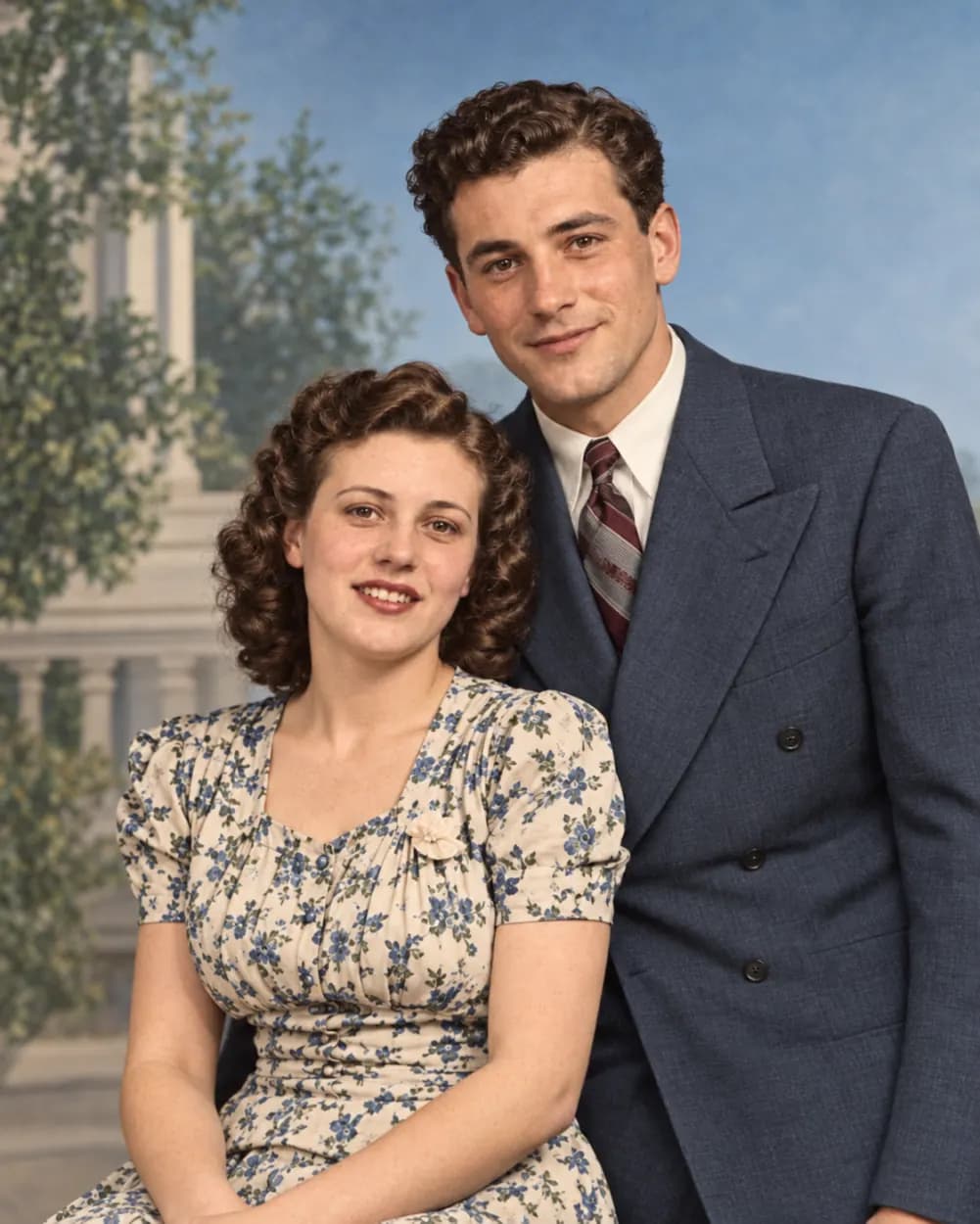
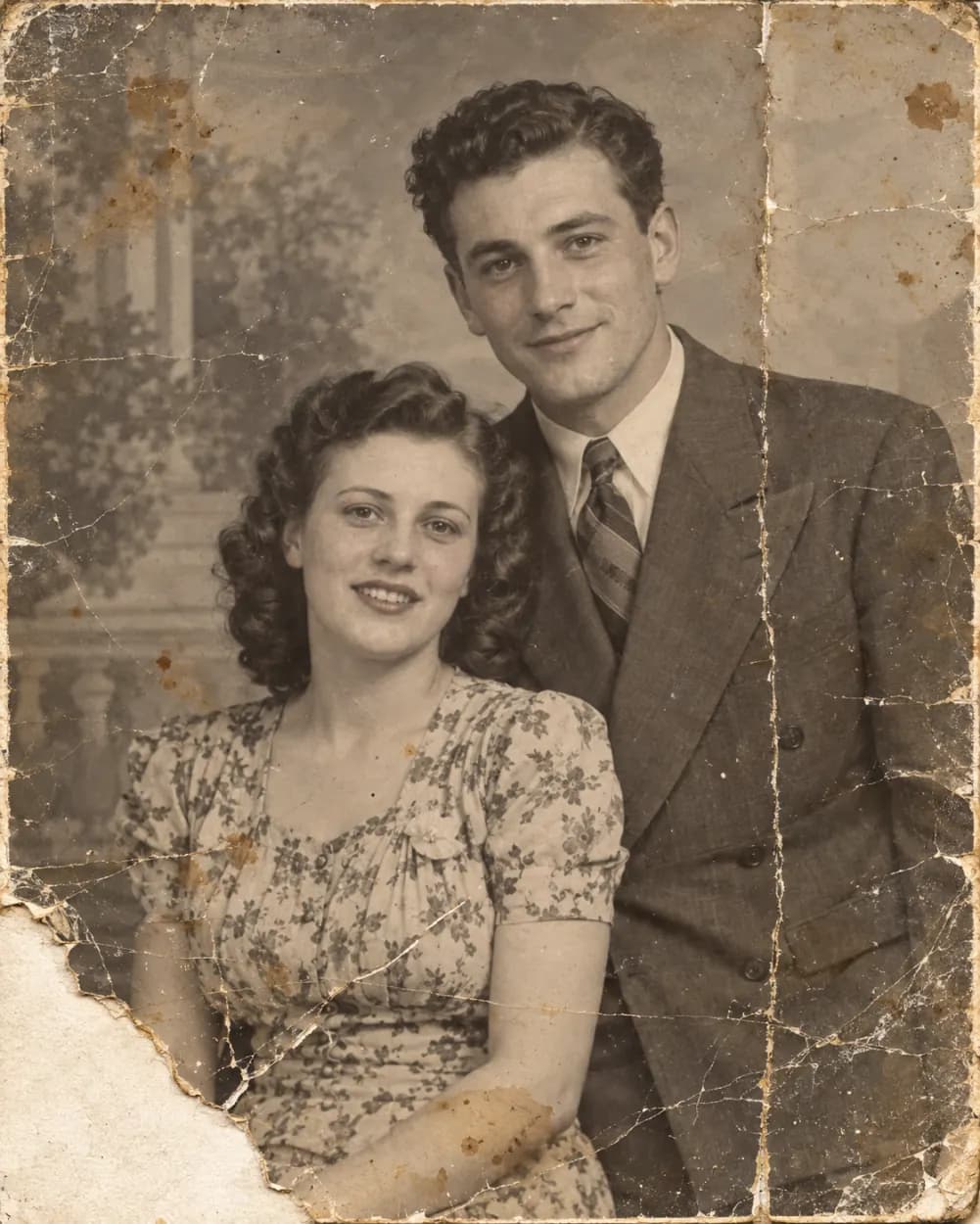 BeforeAfter
No NSFW, face swaps or harmful content. Content Policy
Old Photo Restoration: Before and After
Real results from the tool above. Drag the sliders on the first two, compare the next three side by side, then browse more restored photos.
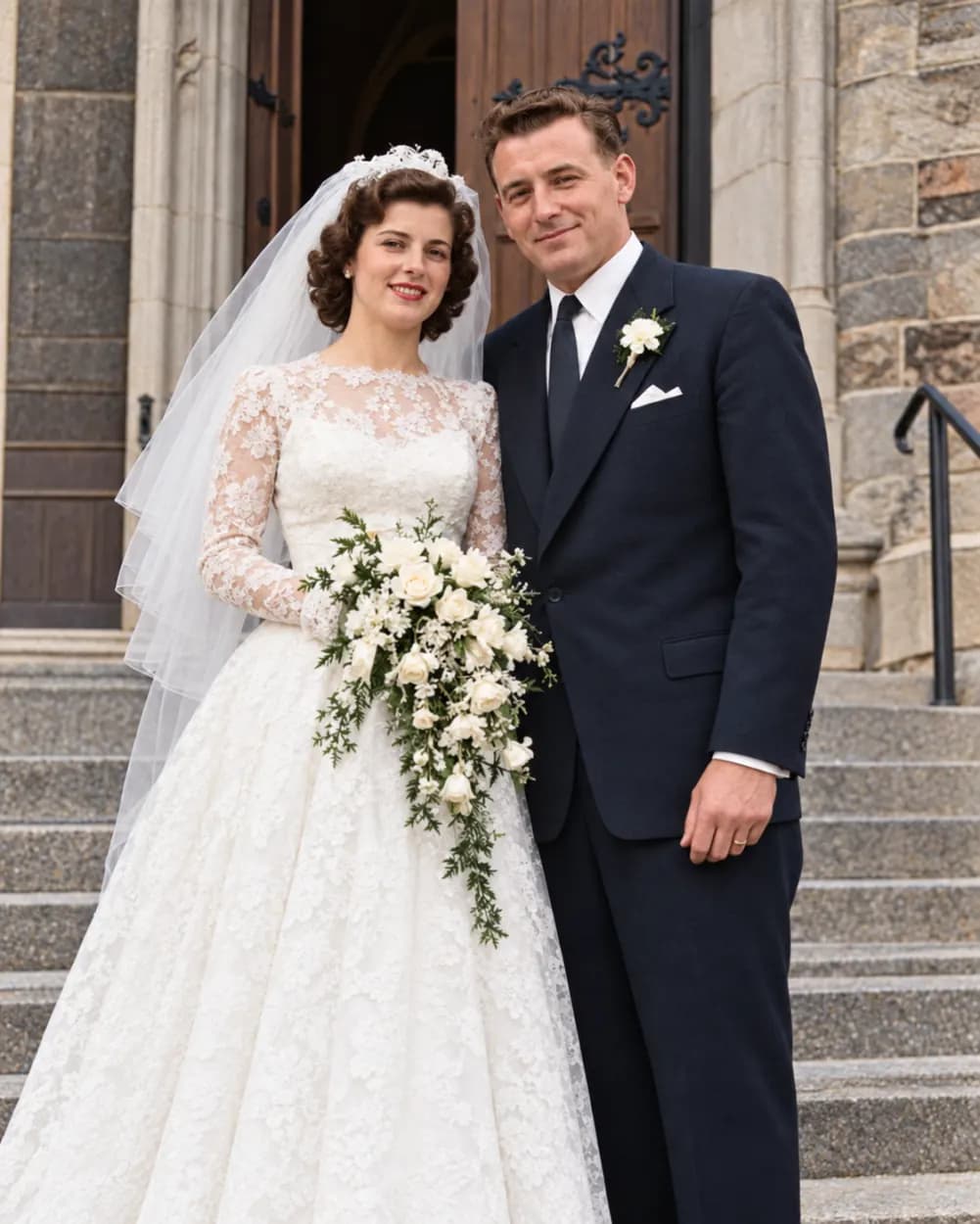
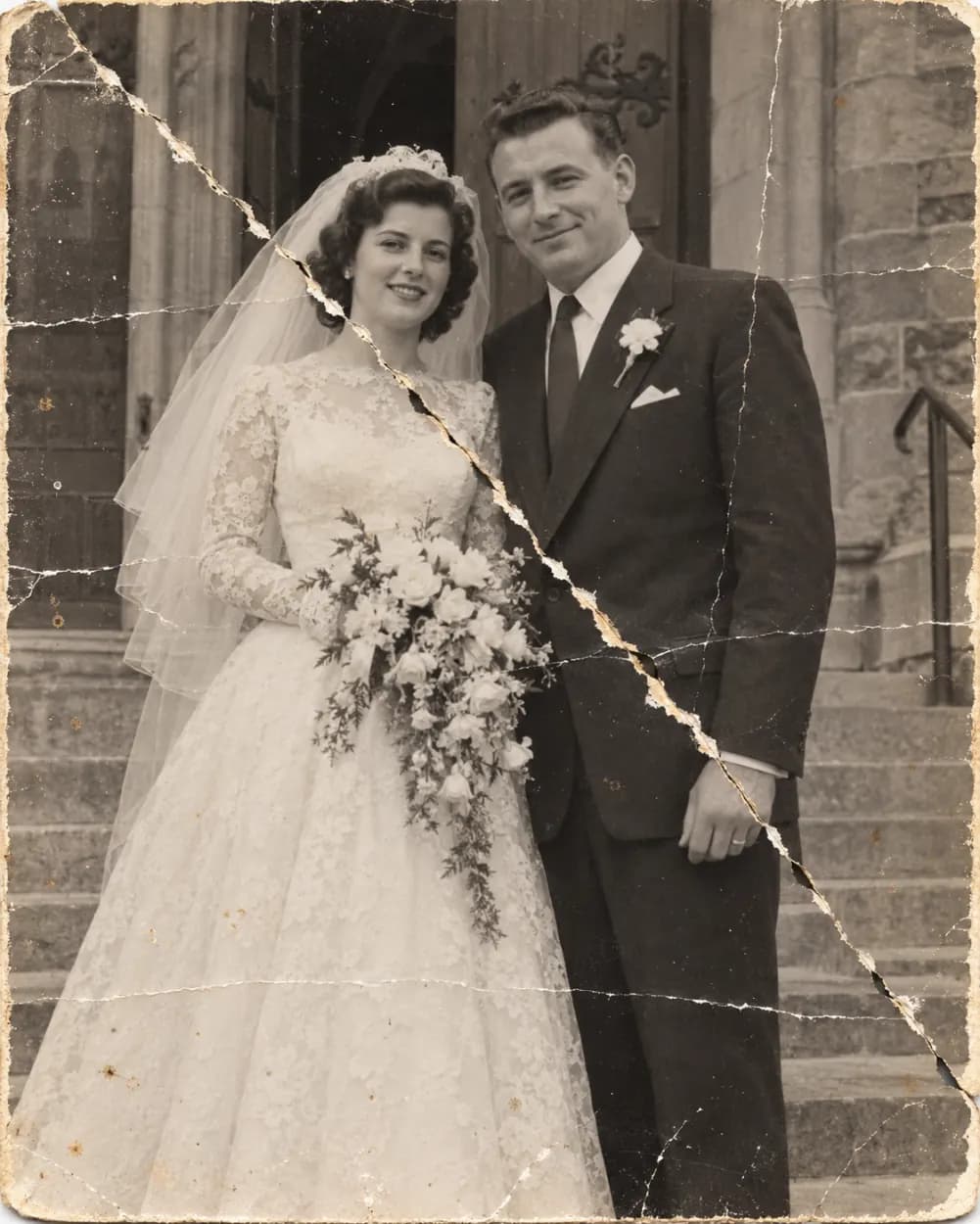 BeforeAfter
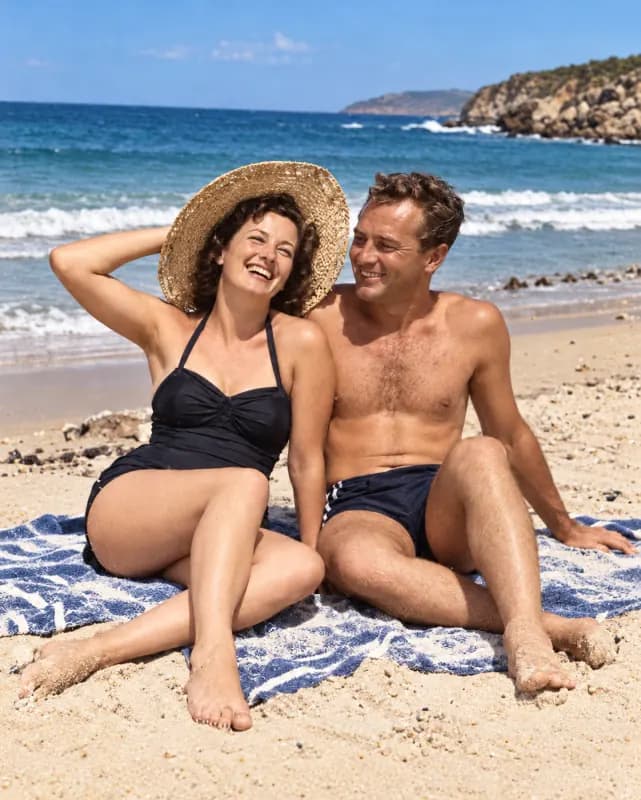
From a torn wedding photo to a clean print
A 1950s wedding portrait with a diagonal tear and white creases. The tear is closed, the dress and suit keep their original detail, and soft natural color is added.
 BeforeAfter
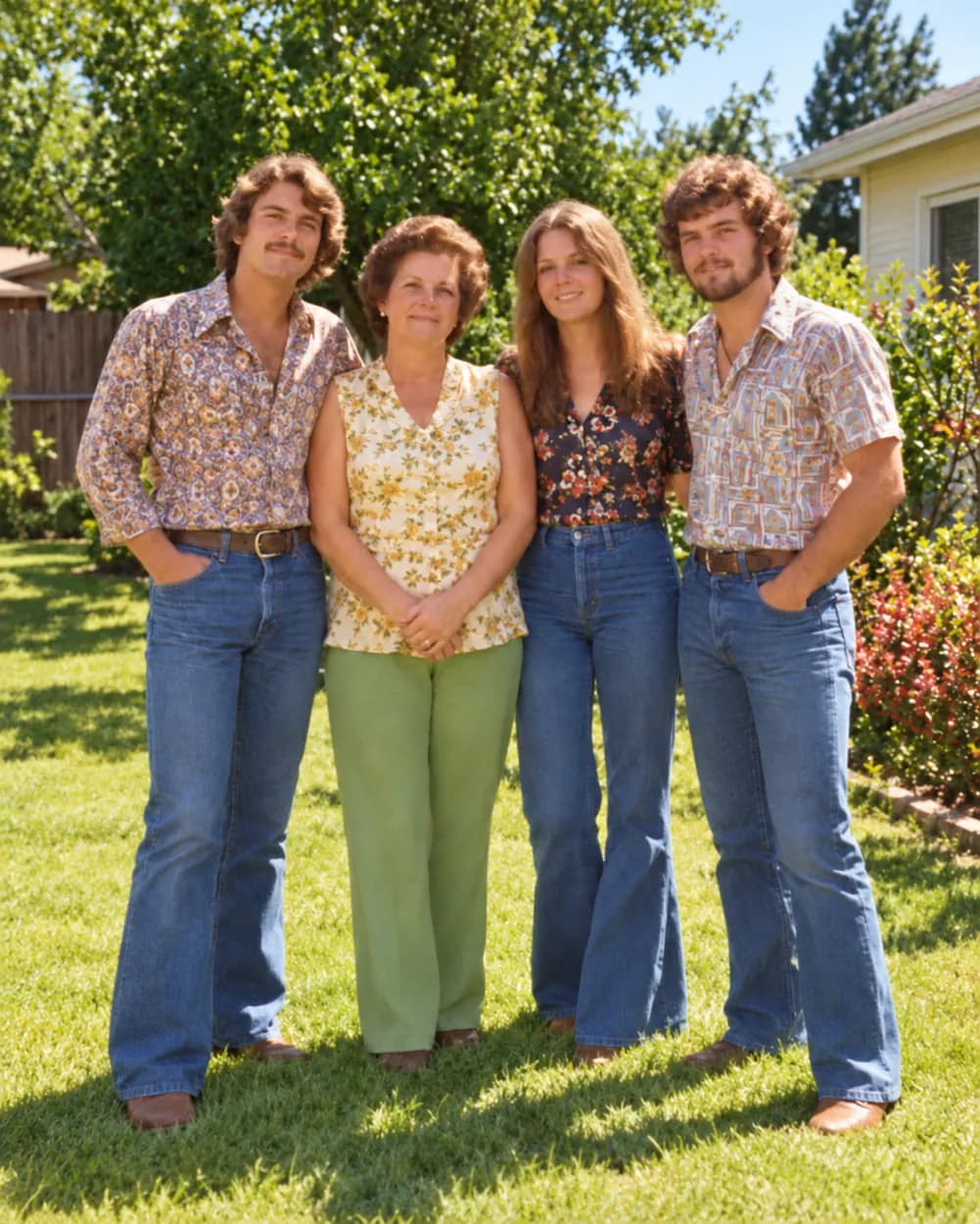
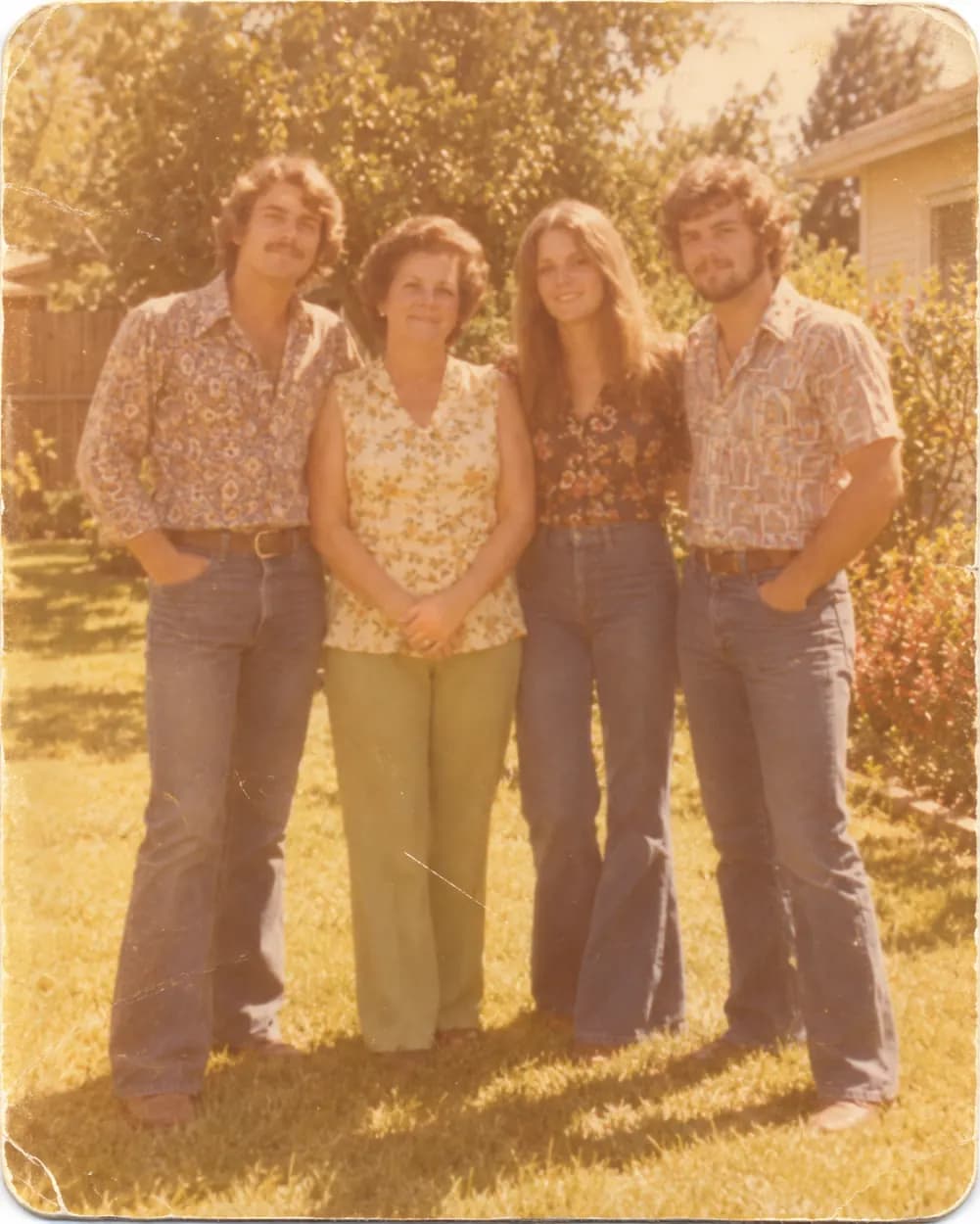
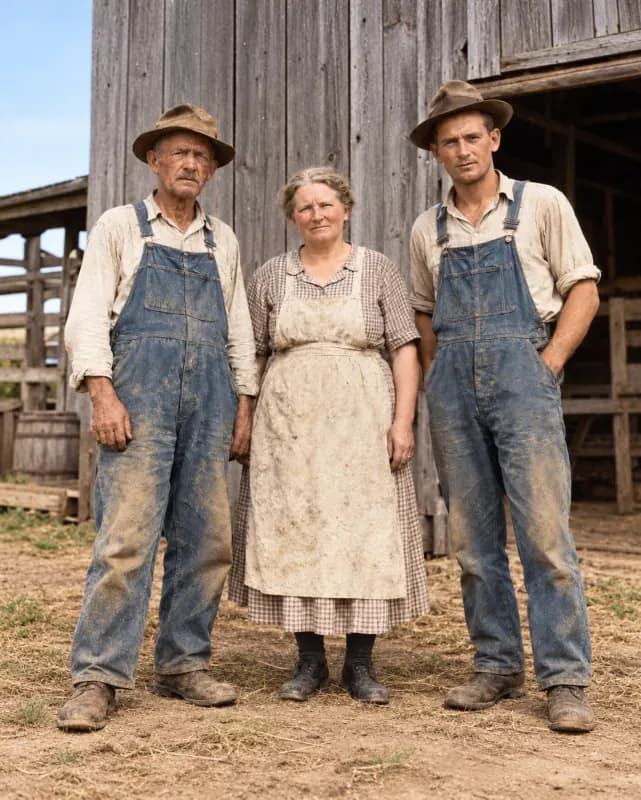
From a faded family snapshot to natural color
A yellowed 1970s snapshot of a whole family. Contrast comes back and skin, clothes and grass get believable color.
 Before
 After
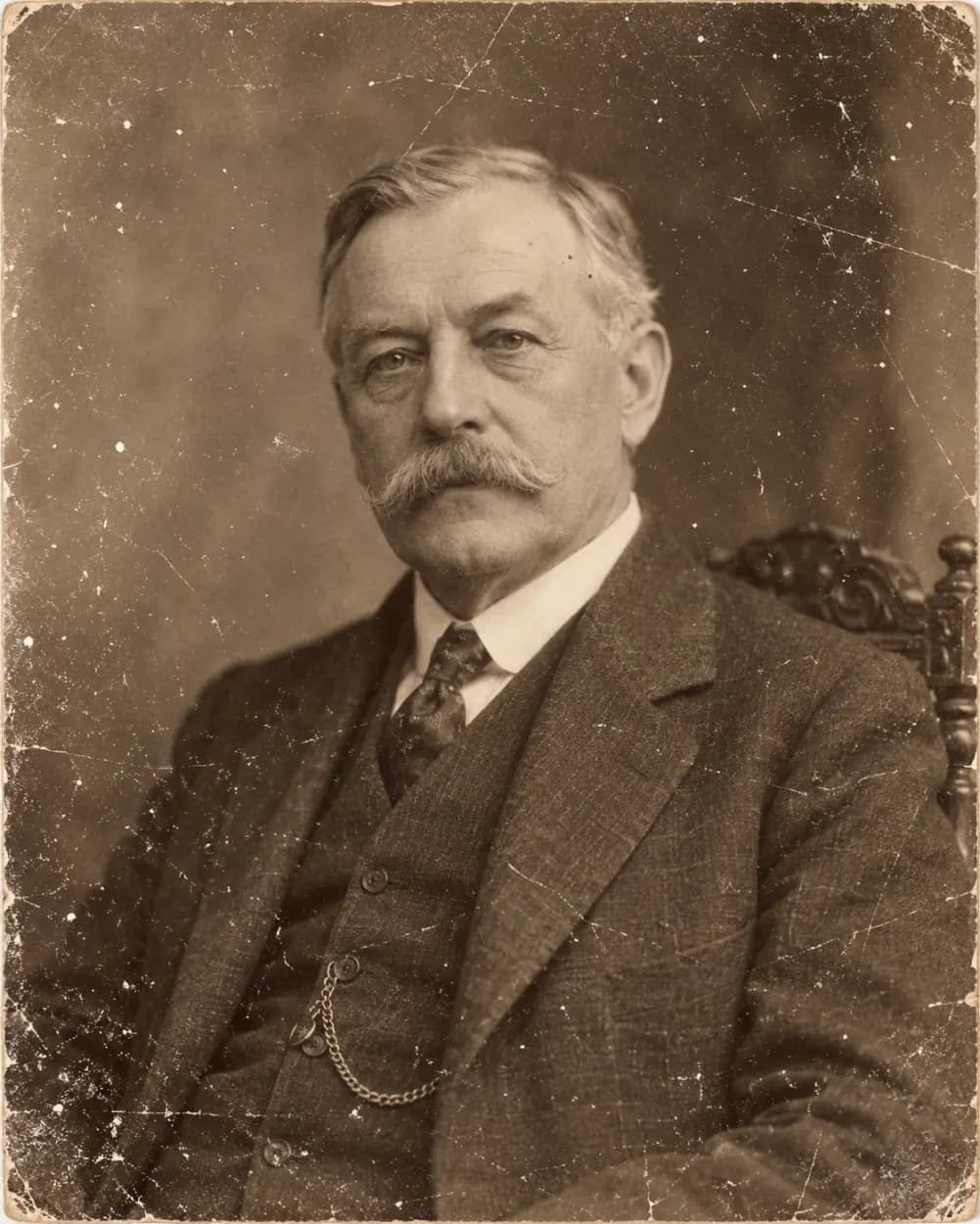
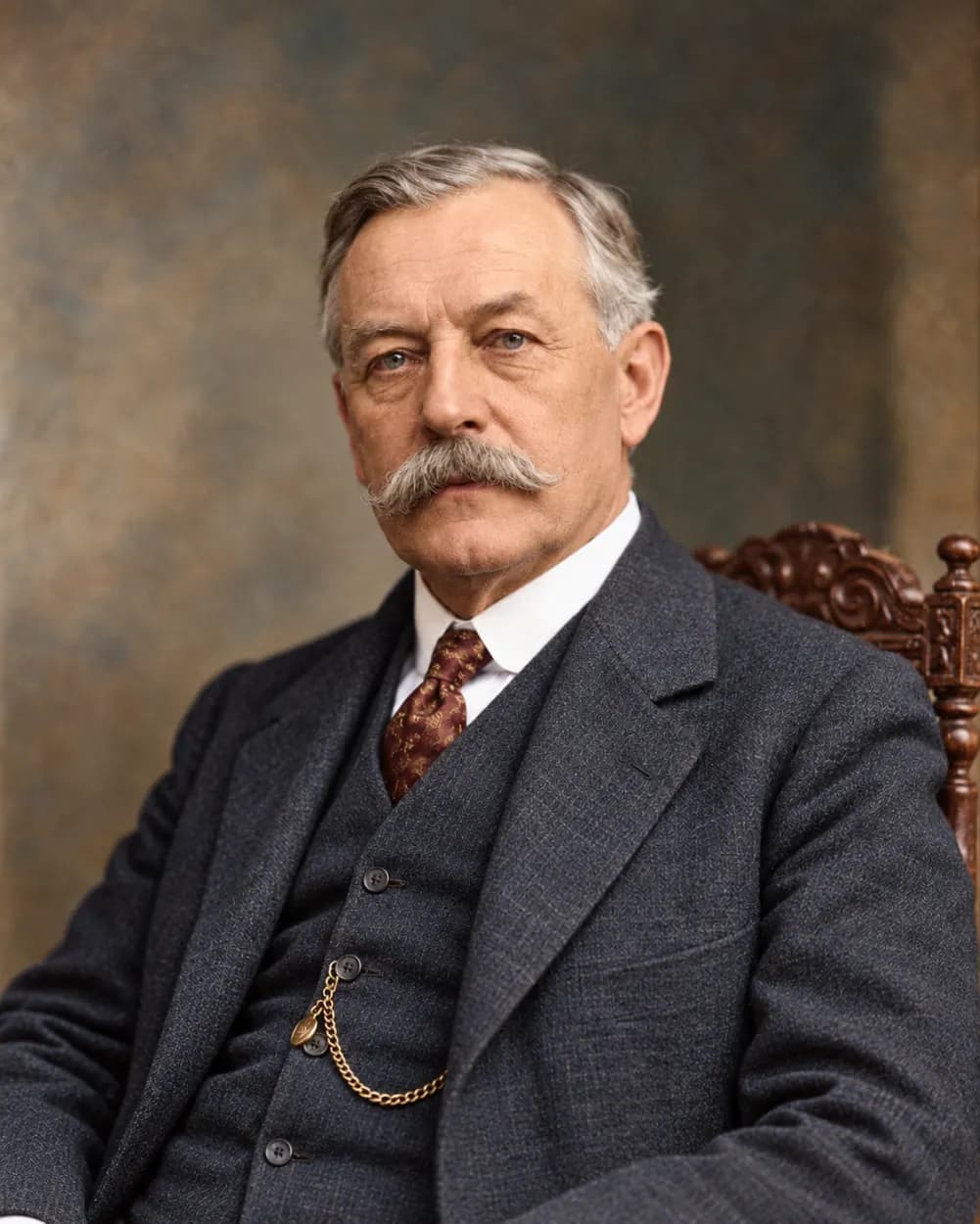
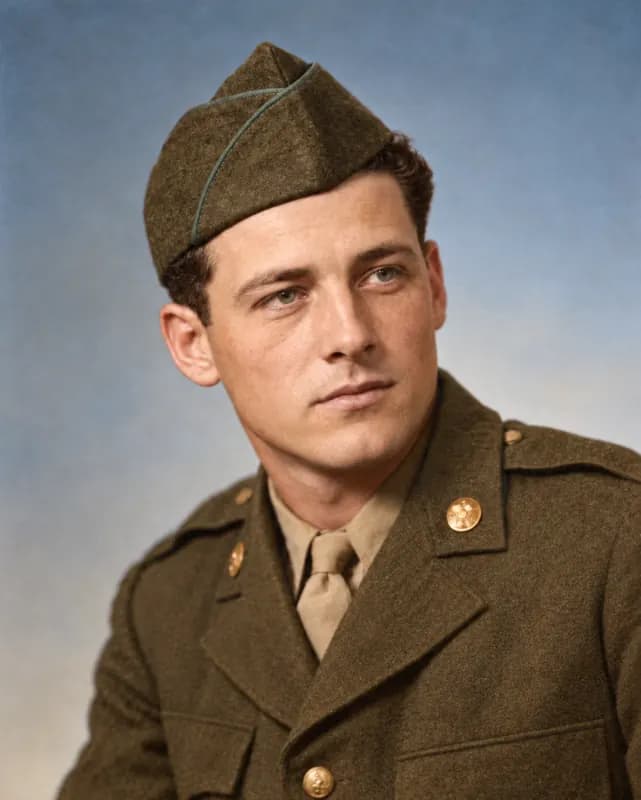
AfterFrom a scratched portrait to a sharp one
A studio portrait covered in fine scratches and dust. The marks disappear, the eyes and hair regain definition, and color is added.
 Before
 After
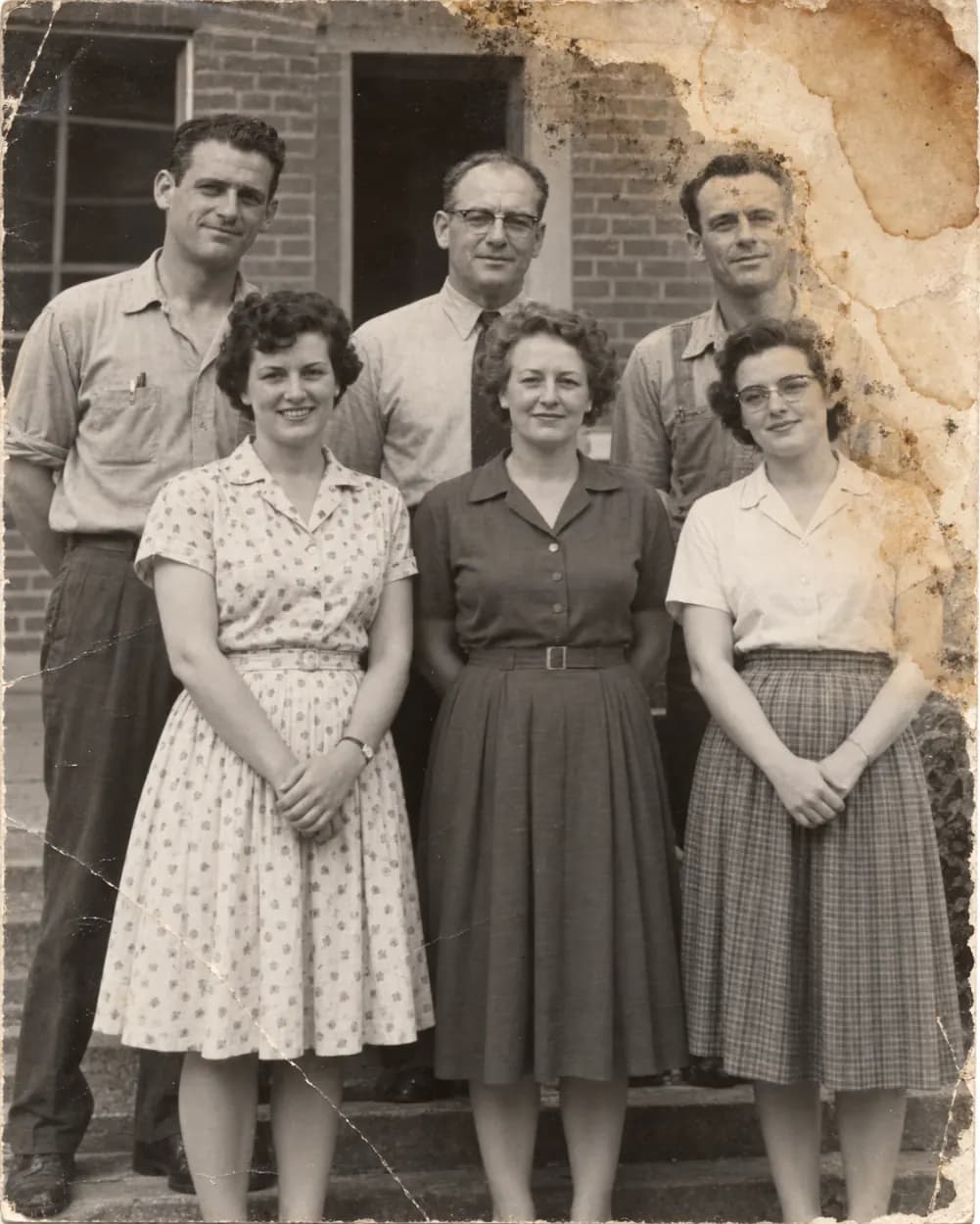
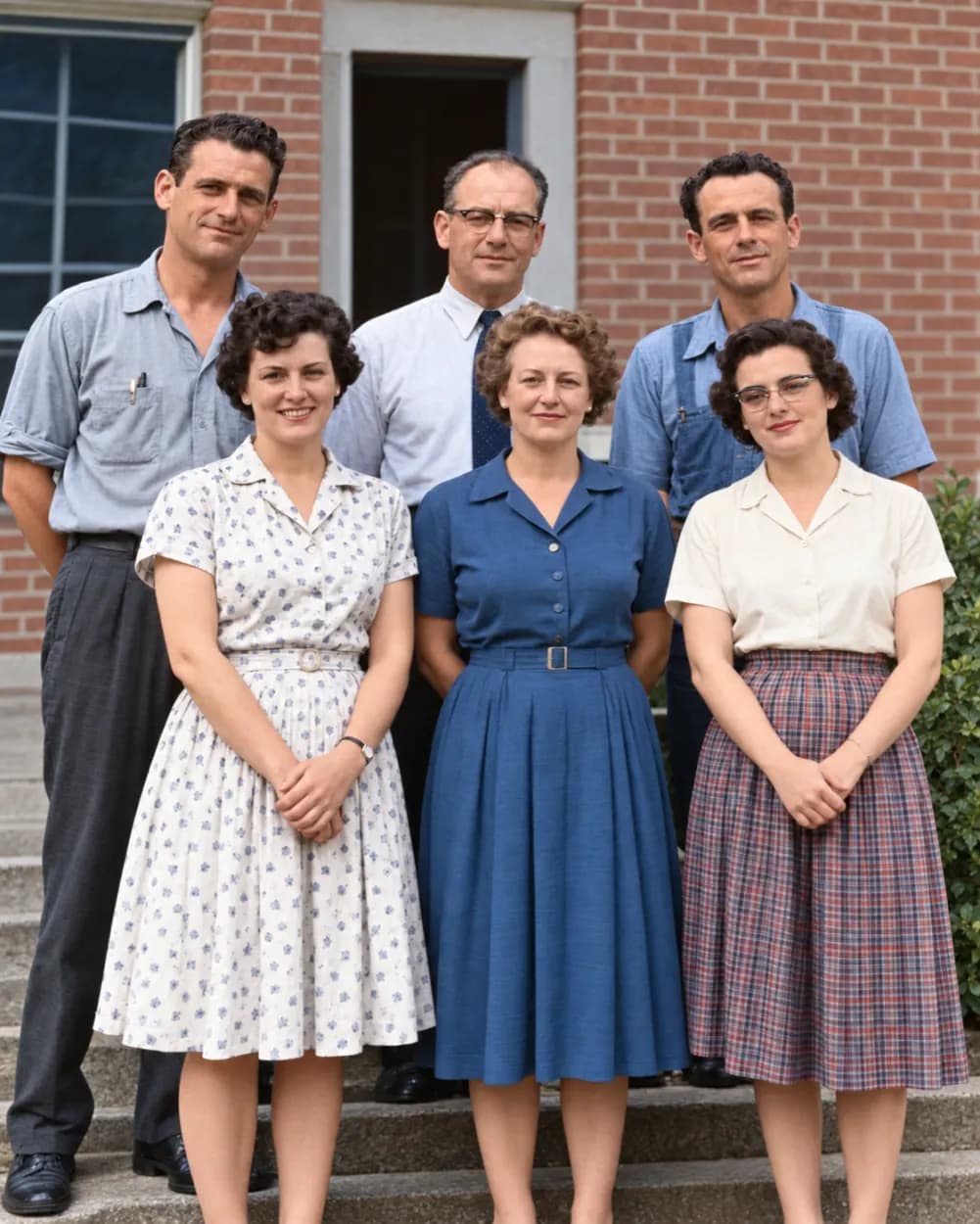
AfterFrom a water-stained class photo to a clean one
A school group photo with water stains across one corner. The stains are cleaned up and every face stays recognizable.
 Before
 After
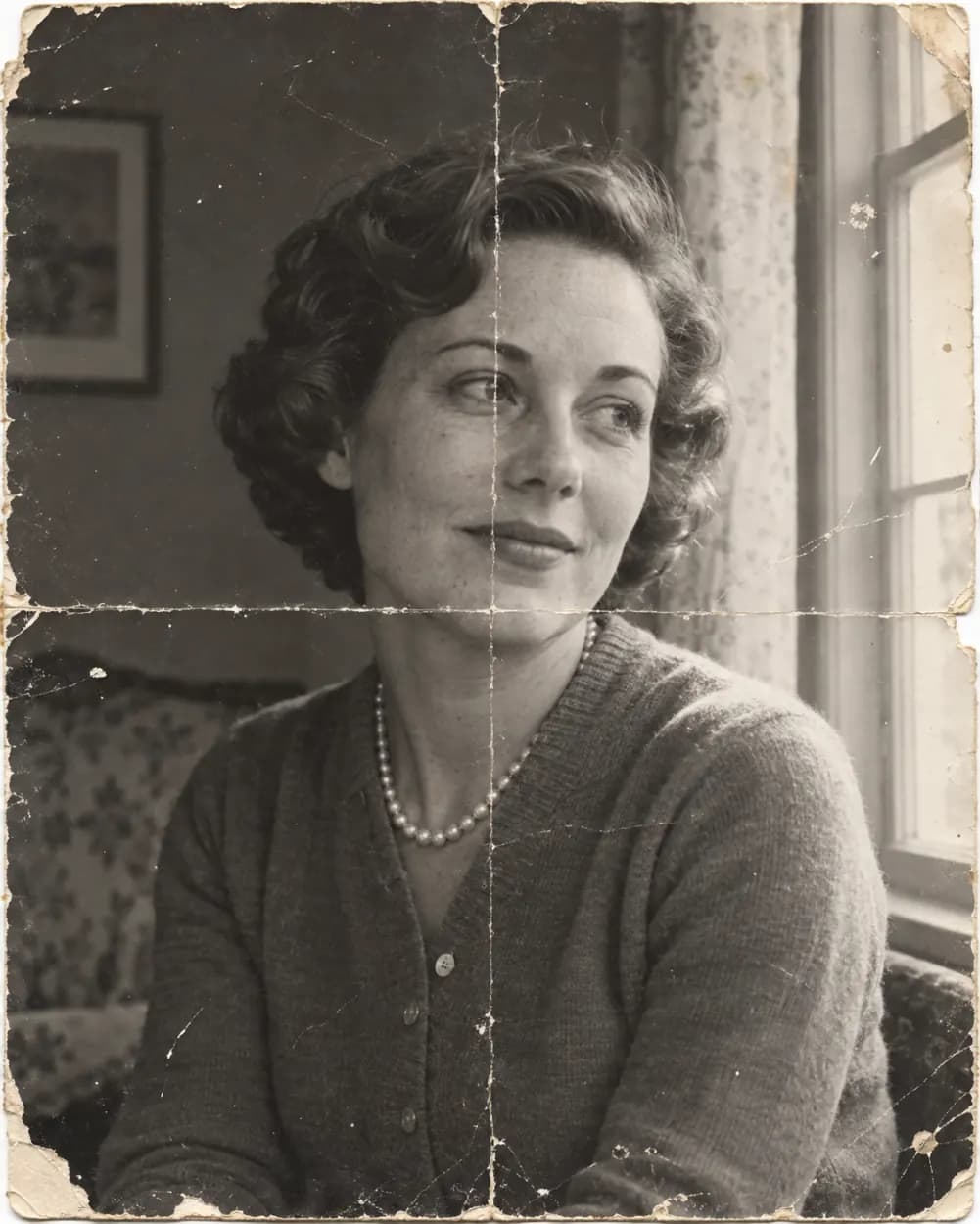
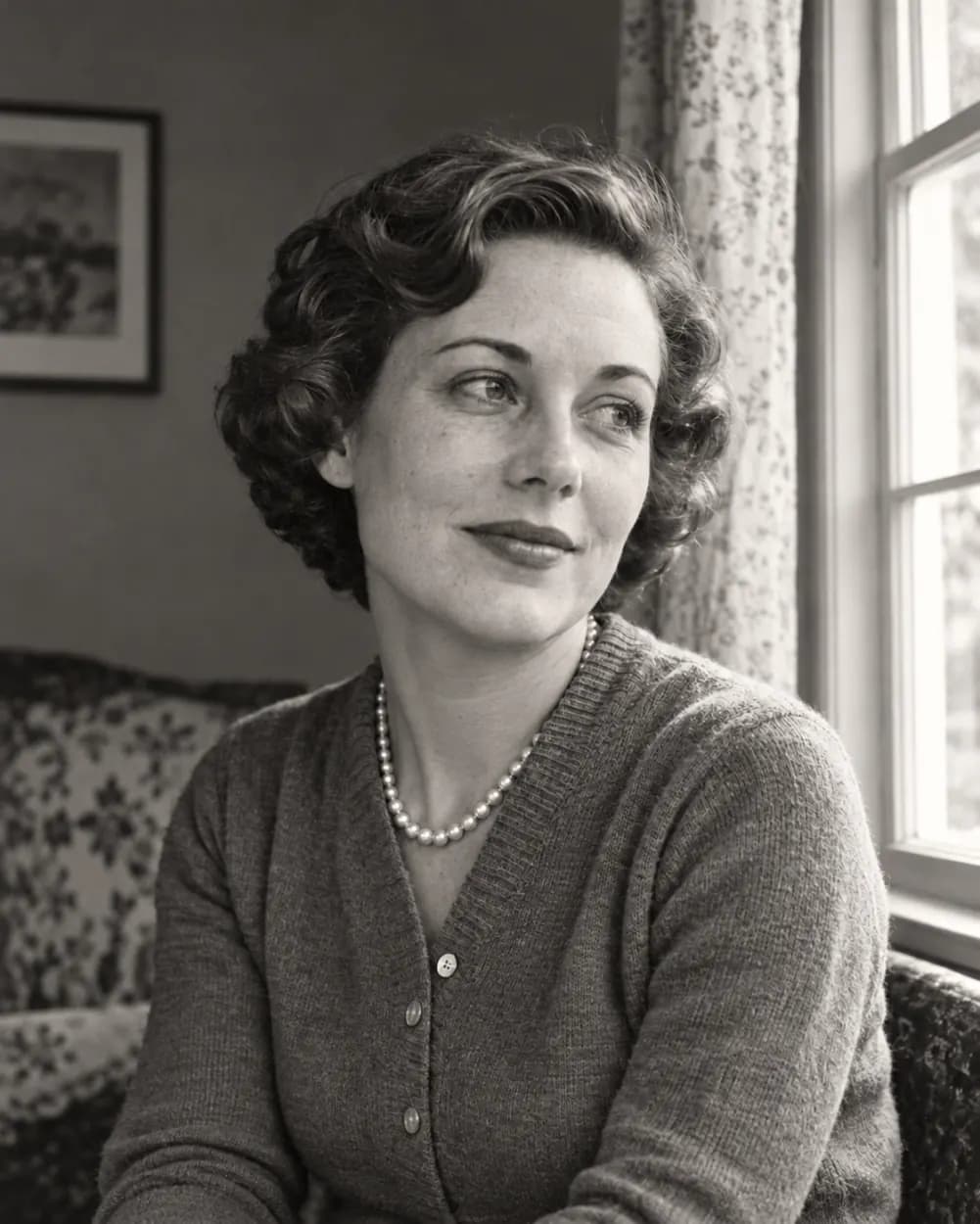
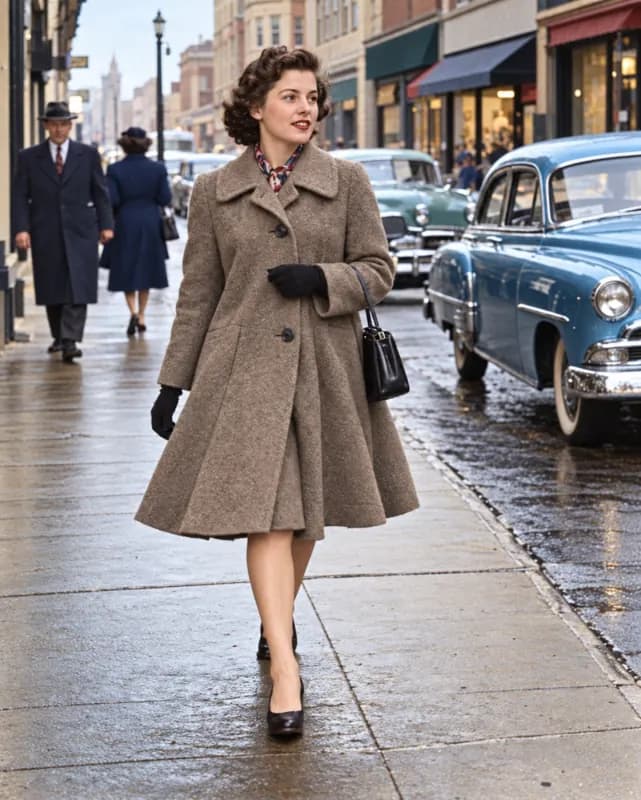
AfterFrom a creased photo to a repaired black and white one
Made with the "Repair only, keep B&W" option: the folds are gone and the photo stays black and white.
 Restored
 Restored
 Restored
 Restored
 Restored
 Restored
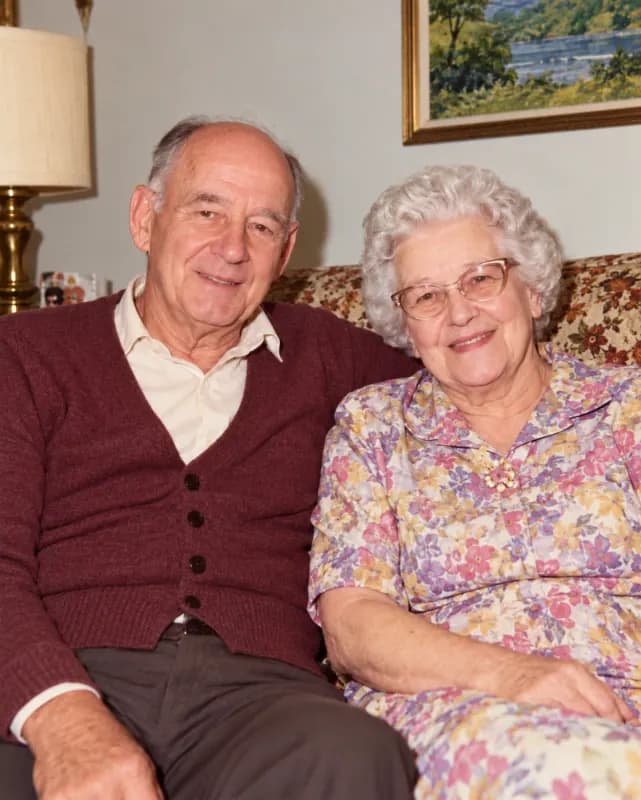 Restored
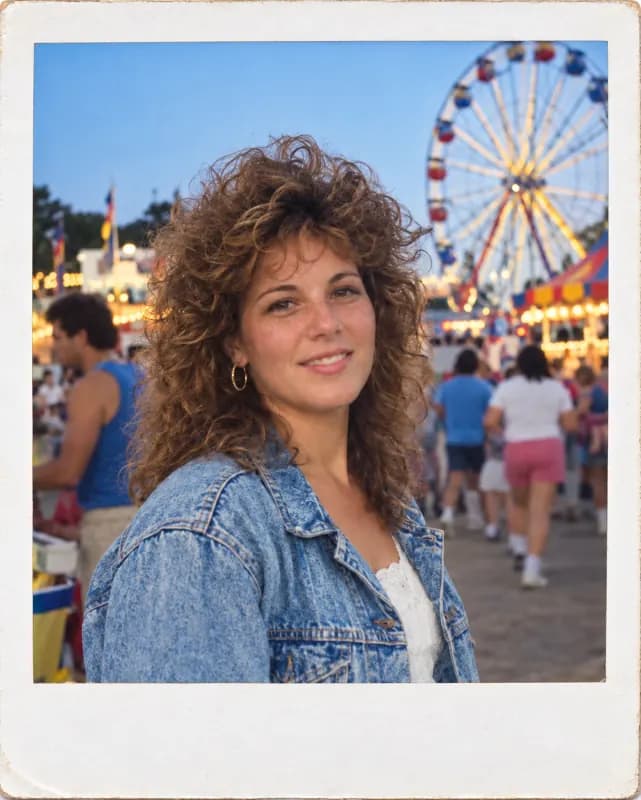 Restored
What can you restore?
Old photo restoration is not one job. These are the cases people bring most often.
Repair scratches, creases and tears
Folded prints, cracked emulsion and fine scratches are the classic damage on paper photos. The AI fills the missing areas from the surrounding picture, so a crease across a face or a sky gets closed rather than blurred. Old photo restoration works best when the tear is narrow; a wide gap through a face is rebuilt as a careful guess.
Remove stains, dust and spots
Water marks, mold spots, fingerprints and dust from a flatbed scanner can all be cleaned in the same pass. Family albums stored in a damp basement are the typical use, and so are prints that stuck to the glass of an old frame.
Colorize black and white photos
Black and white or badly faded photos get natural, believable color by default. Skin, clothing and backgrounds are colored from context, which is a guess, so treat the colors as a good reconstruction rather than a record.
Sharpen soft, noisy scans
Small prints and low-resolution scans often look blurry and grainy. Noise is reduced and soft detail is sharpened without turning faces into plastic, which makes the photo easier to print or share. Scans of small wallet-size prints and newspaper clippings are the usual candidates.
Restore Old Photos in 3 Steps
- 1
Upload your old photo
Scan the print, or photograph it flat in even light with no glare. JPG, PNG, WebP and HEIC all work. You can also drag a file in or paste one.
- 2
Pick an option
Choose Repair + add color, Repair only to keep a black and white photo black and white, or Sharpen a blurry scan. Want to fine-tune? Open Edit instructions and change the wording.
- 3
Generate and download
Press the restore button and wait a few seconds. Drag the slider to compare with the original, edit the result if something is off, then download the version you like.
Why use this old photo restorer
Realistic, not over-smoothed
The instructions tell the AI to repair damage and sharpen detail without beautifying. Grain and texture stay, so the photo still looks like a photo from that era and not like a modern filter. Good old photo restoration should look repaired, not rebuilt.
Faces stay the same
Face shape, expression, apparent age, clothing and pose are kept exactly as they are. Nothing is added or removed from the scene, which matters when the photo is of someone you remember. If a face looks different from the original, drag the slider to check, then try again or pick the Repair only option.
Free to try, no account
You get 5 free generations a day without signing up. If you want more, credits are available, and logging in also keeps your results in My Creations.
No watermark
Downloads are clean files with no watermark and no logo, ready to print, frame or share with the family.
Photo restoration, photo repair, old photo restorer
People search for this in different ways: old photo restoration, photo restoration, photo repair, old photo restorer, or fixing and restoring old damaged photos online. They all mean the same thing here, and one tool covers them. Upload the photo, let the AI repair it, and download the result. If you want to change a photo in some other way, try our general image to image AI.
Frequently asked questions
Anything else? Contact us.
I only have a physical photo. How can I restore it?
Scan it, or photograph it flat in even daylight with no glare and the whole print in frame. Then upload the file. A flatbed scan at 300 dpi or more gives the best old photo restoration, but a clear phone photo works fine for most prints.
Is it really free?
Yes. Everyone gets 5 free generations a day, with or without an account, and the count resets at 00:00 UTC. You do not need to sign up to restore old photos online.
What kind of damage can it fix?
Scratches, creases, tears, stains, dust, fading and noise, plus soft or blurry detail. Very large missing areas, such as half a face torn away, are rebuilt as a guess and may not match the real person, so check those results carefully.
Will it change the faces?
It should not. The instructions say to keep every face, expression, apparent age, pose and piece of clothing as they are, and not to beautify or retouch. AI can still make mistakes on very small or very damaged faces, so compare with the original using the slider.
Can it restore a photo without adding color?
The default restore instructions add natural color when a photo is black and white or faded. If you only want the damage repaired, pick the Repair only, keep B&W option before generating. It keeps the photo black and white and still repairs the damage.
Can it colorize a black and white photo?
Yes. Colorizing is part of the default Repair + add color option. The colors are inferred from what is in the picture, so skin tones and plants usually look right, while a specific dress or car color is a guess.
Is it safe to upload my photos?
Your photo is only used to make your image. To generate, it is sent to our AI provider, which keeps it for up to 72 hours. Results without an account are deleted after 2 days, and saved results after 30 days. Content that breaks our content policy is blocked, and blocked attempts are free.
Which files can I upload, and can I use the result commercially?
JPG, PNG, WebP and HEIC, up to 20 MB. There is no watermark. You can use the results commercially as long as you have the rights to the photo you uploaded.
Ready to bring your old photos back?
Your first restoration takes a few seconds. No account, no watermark.