Photo to Anime Converter
Drop in a selfie, a group shot, your dog or a holiday view, and this photo to anime tool hands back the same picture as a clean anime illustration. Hairstyles, poses and outfits are kept, so it still looks like you, only drawn.
JPG, PNG, WebP, HEIC · up to 20 MB
No NSFW, face swaps or harmful content. Content Policy
- No sign-up needed
- No watermark
- 4 anime styles
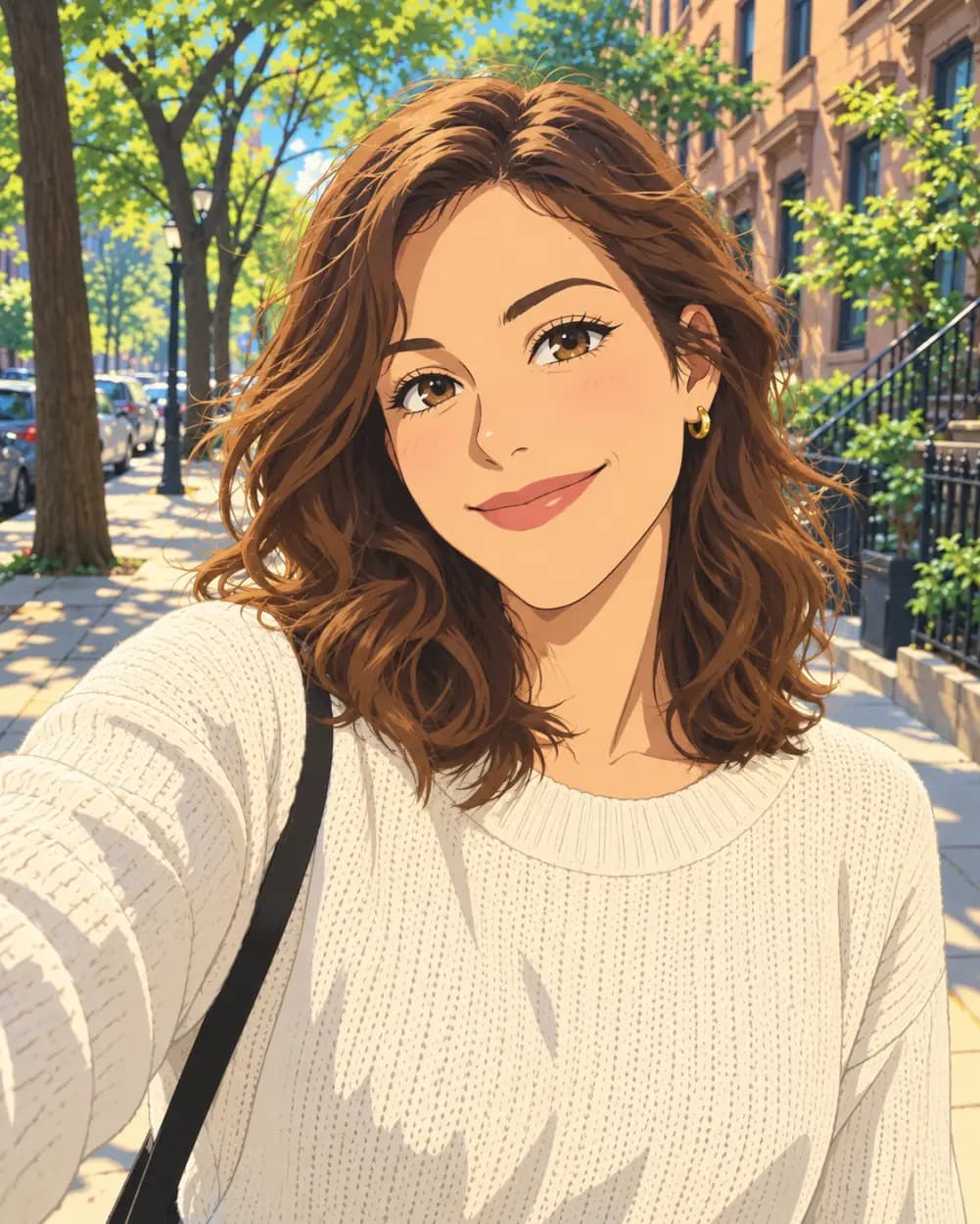
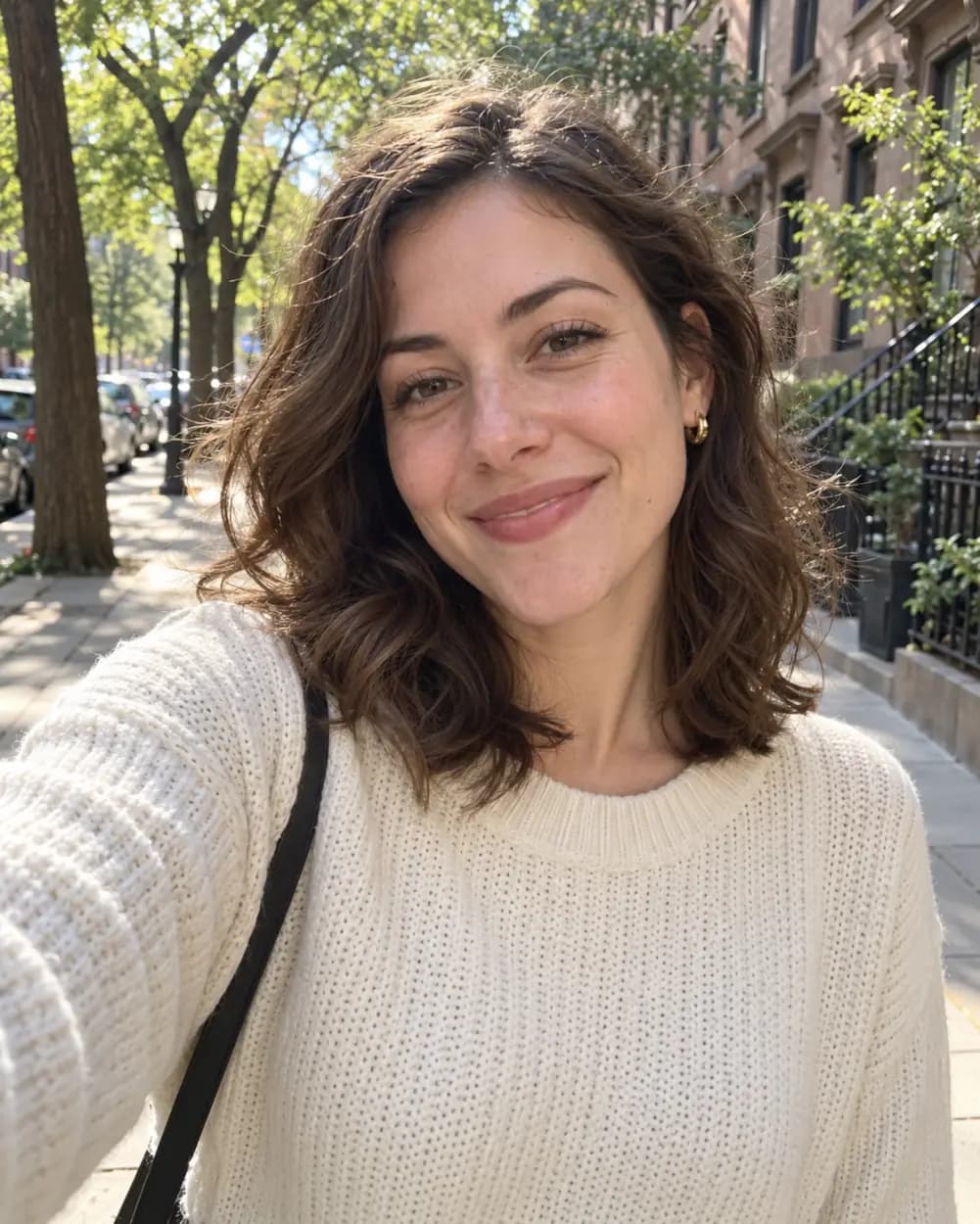 BeforeAfter
No NSFW, face swaps or harmful content. Content Policy
Photo to Anime Converter: Before and After
Each anime picture below was made from one photo with the same style instructions the tool above uses, with no hand retouching: classic style first, then the other three styles side by side, then pets and scenery.
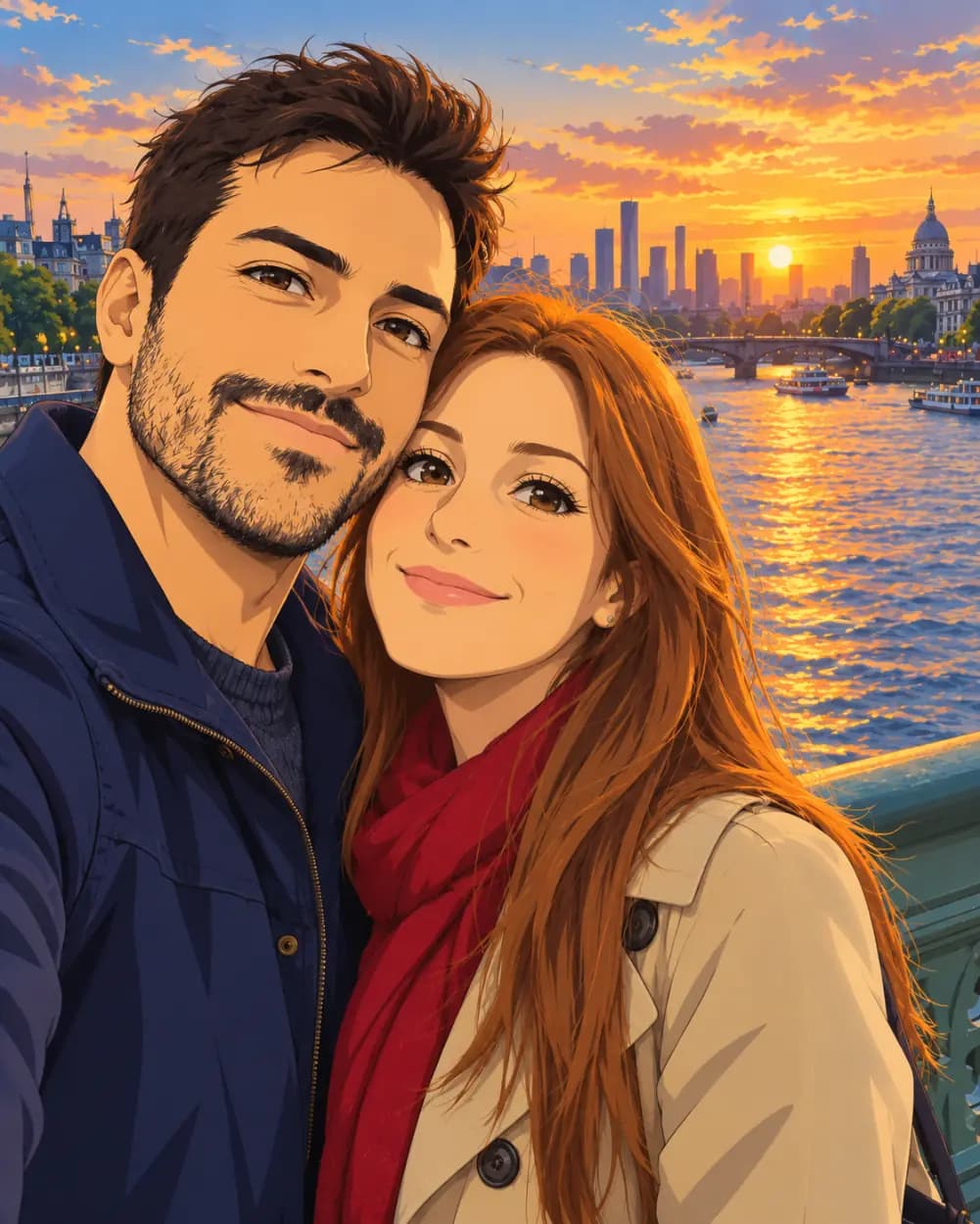
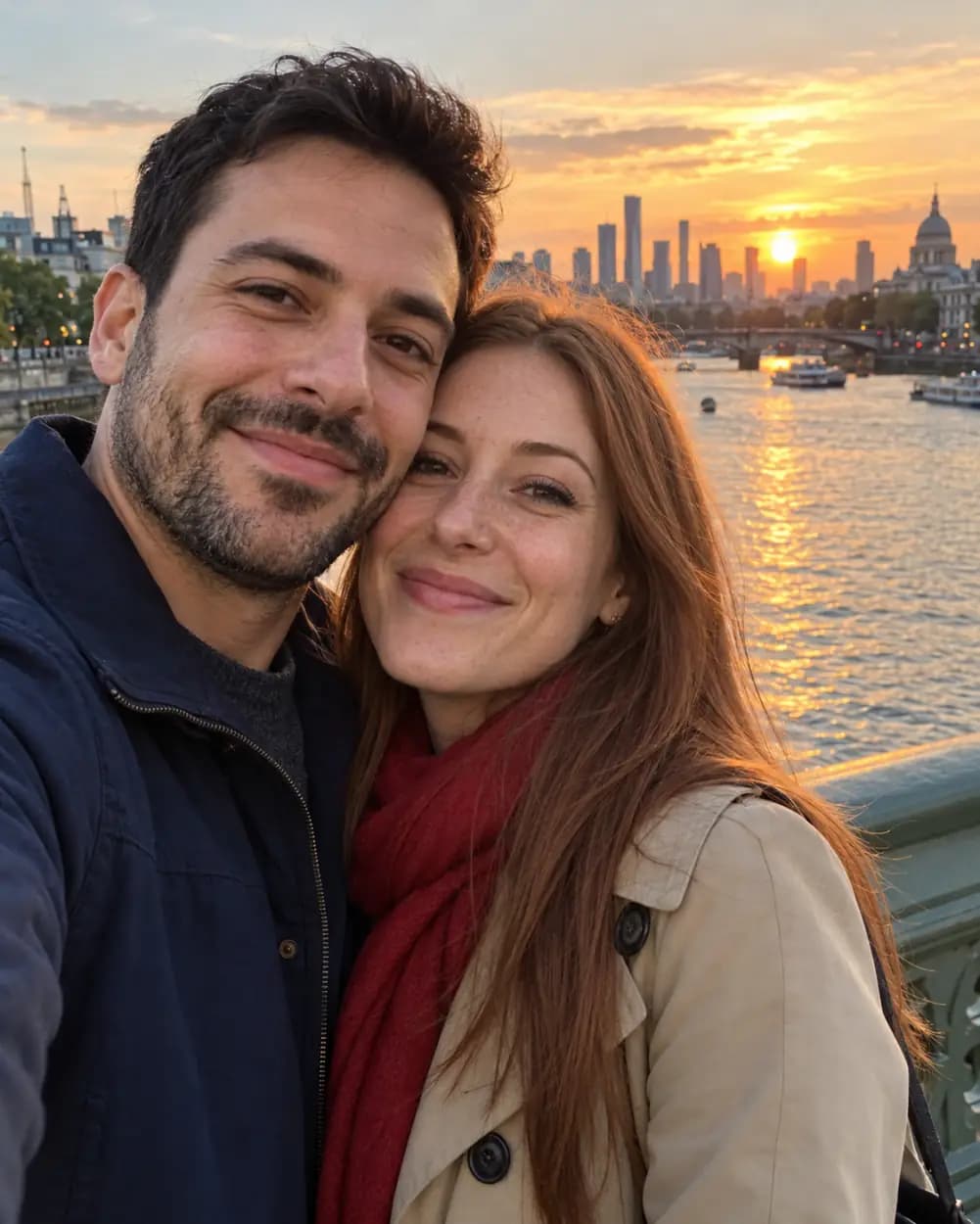 BeforeAfter
From a couple selfie to an anime couple
A phone selfie on a city bridge at sunset. Both faces, the jacket and the scarf carry over, and the sky turns into a painted anime sunset.
 BeforeAfter
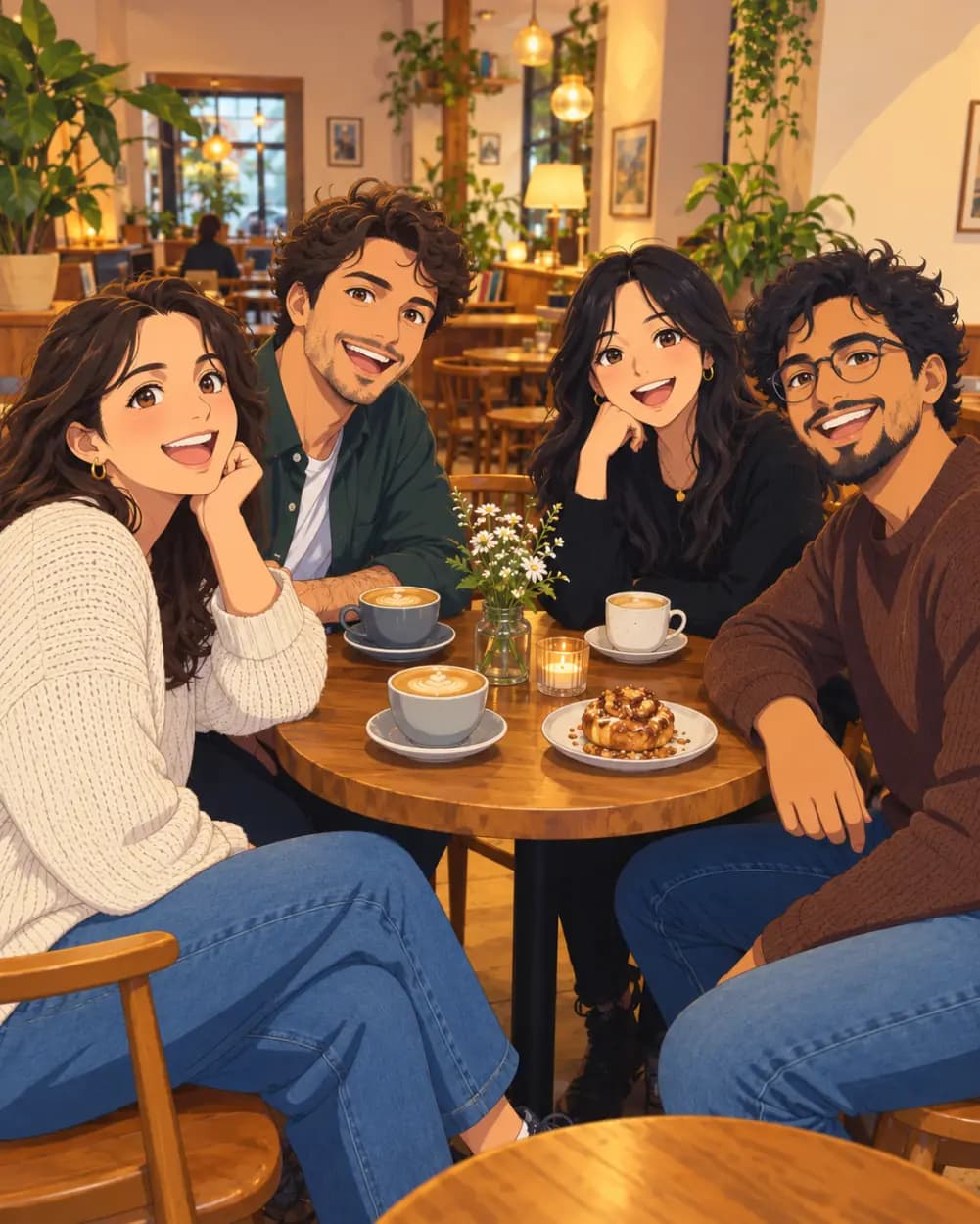
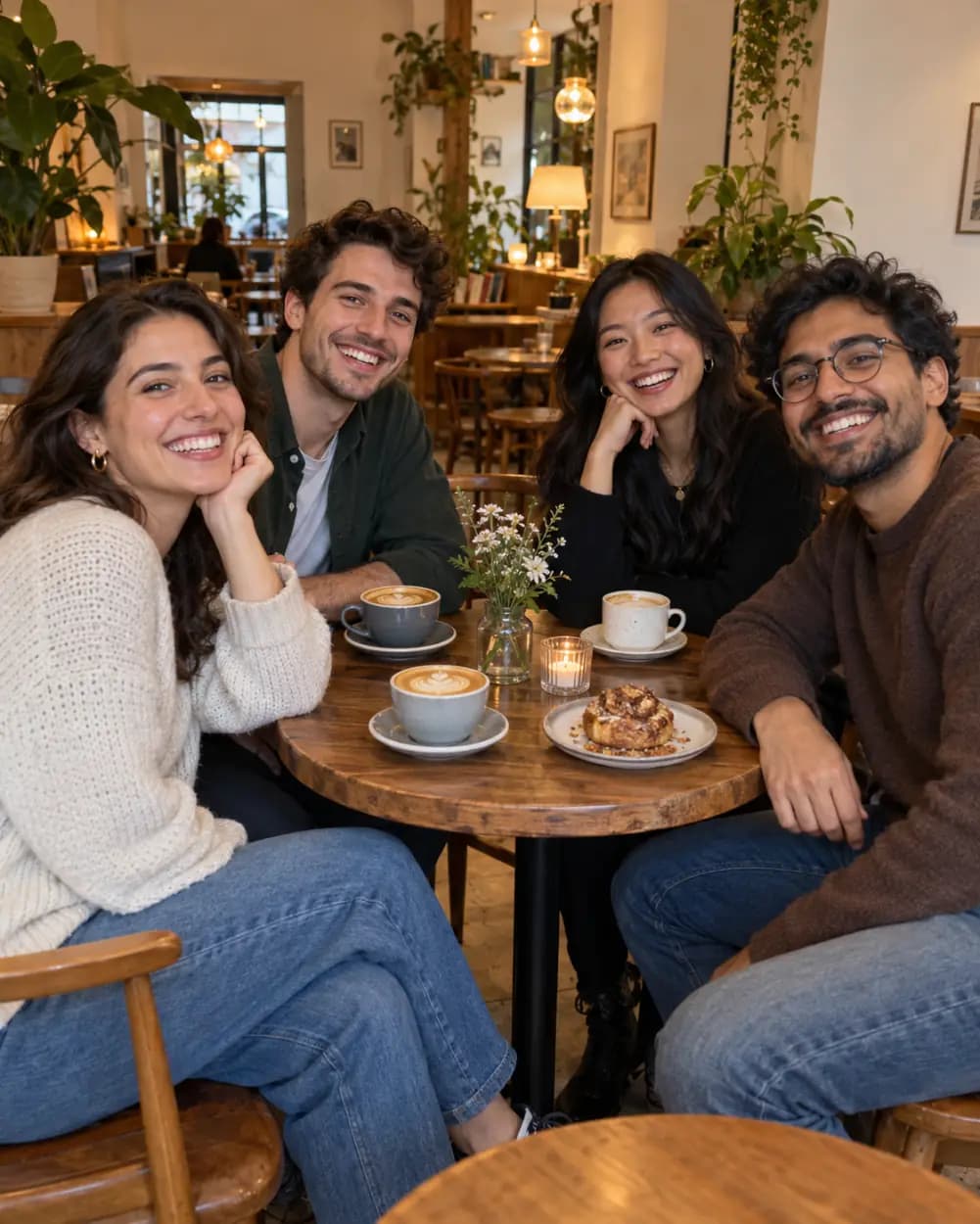
From a café group photo to an anime scene
Four friends around a table. Everyone stays in the same seat with the same expression, which is the hard part for an anime converter.
 Before
 After
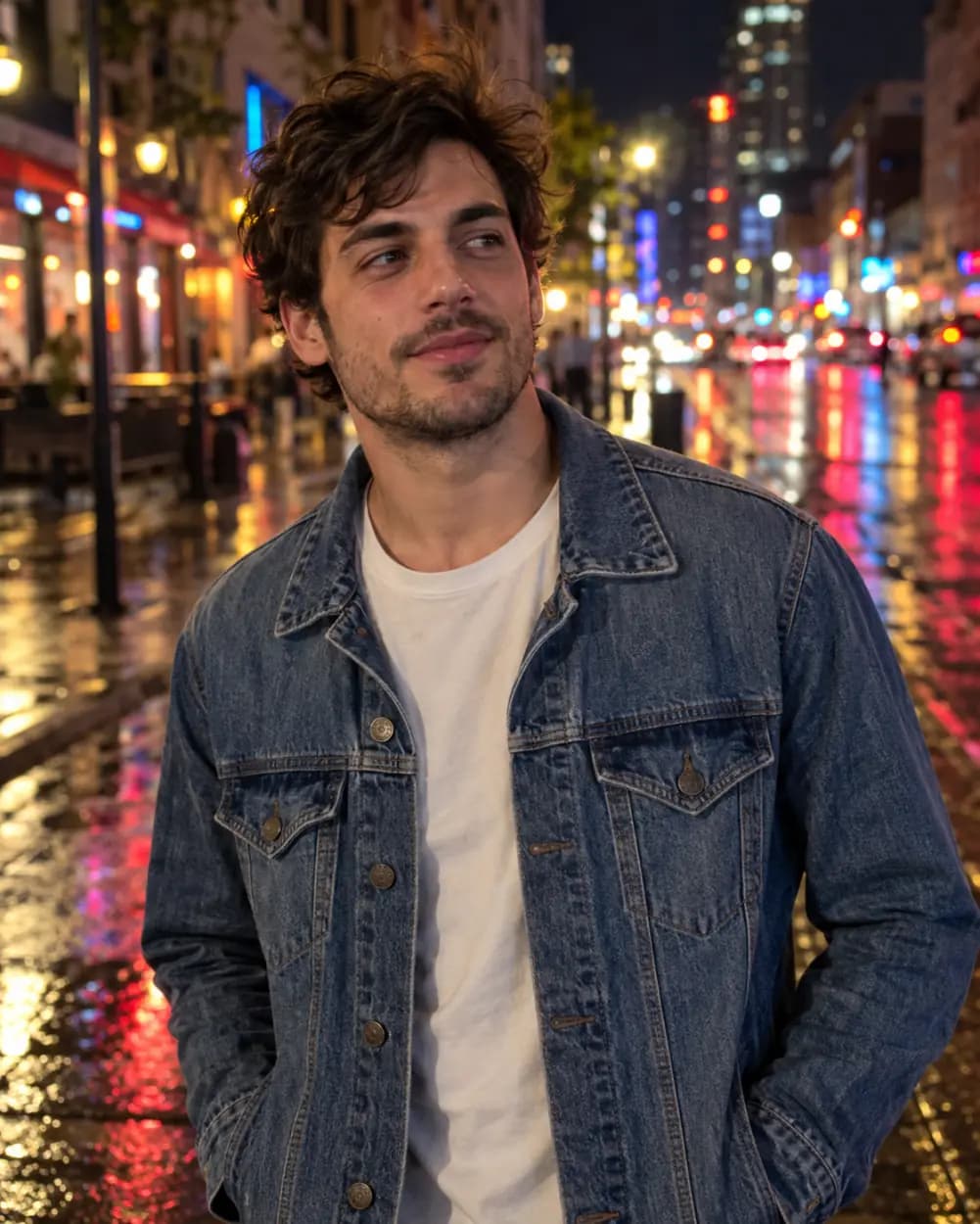
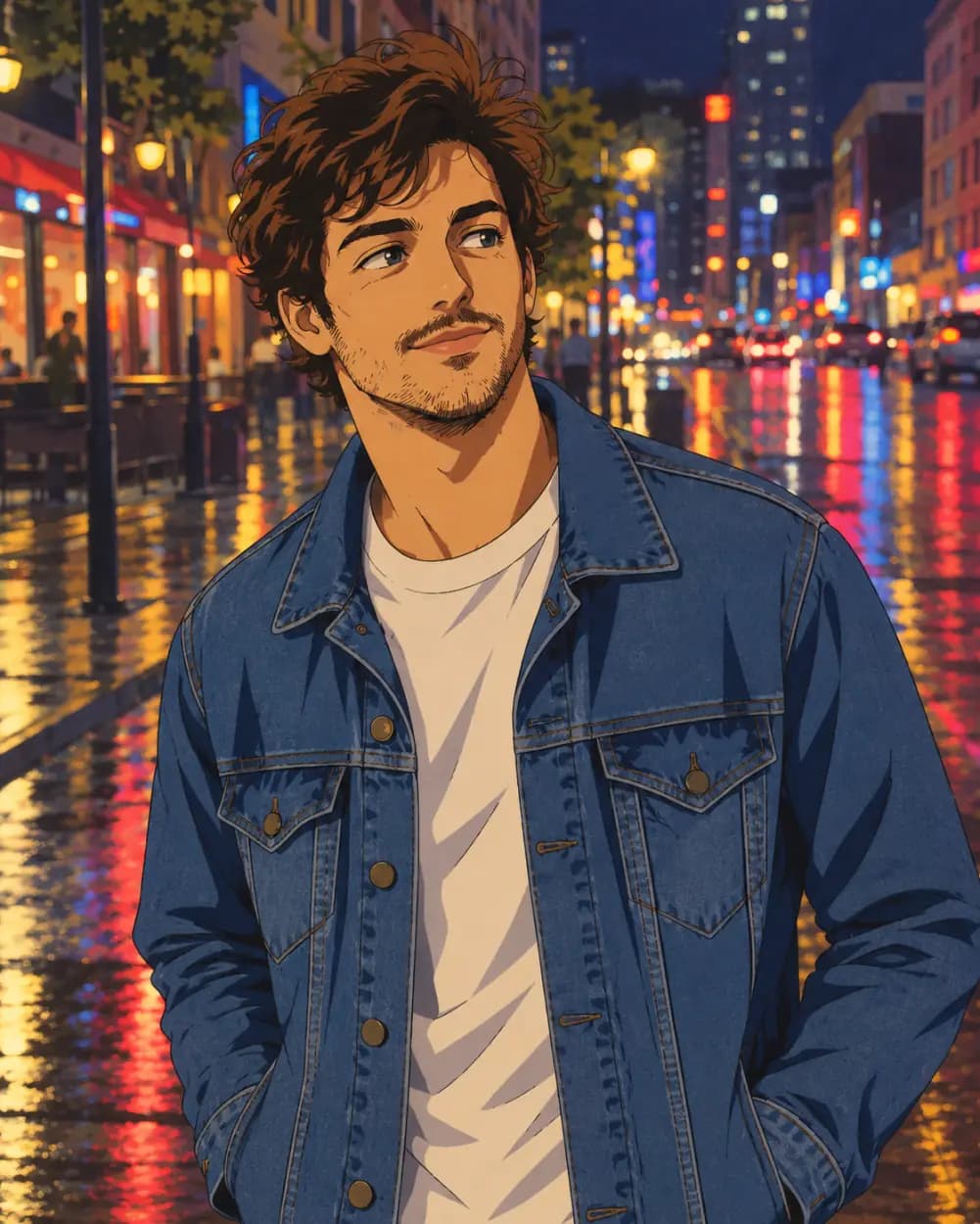
From a night street photo to 90s retro anime
Made with the 90s retro anime style: warmer colors, soft grain and the hand-painted look of an old TV series.
 Before
 After
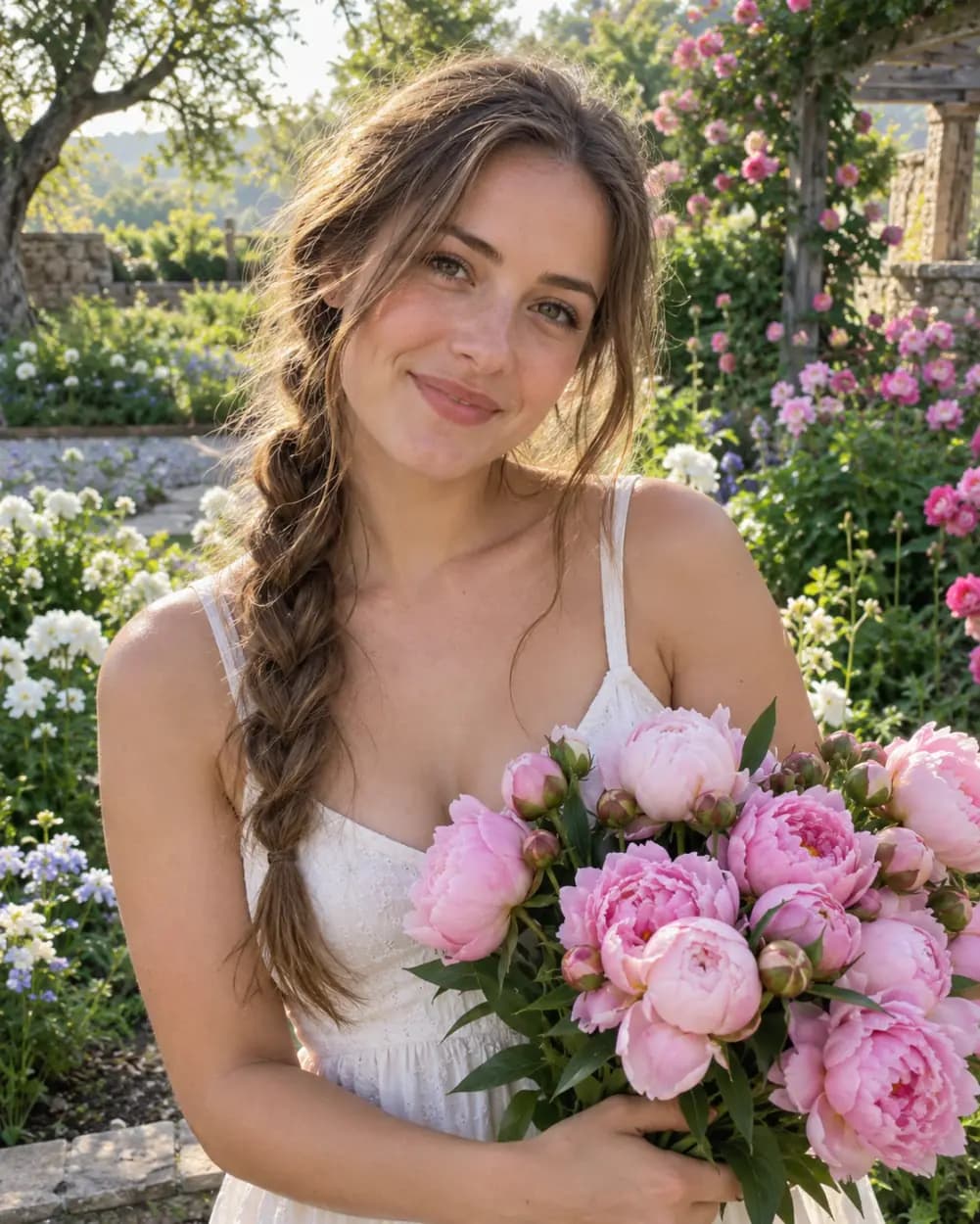
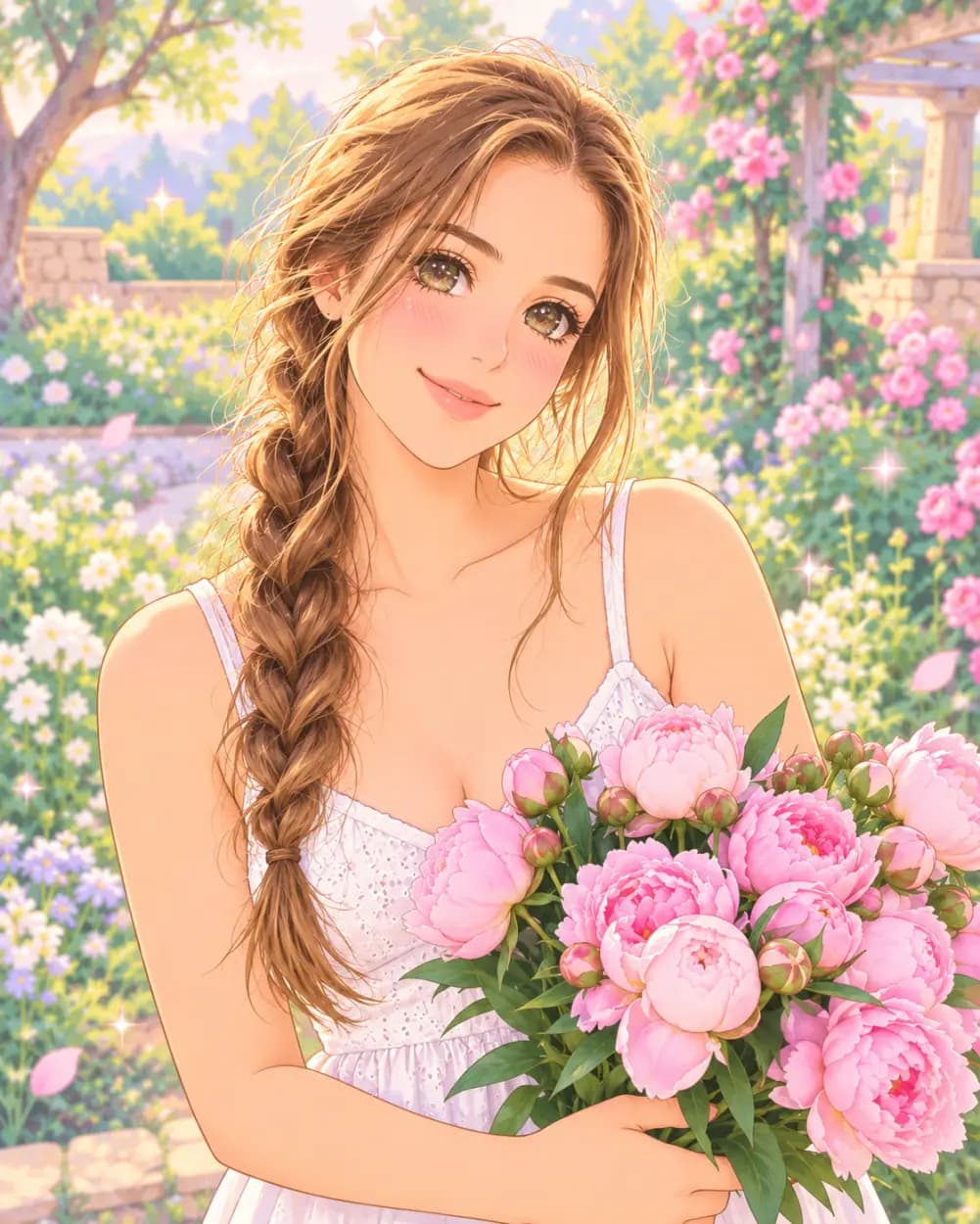
From a garden portrait to kawaii pastel anime
Made with the Kawaii pastel style: softer colors, sparkling eyes and a dreamy glow, while the hair and dress stay the same.
 Before
 After
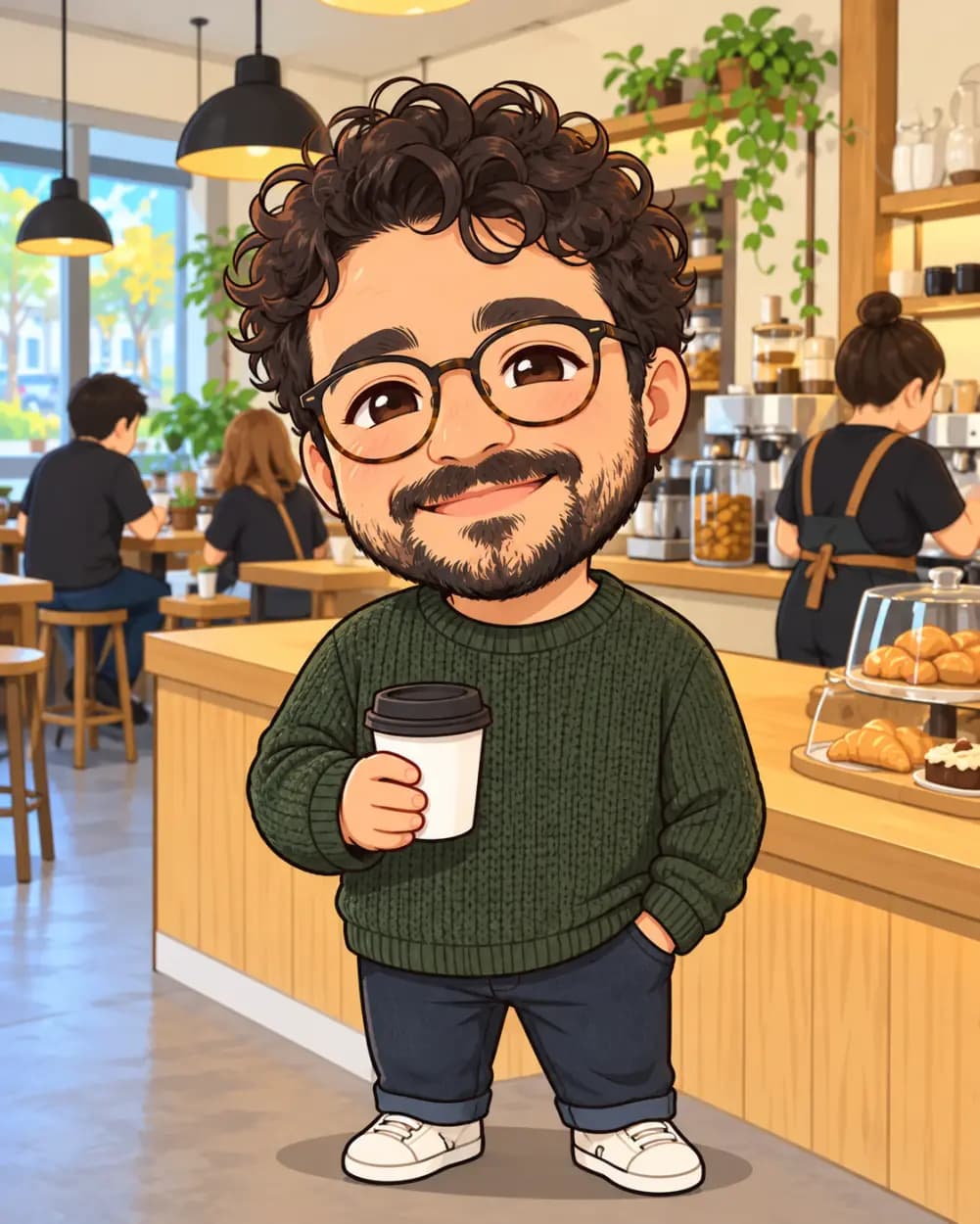
From a coffee shop photo to a chibi character
Made with the Chibi style: a big head and a tiny body, but the same haircut, glasses and sweater.
 Anime
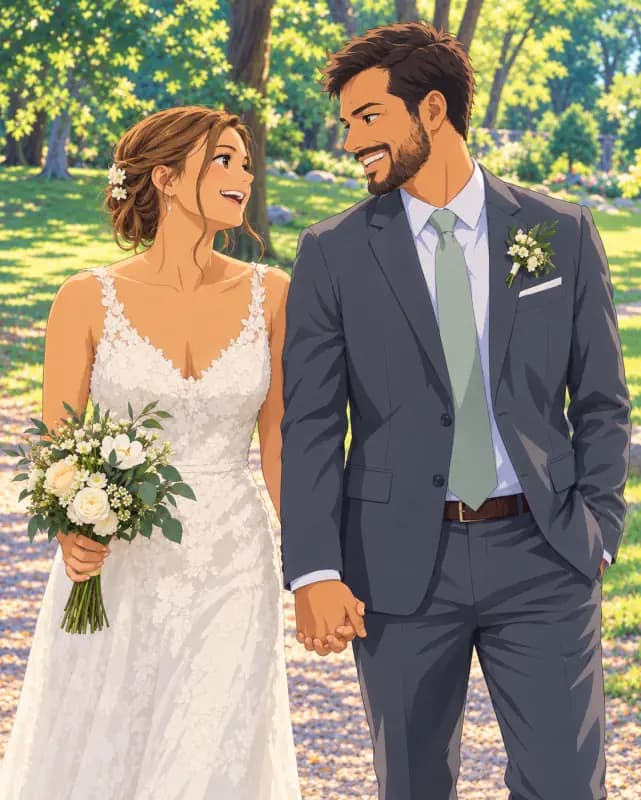 Anime
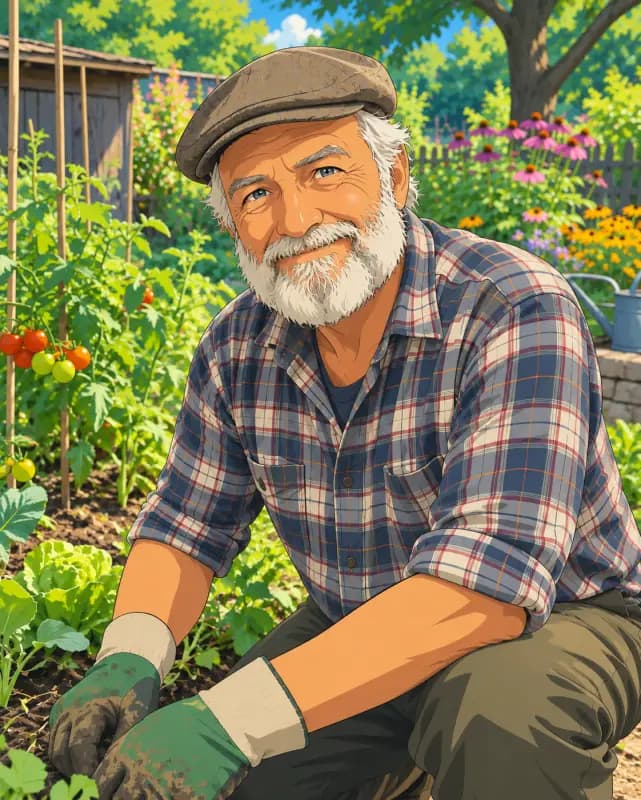 Anime
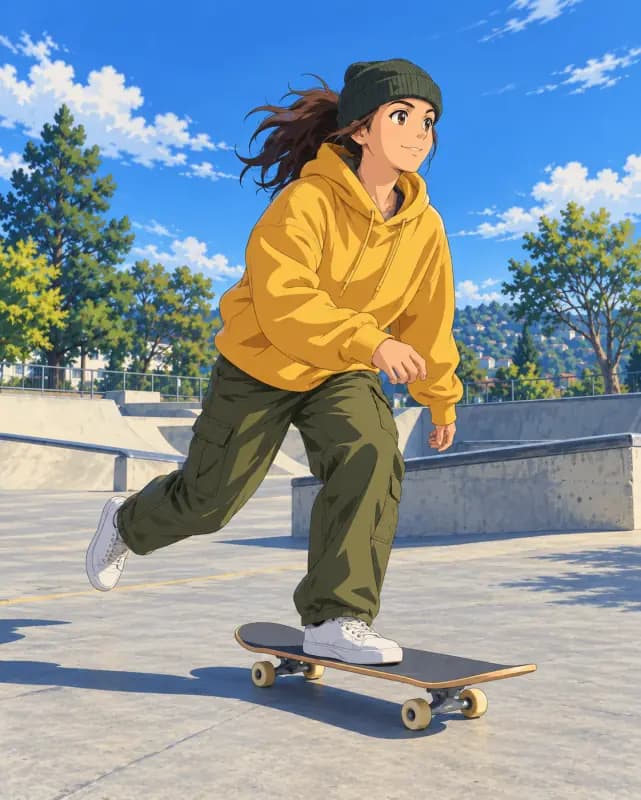 Anime
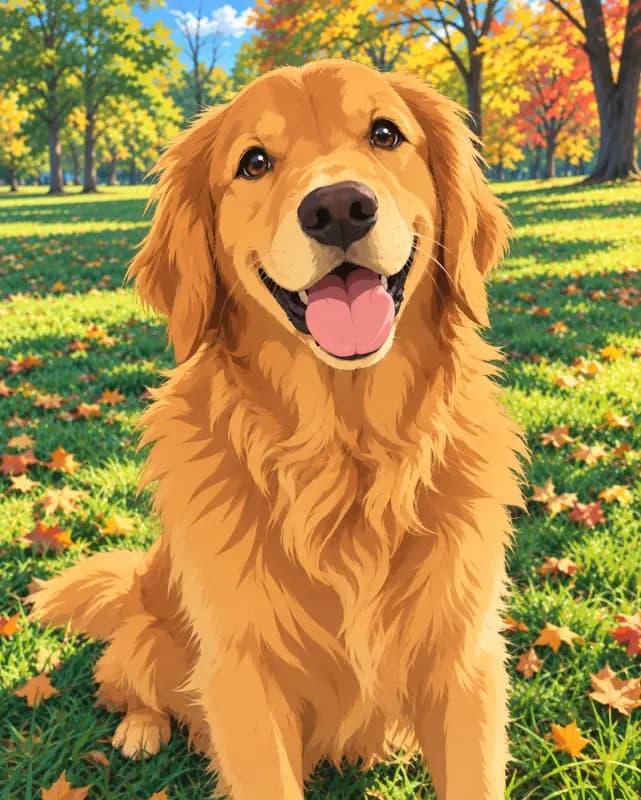 Anime
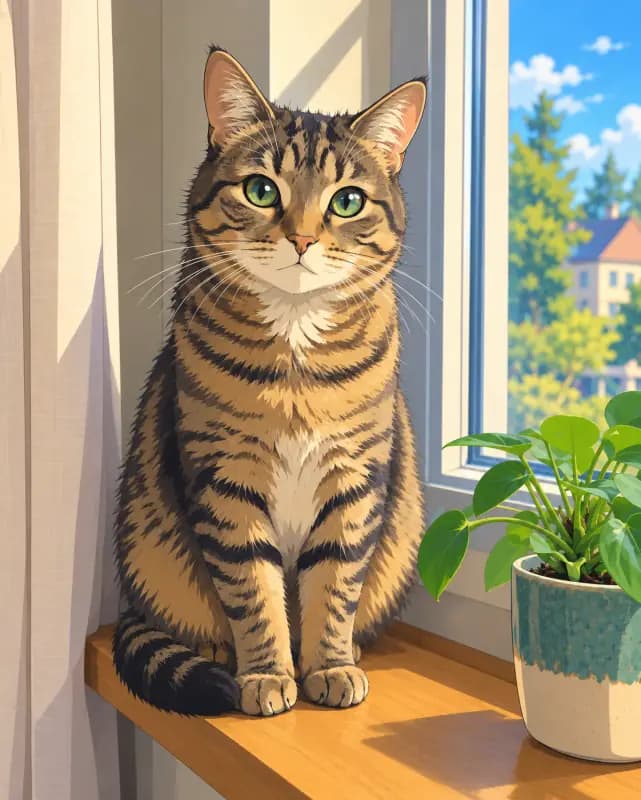 Anime
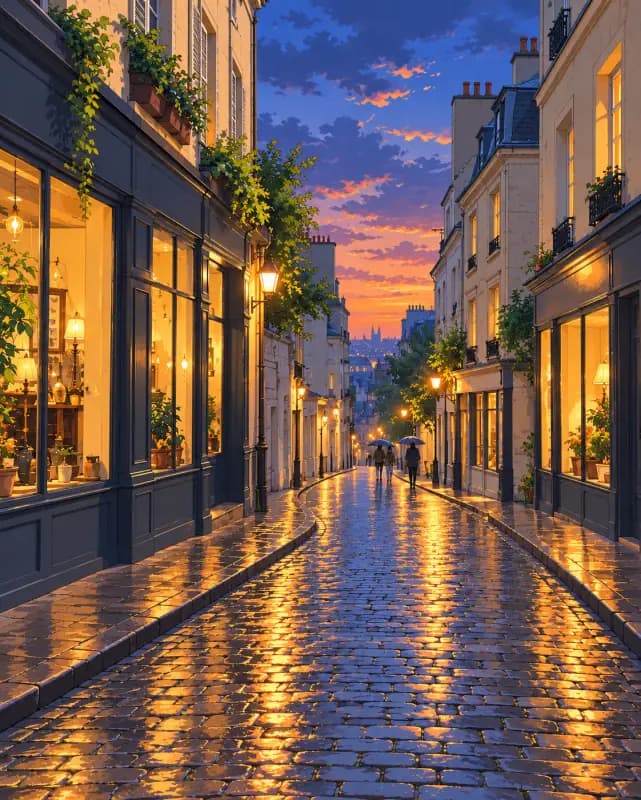 Anime
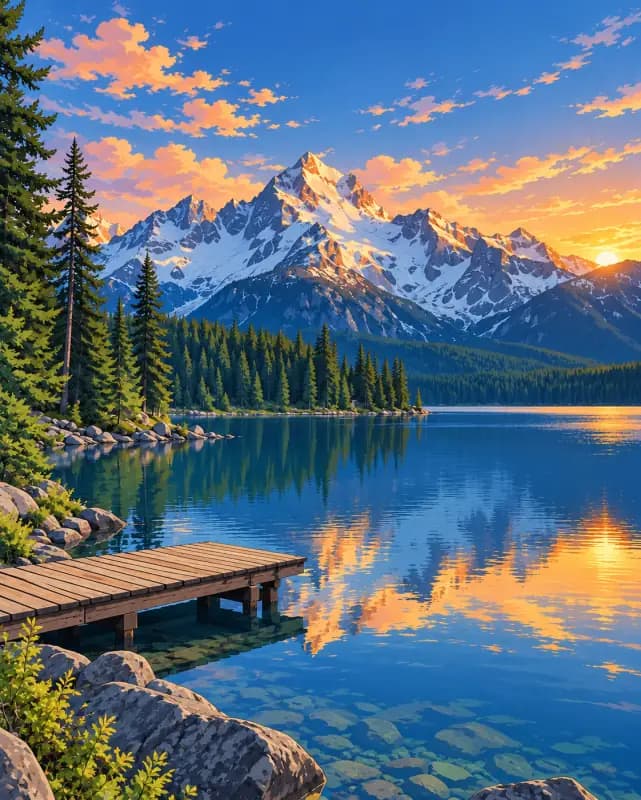 Anime
Anime Styles to Choose From
Pick a style before you generate. Each one is a different set of instructions, so the same photo can come out looking quite different.
Classic anime
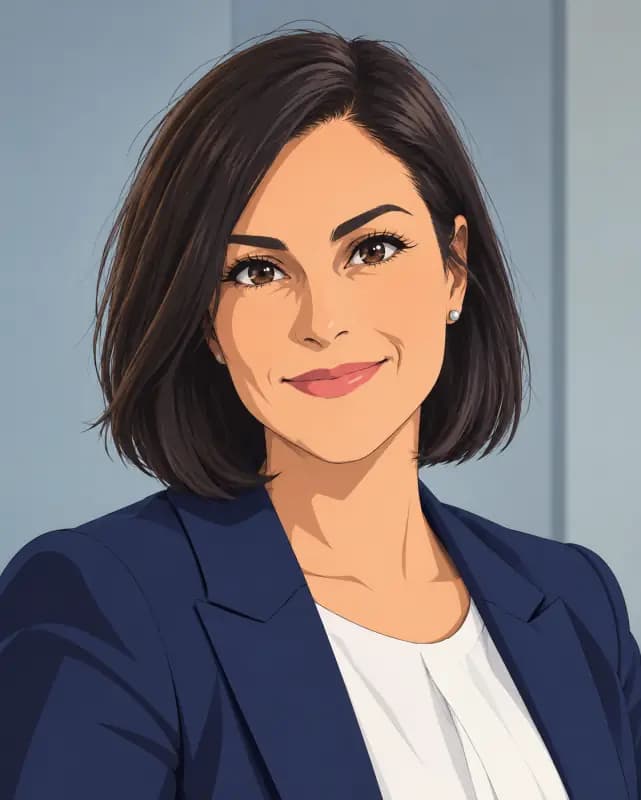
Clean line art, soft cel shading and vibrant but natural color, the look most people picture when they think of a modern anime series. It suits selfies, couples and anime portrait shots, and it is the safest choice for group photos because it changes proportions the least.
90s retro anime
Warmer, slightly muted colors, a touch of grain and the painted backgrounds of older TV anime. Night streets, train platforms and anything with neon or sunset light look especially good here.
Kawaii pastel
A soft, dreamy take with pastel colors, bigger sparkling eyes and a gentle glow, closer to shojo illustration. Good for flowers, spring outfits, profile pictures and anything that should feel cute rather than cool.
Chibi
A big head on a small rounded body, the super-deformed style used for stickers and mascots. It keeps your hairstyle, glasses and clothes so you are still recognizable. Works best with one or two people.
Turn Photo into Anime in 3 Steps
- 1
Add a clear photo
Use a picture where the faces are in focus and not too small: a selfie, a portrait, a full-body shot, a pet or a landscape. JPG, PNG, WebP and HEIC all work, and you can drag the file in or paste it.
- 2
Choose an anime style
Classic anime is selected by default. Switch to 90s retro anime, Kawaii pastel or Chibi to change the look. Open Edit instructions if you want to add your own detail, such as a cherry blossom background.
- 3
Generate, compare and save
Press the button and wait for the anime version. Compare it with your original, try another style if you like, then download the one you want to keep.
Why use this anime filter
Still looks like you
A generic filter can swap your face for a stock anime face. Here the instructions keep the hairstyle, hair color, skin tone, expression, pose and outfit of every person, and nobody is added or removed, so friends can still tell who is who.
Free, no account
You get 1 free generation a day without signing up, enough to try a look on your photo. Logging in keeps your anime pictures in My Creations, and credits are there if you want more.
A full redraw, not an overlay
The background is redrawn too, so the result reads like a frame from a show instead of a photo with a cartoon layer on top. That is why it works on scenery and pets as well as people.
Clean downloads
No watermark and no logo on the file. Use it as an avatar, a phone wallpaper, a print or a gift.
Anime converter, picture to anime, anime yourself
Whether you call it an anime filter, an anime converter, a picture to anime tool or simply want to anime yourself, it is the same thing on this page: upload, pick a style, get an anime style photo back. You can use it to turn yourself into anime for an avatar, or turn photo into anime scenes from a whole trip. For other kinds of edits, try our general image to image AI.
More tools
Frequently asked questions
Anything else? Contact us.
How can I turn my photo into an anime character using AI?
Upload the picture at the top of this page, keep Classic anime or pick another style, and press generate. The photo to anime result appears next to your original, ready to download.
Is this photo to anime converter free?
Yes. You get 1 free generation a day, with or without an account, and the count resets at 00:00 UTC. Trying a different style on the same photo uses one more generation. If you need more, you can buy credits.
Do I need to sign up?
No. You can upload and download without an account. Signing in is optional: it saves your results to My Creations so you can come back to them later.
What anime styles can I choose from?
Four: Classic anime, 90s retro anime, Kawaii pastel and Chibi. You can also open Edit instructions and describe your own look, for example a shonen action style or a softer watercolor background.
Can I convert a selfie to anime?
Yes, selfies are the most common upload. Hold the phone at eye level in soft light and keep your whole face in frame. Very wide-angle or heavily filtered selfies give less accurate results.
Are my uploads private, and is there a watermark?
Your photo is only used to make your image. To generate, it is sent to our AI provider, which keeps it for up to 72 hours. Results without an account are deleted after 2 days, and results saved on the free plan after 30 days. Downloads have no watermark.
Can I turn my photo into a Ghibli style picture?
There is no Ghibli preset on this page. For a softer, hand-painted feel, try the 90s retro anime style, or open Edit instructions and ask for watercolor backgrounds and gentle natural light.
Can I use the anime images commercially? Is NSFW allowed?
You can use the results commercially as long as you own the rights to the photo you uploaded. NSFW, nudity, sexually suggestive content and images of minors are not allowed under our content policy, and requests that break it are blocked. Blocked attempts are free.
See yourself as an anime character
One photo, four anime styles. No account and no watermark.