GPT Image 2.6 Image Editor
Edit your own photos with OpenAI’s GPT Image 2.6 Sunburst. Say what to change in one sentence; everything else stays the same.
JPG, PNG, WebP, HEIC · up to 20 MB
No NSFW, face swaps or harmful content. Content Policy
- No watermark
- No sign-up to try
- Edits only what you ask
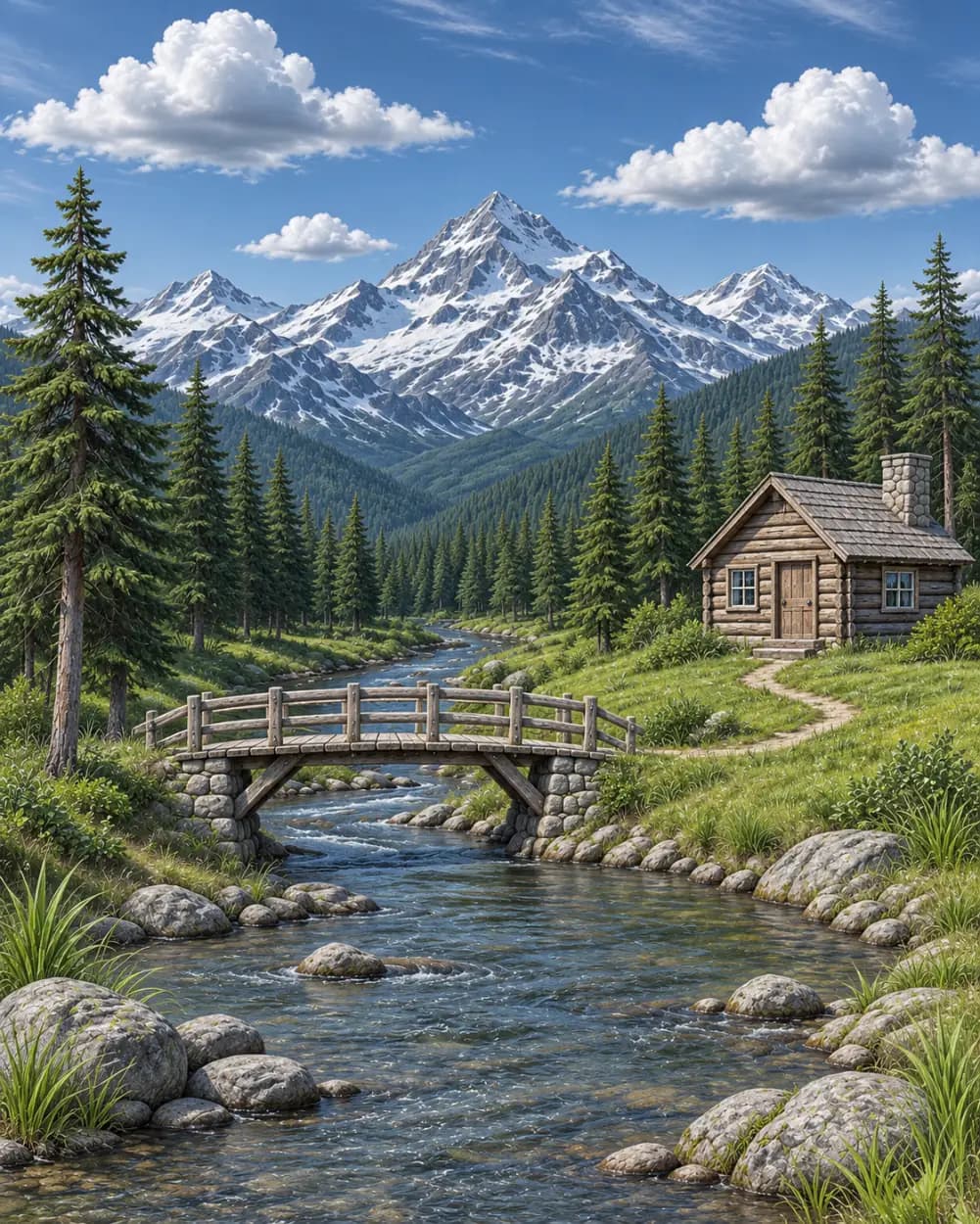
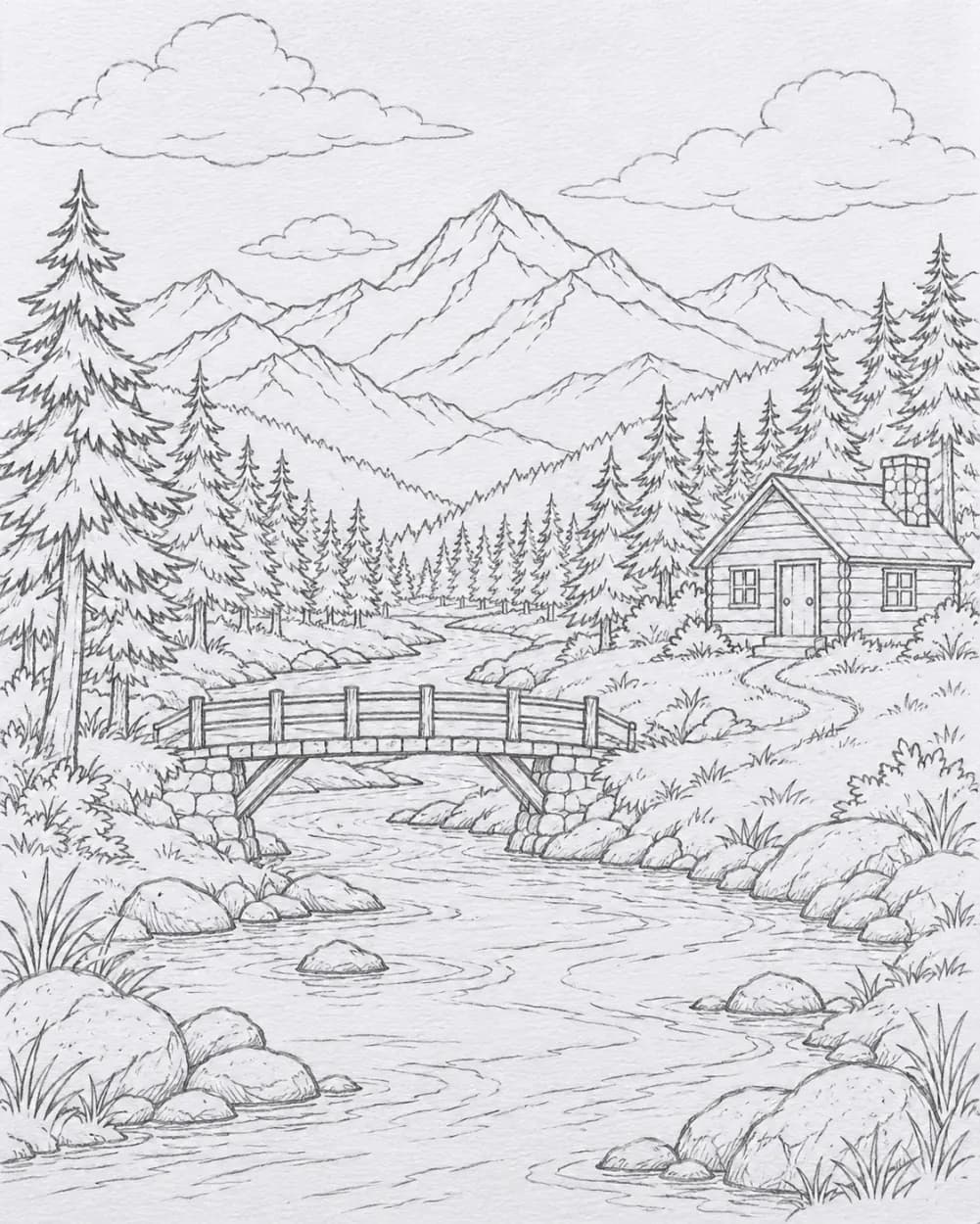 BeforeAfter
No NSFW, face swaps or harmful content. Content Policy
GPT Image 2.6 Edits: Before and After
Every result below was made with GPT Image 2.6 Sunburst from a one-sentence instruction, following the editing examples in OpenAI’s own guide. Drag the sliders, compare the pairs, then browse more edits.
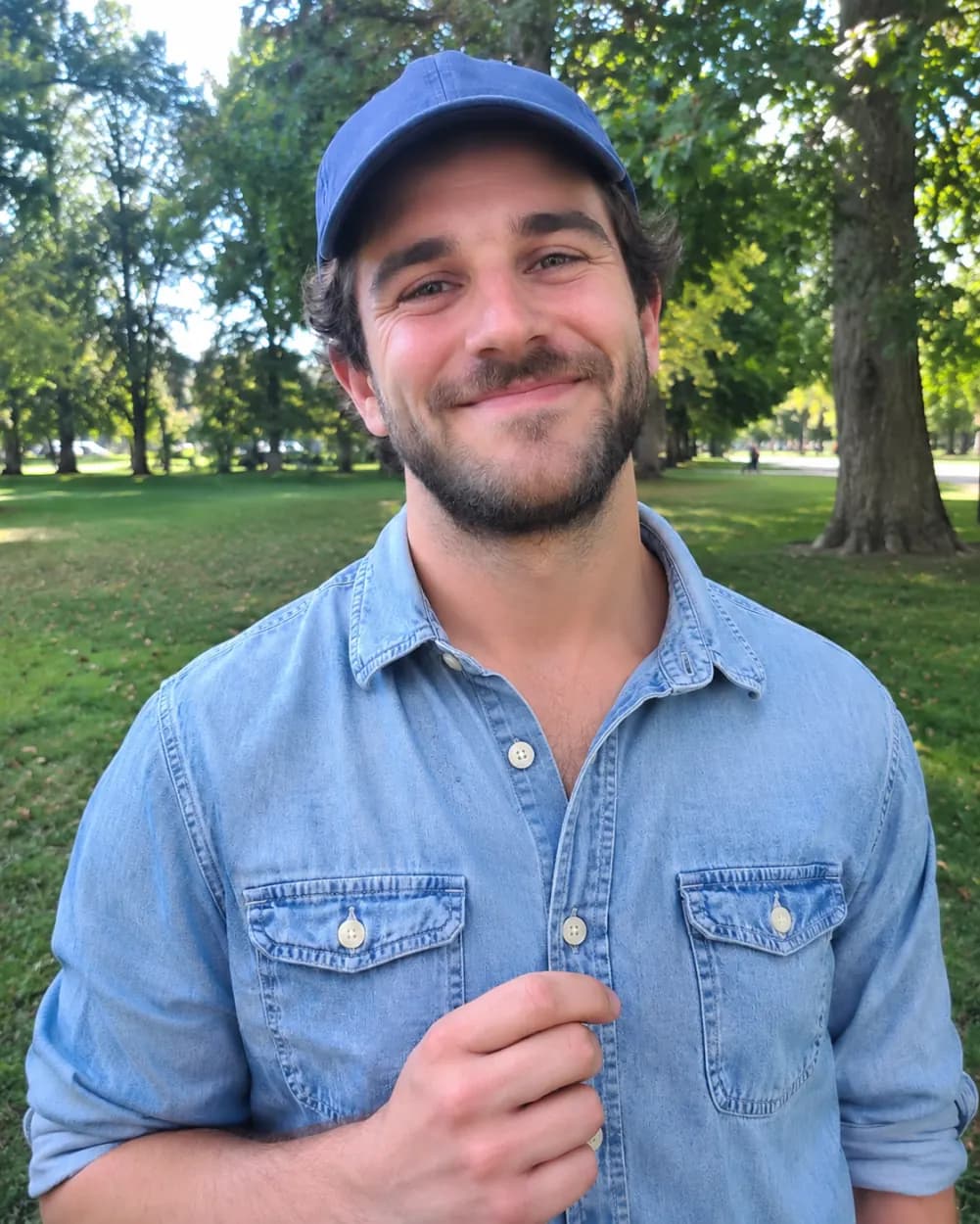
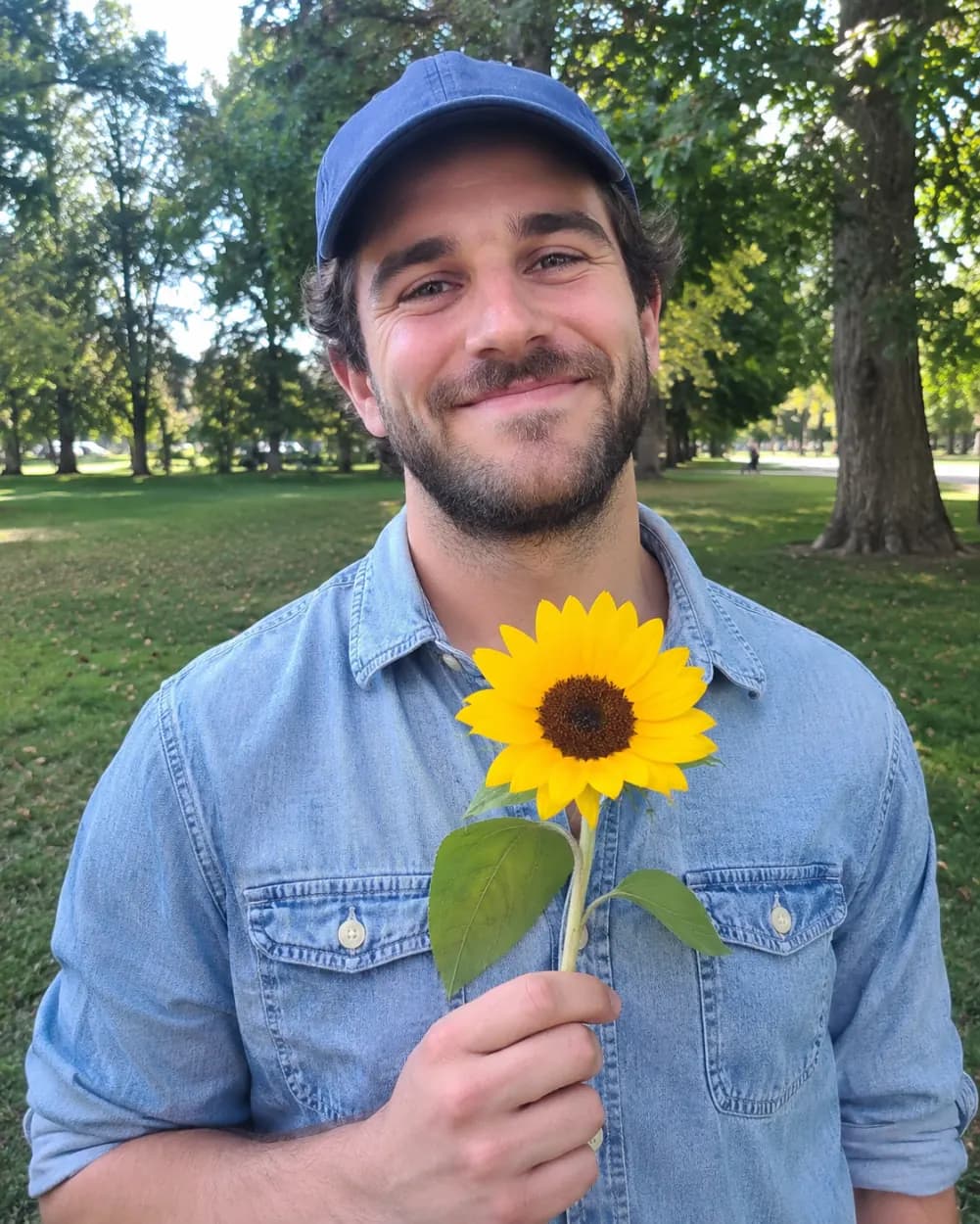 BeforeAfter
From holding a sunflower to empty-handed
Instruction: remove the flower from the man’s hand, do not change anything else. The hand, shirt, face and park behind him stay exactly as they were.
 BeforeAfter
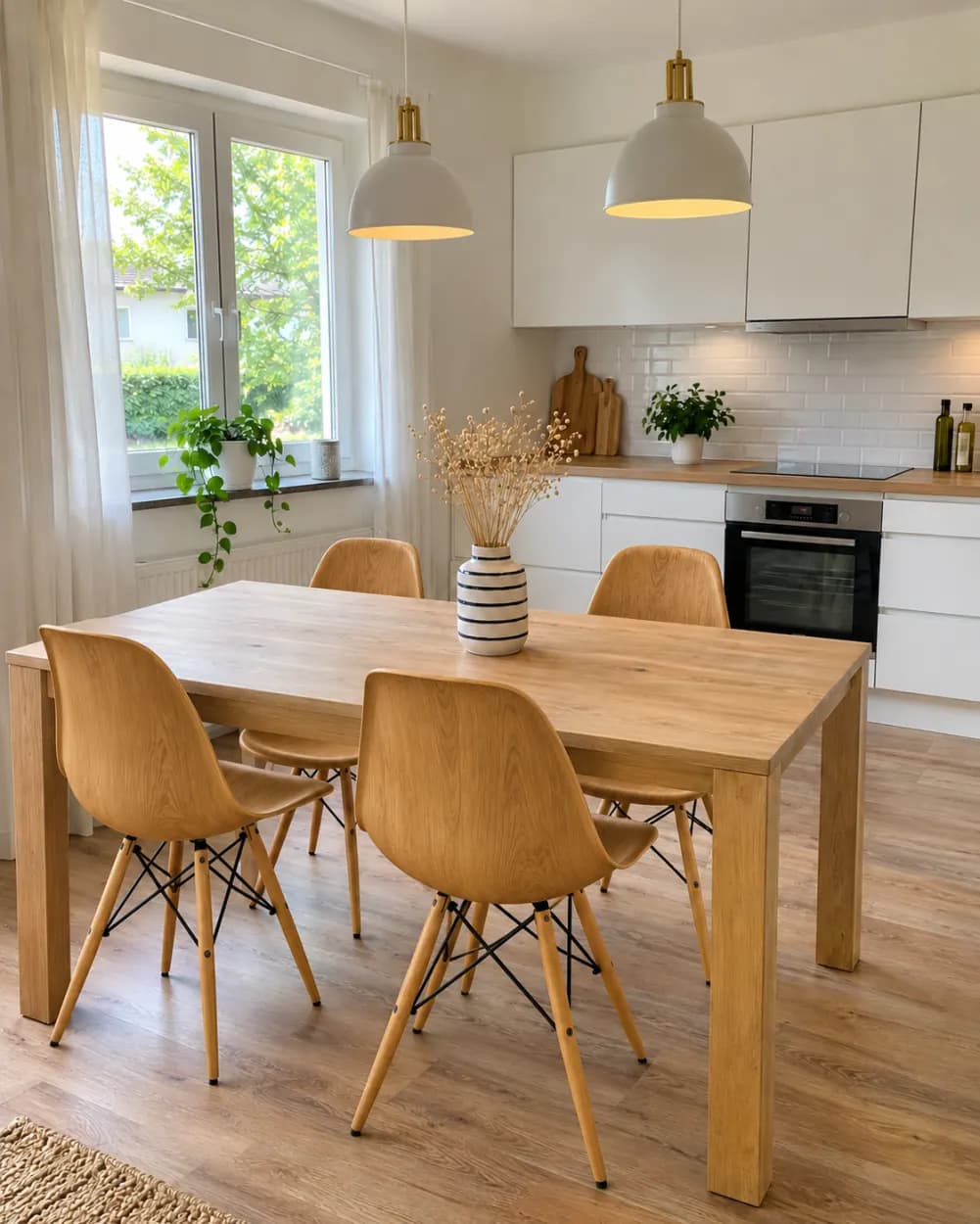
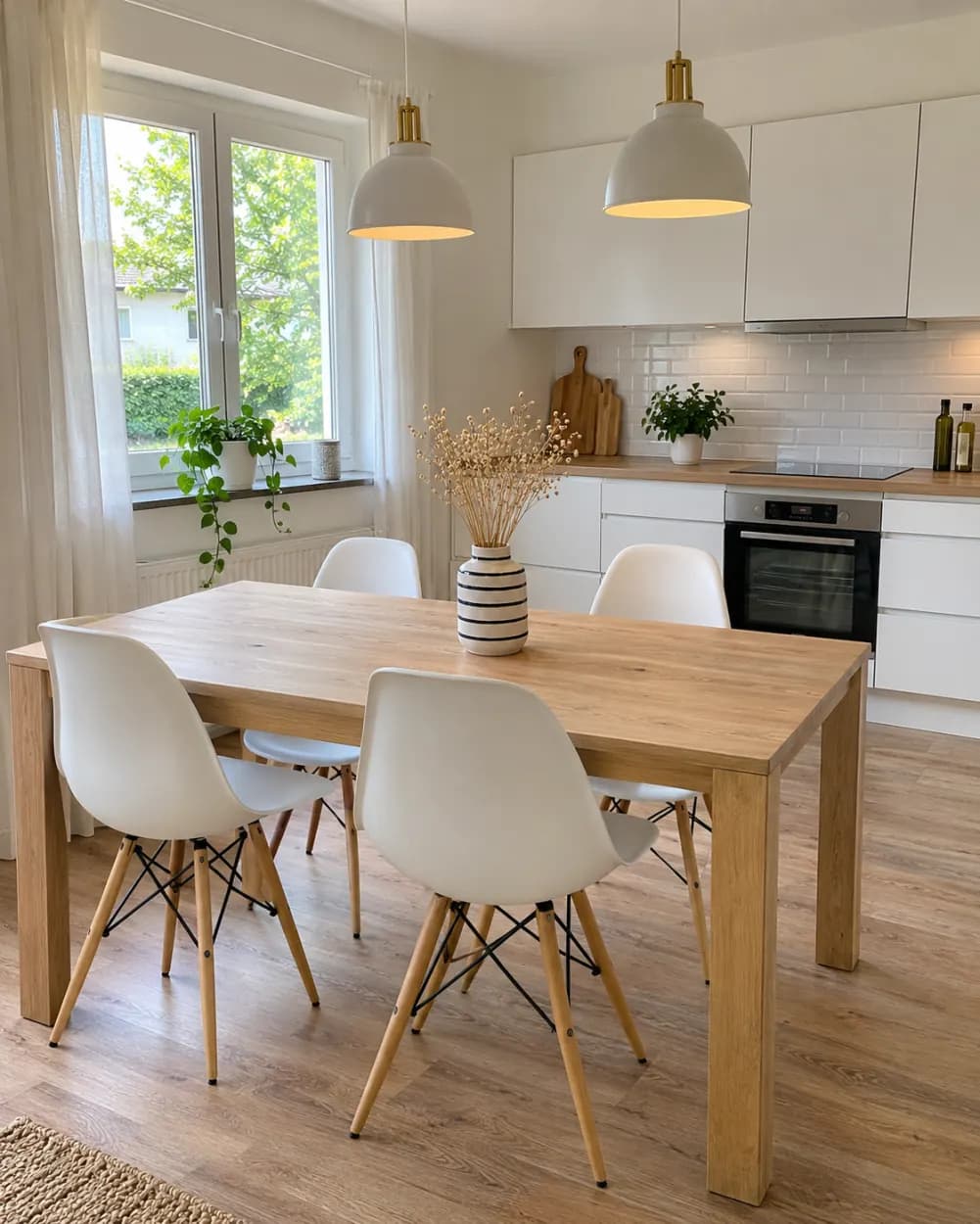
From white chairs to wooden chairs
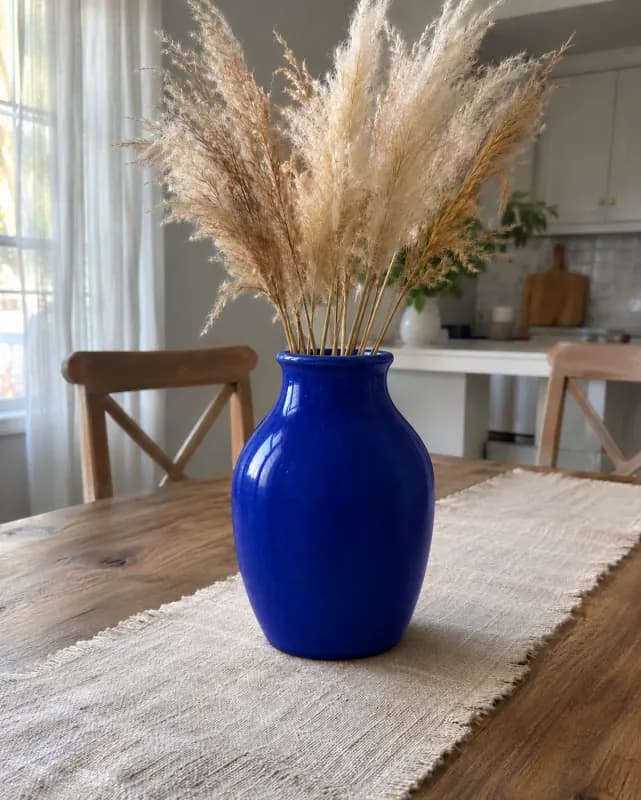
Instruction: replace only the white chairs with chairs made of wood. The table, vase, lamps and kitchen are untouched.
 Before
 After
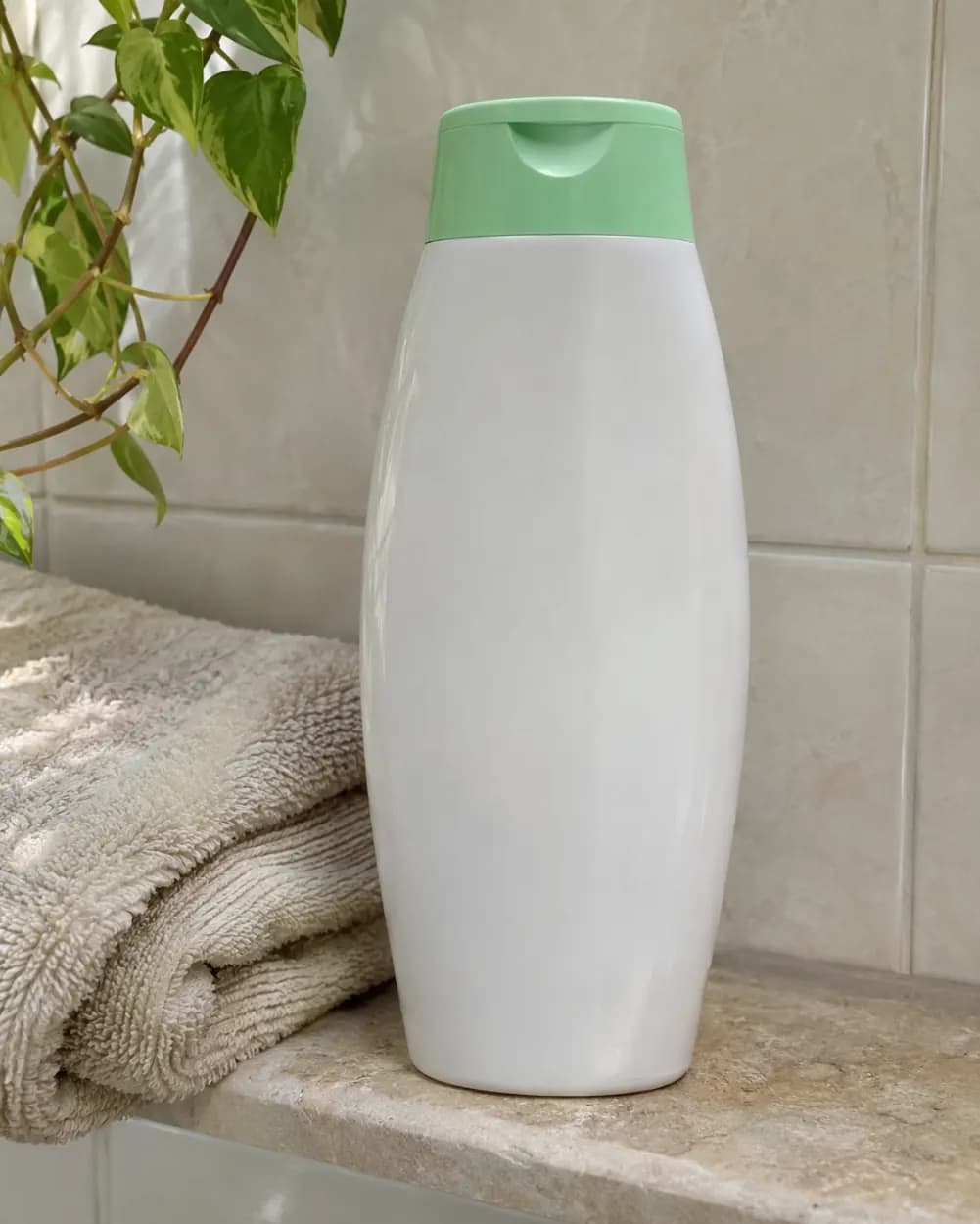
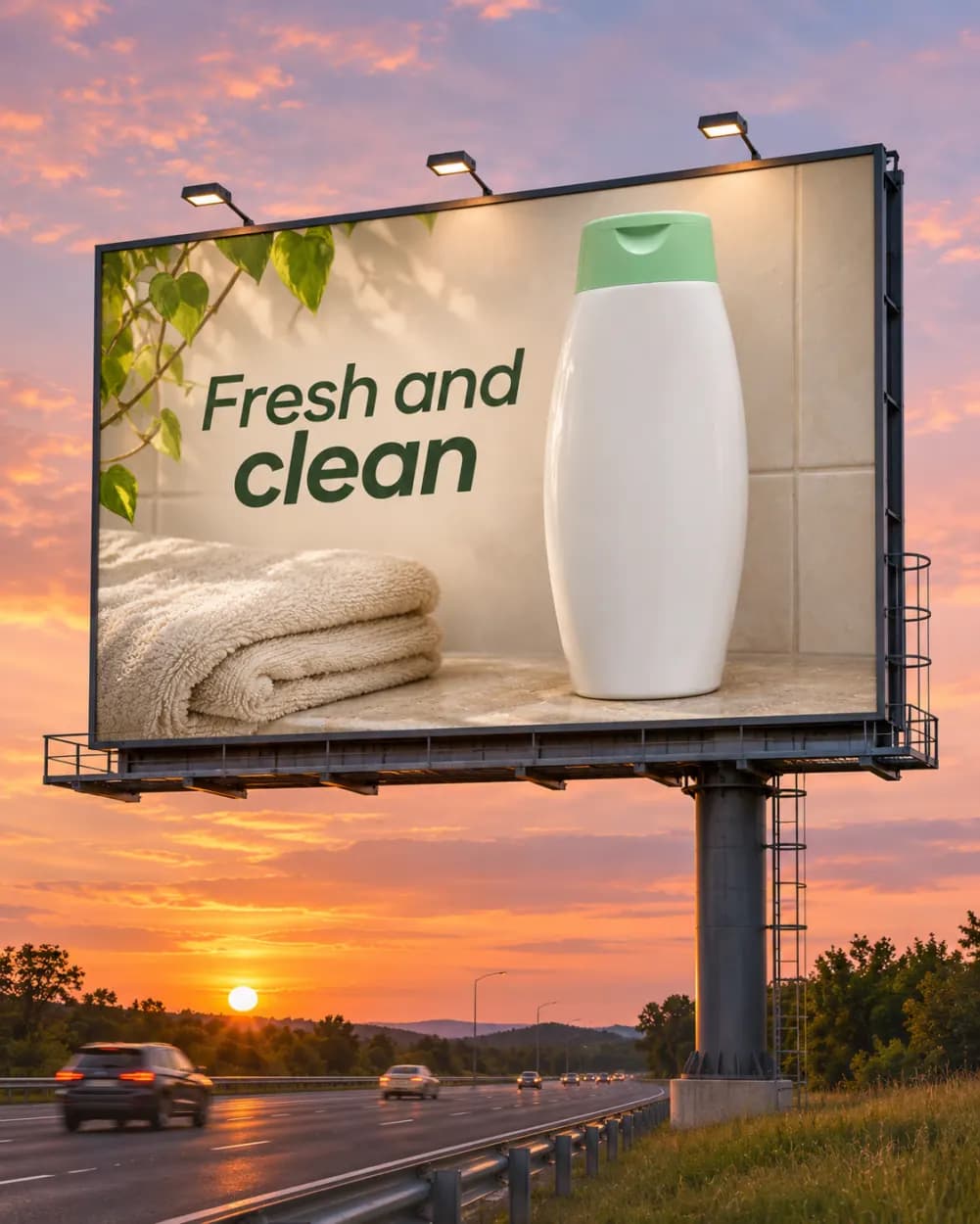
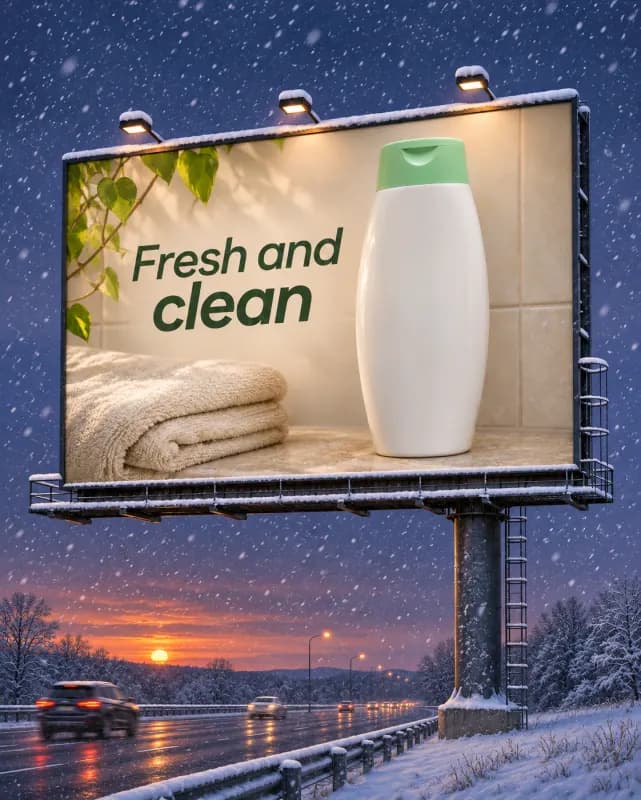
From a product photo to a billboard ad
One sentence turns a shampoo bottle on a shelf into a sunset highway billboard with the headline "Fresh and clean". A follow-up edit turned it into a snowy evening (see below).
 Before
 After
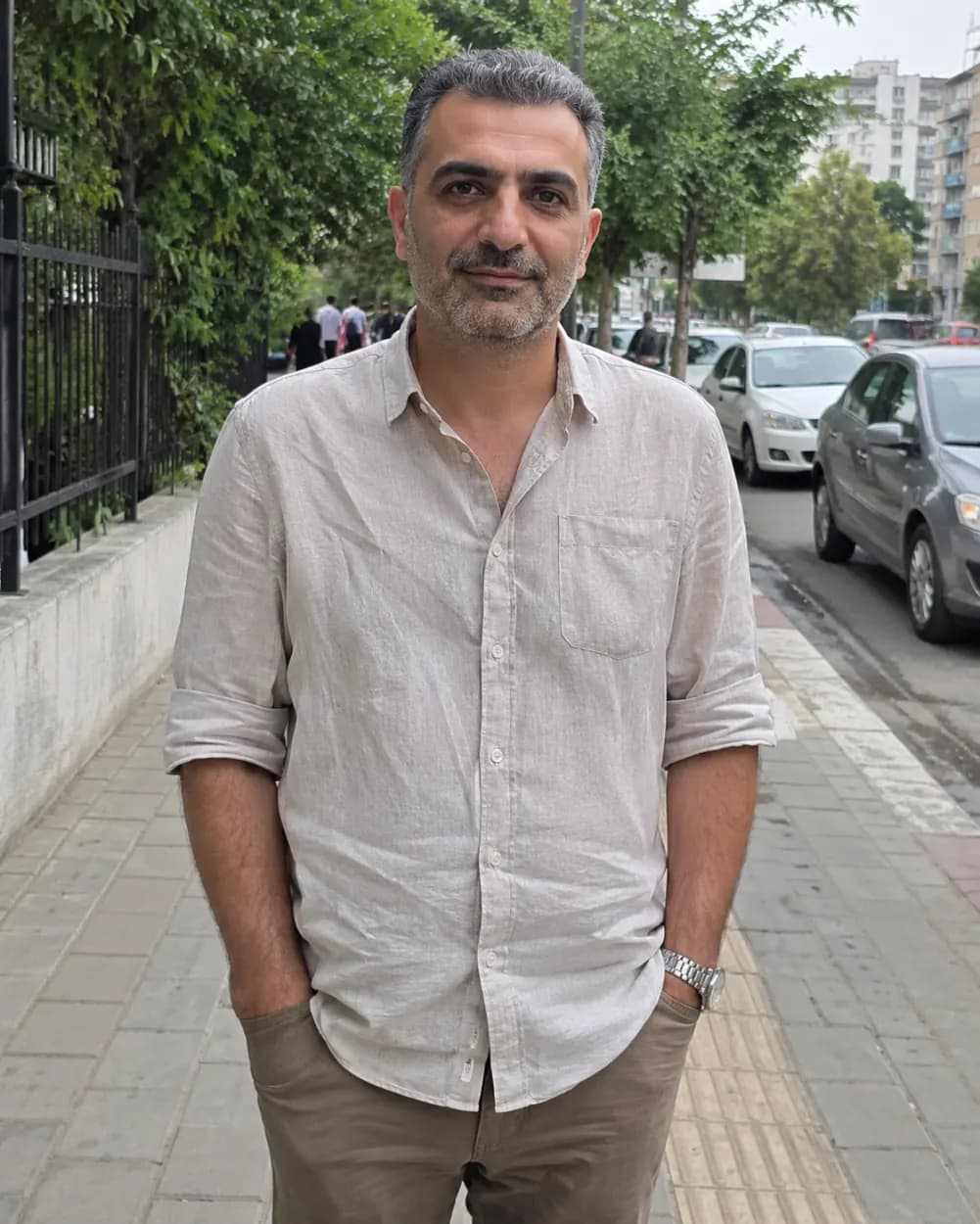
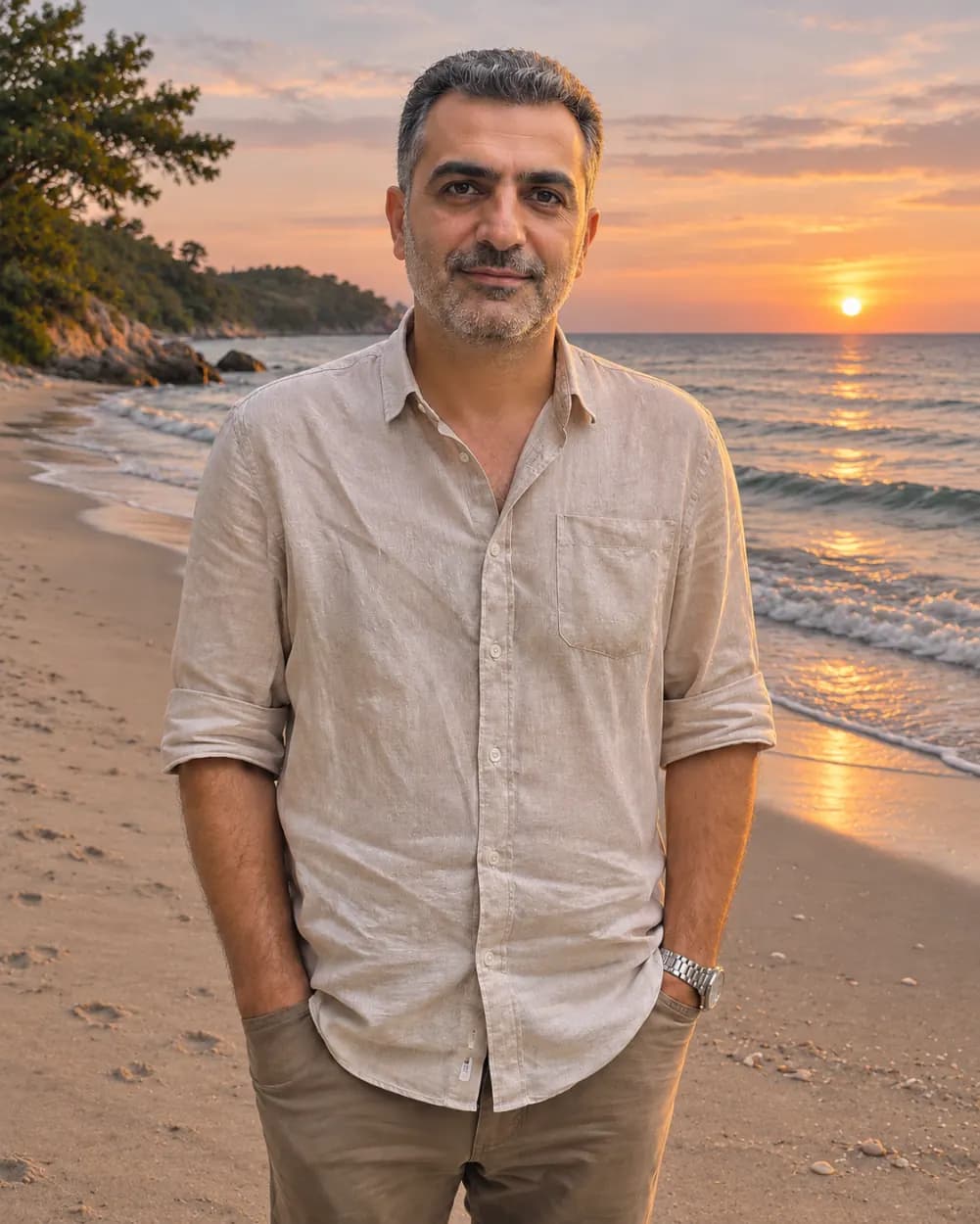
From a city sidewalk to a beach at sunset
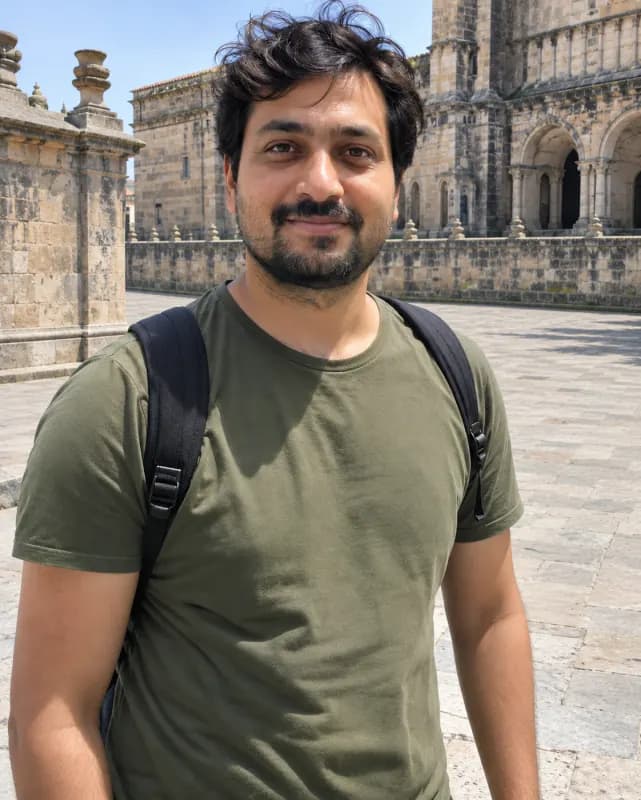
Instruction: change the background to a peaceful beach at sunset. He stays exactly the same, and the light on his face matches the evening sky.
 Before
 After
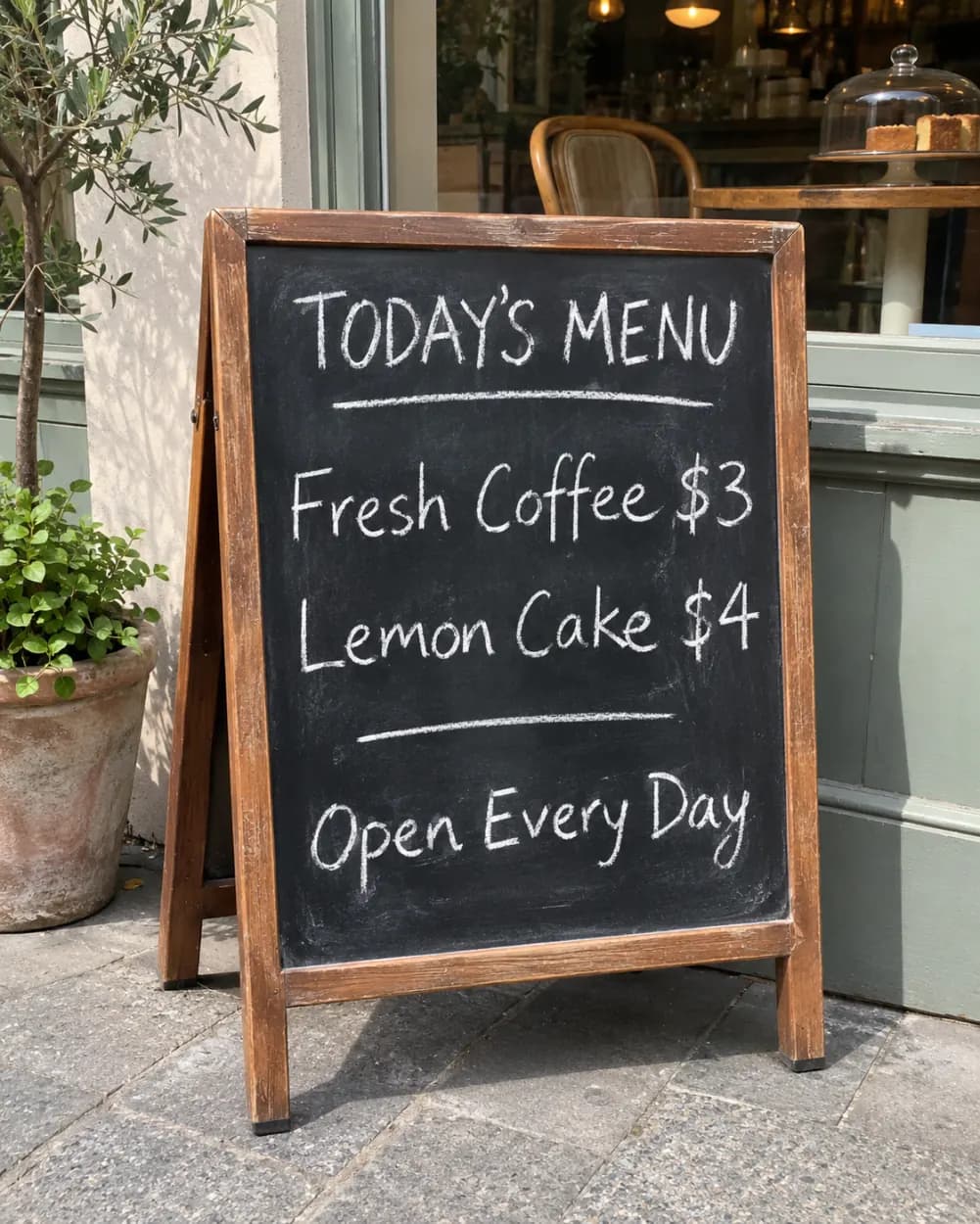
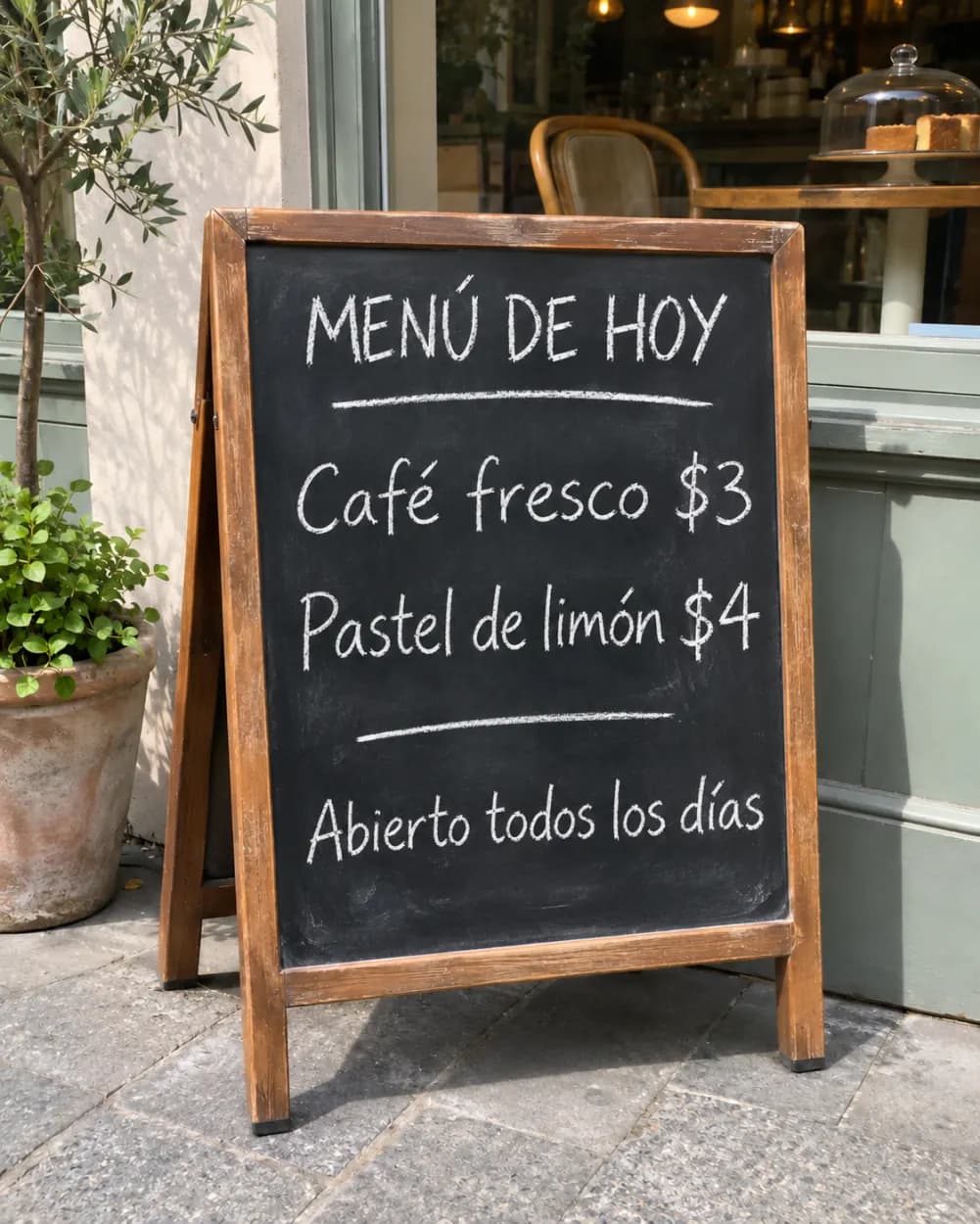
From an English menu to a Spanish one
Instruction: translate the text on the sign to Spanish. The chalk lettering, prices and café stay the same.
 Edited
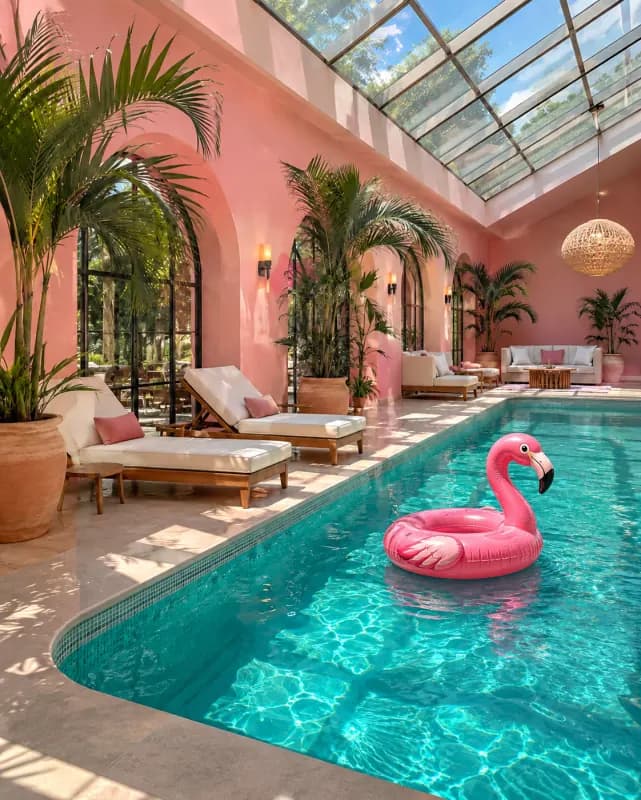 Edited
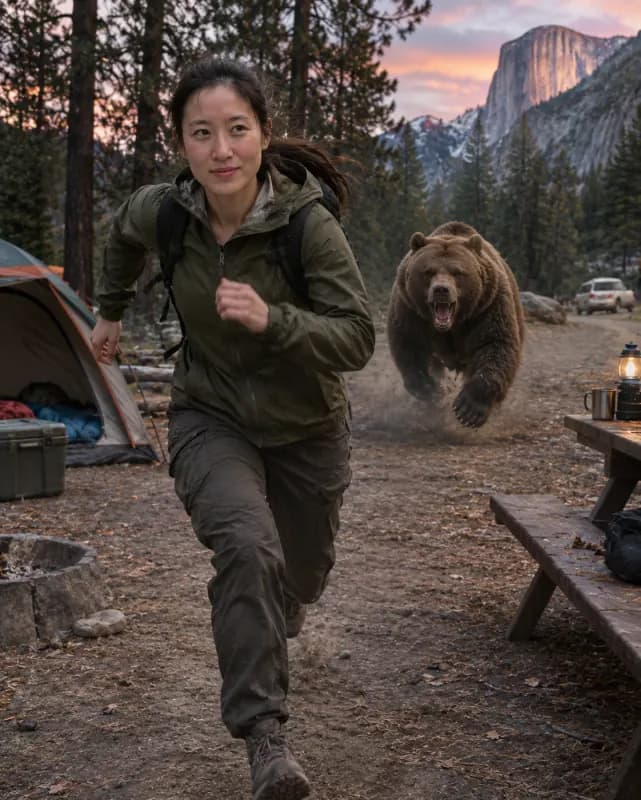 Edited
 Edited
 Edited
 Edited
 Edited
 Edited
What can you edit with GPT Image 2.6?
Most edits fit in one sentence. These are the jobs people try first.
Remove, replace or recolor one thing
Take an object out of someone’s hand, swap white chairs for wooden ones, turn a vase cobalt blue or add a pair of glasses. GPT Image 2.6 follows the instruction closely, so only the thing you named changes.
Product shots, ads and translated signs
Turn a plain product photo into a billboard mockup, change the season of the scene in a follow-up edit, or translate the text on a sign or menu while keeping its lettering and layout.
Clean up travel and everyday photos
Remove strangers walking behind you, rescue a dark backlit shot or move yourself to a beach at sunset. These are edits that used to need masks and layers in a desktop editor.
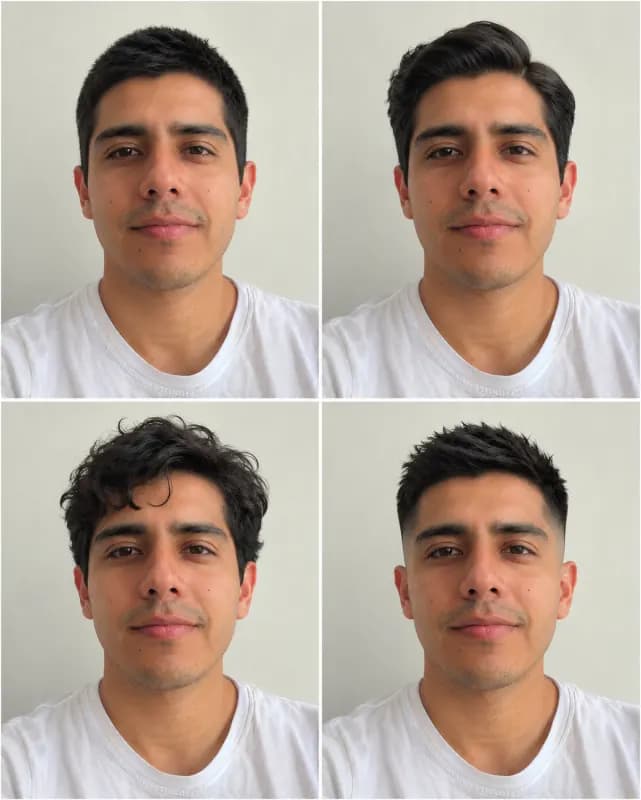
Anime, restoration, headshots and hairstyles
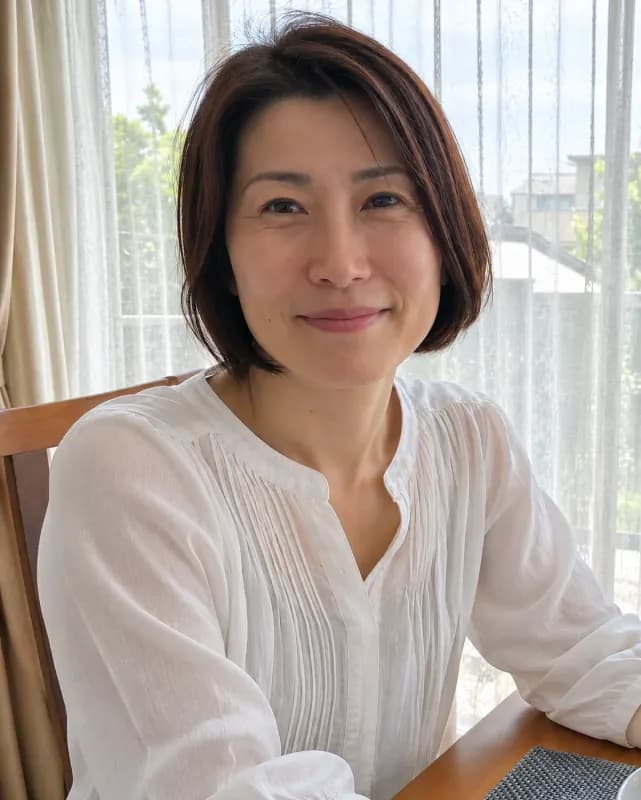
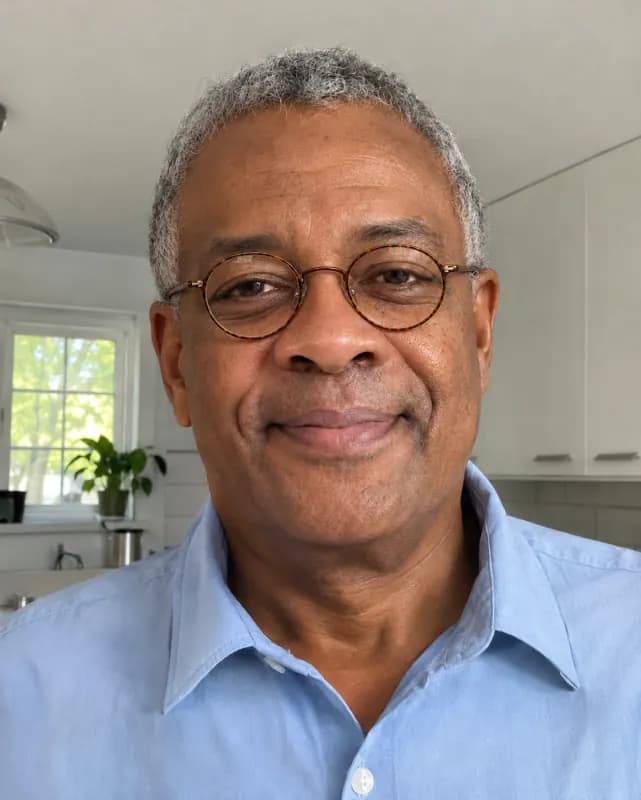
The four quick edits above the prompt load tested instructions. For a deeper look at a single style, see our photo to anime and old photo restoration pages.
How to Edit a Photo with GPT Image 2.6
- 1
Add your photo
Drop in a JPG, PNG, WebP or HEIC file, paste one, or start from a sample. Clear, well-lit photos give the cleanest edits.
- 2
Say what to change
Write one plain sentence, such as "change the background to a beach at sunset", or tap an example or a quick edit. Mention what must stay the same if it matters to you.
- 3
Generate, compare, download
Keep the Pro model selected and press generate. Drag the slider to compare, refine the sentence if needed, then download the result.
Why edit photos here
Edits only what you ask
GPT Image 2.6 Sunburst is strong at following instructions. Ask for a new background and you get a new background, not a new face. If something else shifts, the slider makes it easy to spot.
No setup, no API key
You do not need an OpenAI account, an API key or a ChatGPT subscription. Open the page, add a photo and type.
Free to try
During the launch period your free daily generations on this page can use GPT Image 2.6. After that, the Pro model uses credits and the free Basic model stays free.
No watermark
Downloads are clean image files with no watermark or logo, ready to post, print or use in a listing.
GPT Image 2.6, GPT Image 2.6 Sunburst, ChatGPT image editor
You may see this model called GPT Image 2.6, GPT Image 2.6 Sunburst, gpt-image-2.6 or simply the new ChatGPT image editor. They refer to the same model family, and this page lets you use it on your own photos in the browser. For styles and other models, try our general image to image AI.
Frequently asked questions
Anything else? Contact us.
What is GPT Image 2.6 Sunburst?
GPT Image 2.6 is an image generation and editing model from OpenAI; Sunburst is the label of the GPT Image 2.6 version we run. It is good at following written instructions, which makes it well suited to editing a photo you already have rather than creating one from scratch.
Can I use GPT Image 2.6 for free?
Yes, during the launch period. Free daily generations on this page run on GPT Image 2.6 in standard quality, 1 a day without an account. When the launch period ends, GPT Image 2.6 becomes a Pro model that uses credits, and the Basic model stays free.
Do I need an OpenAI account or API key?
No. We run the model for you, so there is nothing to install and no key to paste. You only add a photo and an instruction.
Will GPT Image 2.6 change my face?
It tries not to. Tell it what to change and, if it matters, what to keep, for example "keep my face and pose the same". Small or blurry faces are harder, so compare the result with the slider and run it again if needed.
What is the difference between Basic and Pro?
Basic is our everyday model and is covered by the free daily generations. Pro uses GPT Image 2.6 for edits that need closer instruction following. Outside the launch period, Pro costs 2 credits in standard quality and 3 in HD.
Can I create an image from text only?
Yes. Switch "Start from" to Just text, describe the subject, style and setting, and generate. You do not need to upload anything for that.
Is it safe to upload my photos?
Your photo is only used to make your image. To generate, it is sent to our AI provider, which keeps it for up to 72 hours. Results without an account are deleted after 2 days, and saved results after 30 days. Content that breaks our content policy is blocked.
Which files work, and can I use the results commercially?
JPG, PNG, WebP and HEIC up to 20 MB. Results have no watermark, and you can use them commercially as long as you have the rights to the photo you uploaded.
Try GPT Image 2.6 on your own photo
One sentence, a few seconds, no watermark.