GTA 6 Filter
The GTA 6 filter is the trend everyone posted for the Grand Theft Auto VI launch: your photo redrawn as loading-screen art with thick ink outlines, a pink and orange sunset, palm trees and neon. Upload one clear selfie, pick a scene, and get your own GTA 6 style poster. Then make it move with one click.
JPG, PNG, WebP, HEIC · up to 20 MB
No NSFW, face swaps or harmful content. Content Policy
- Your face stays yours
- Poster + short video
- No app, no prompt
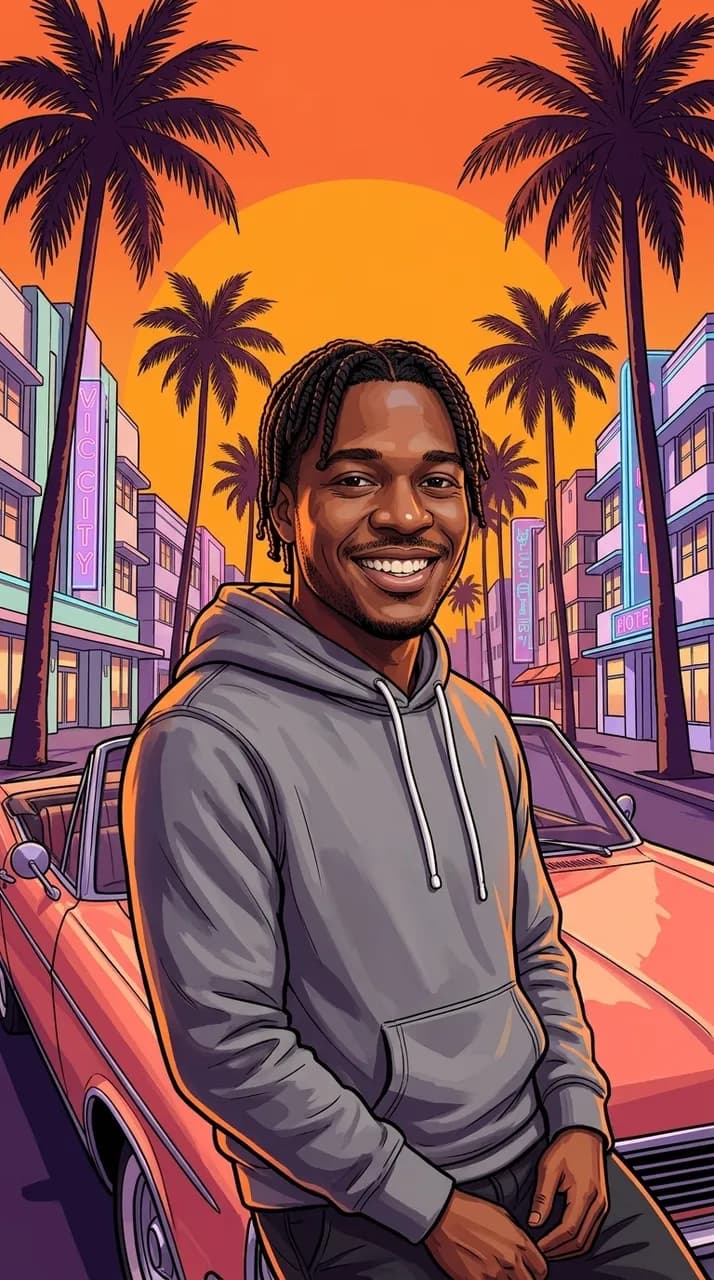
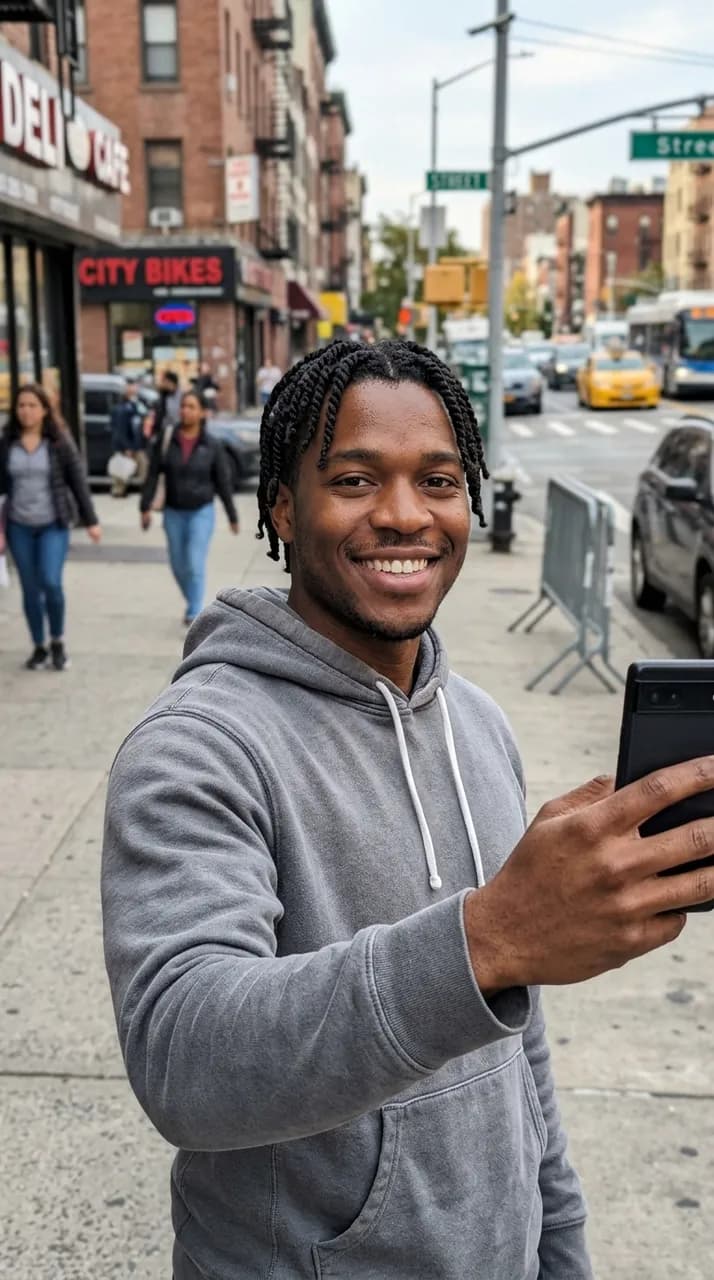 BeforeAfter
No NSFW, face swaps or harmful content. Content Policy
GTA 6 Filter Examples
Each poster below started as one ordinary selfie of an AI-generated person and was made with the same scene prompts the tool uses, with nothing painted over afterwards. Two of them were then turned into videos with the Make it a video button.
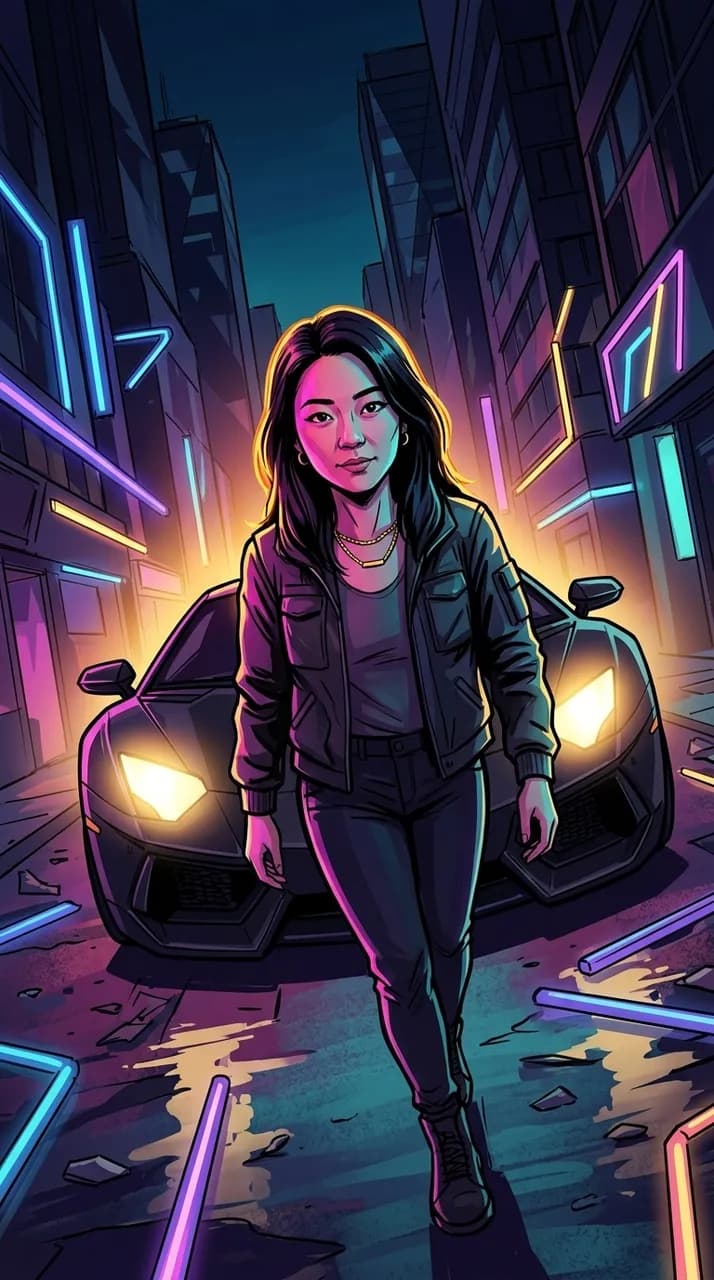
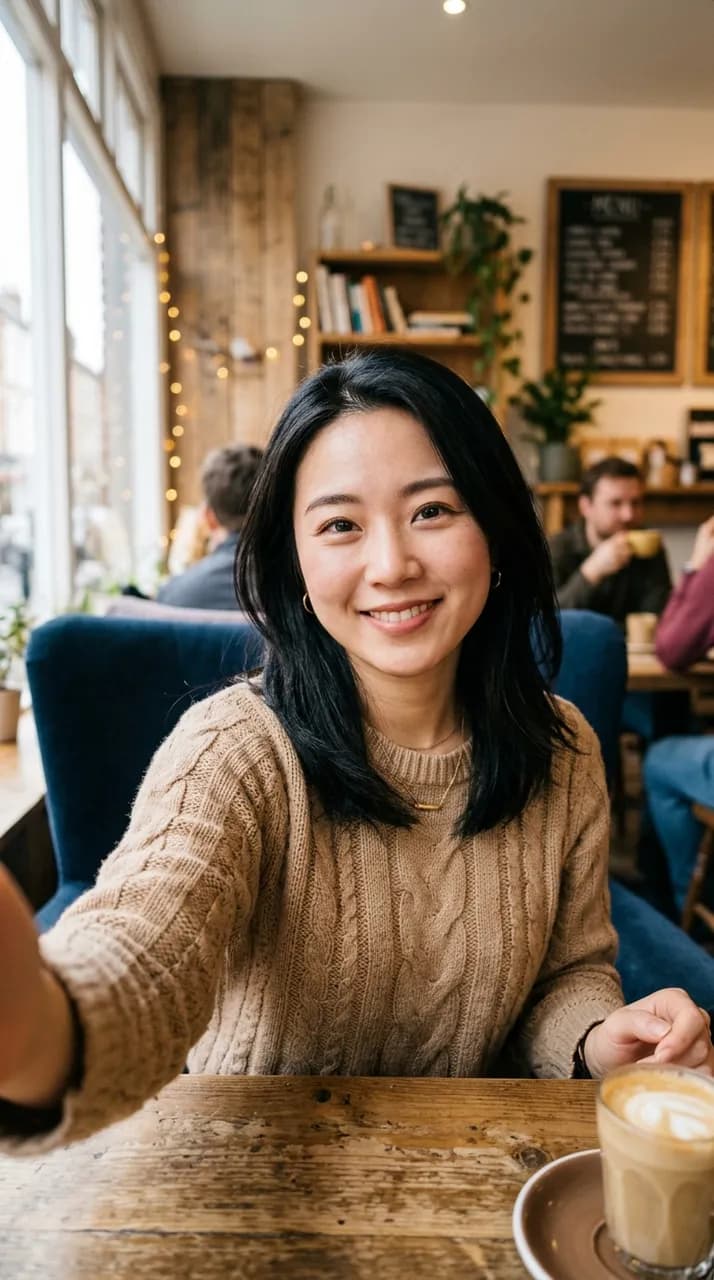 BeforeAfter
From a cafe selfie to a night neon poster
Night neon scene. The cafe and the people behind her are gone; her face, hair and smile carry over into a street lit by headlights and neon.
 BeforeAfter
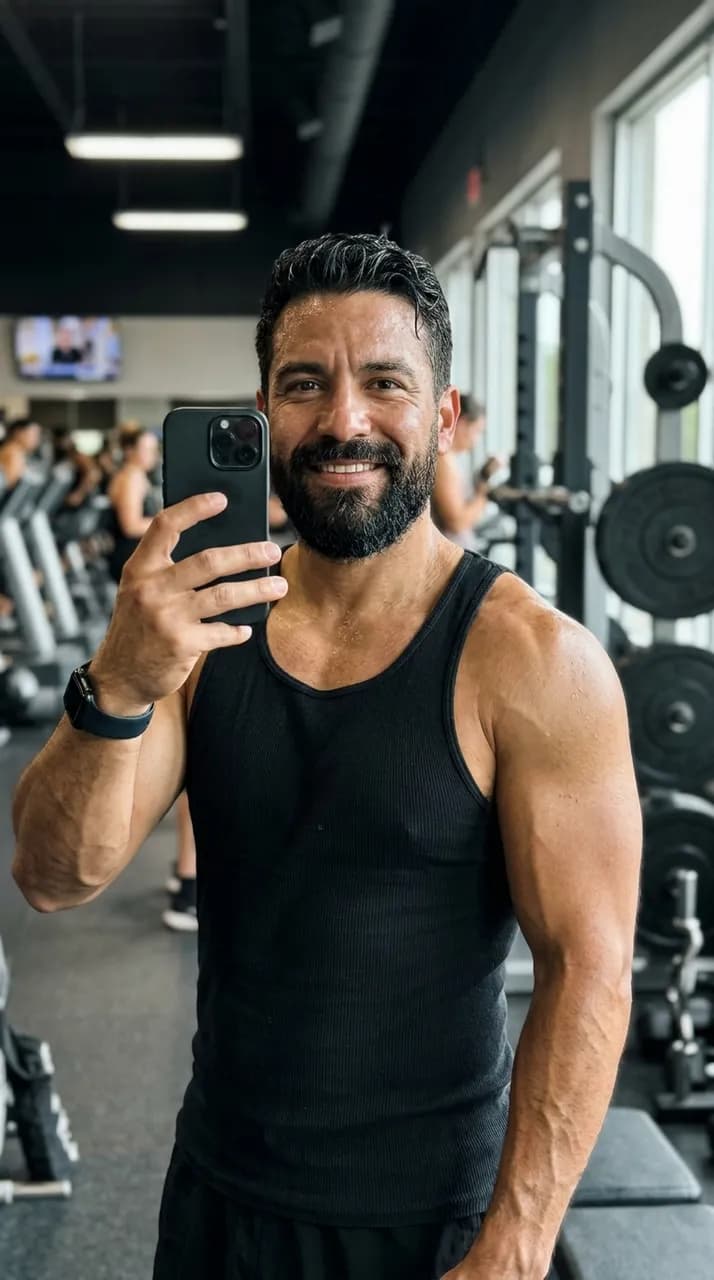
From a gym mirror selfie to a rooftop skyline shot
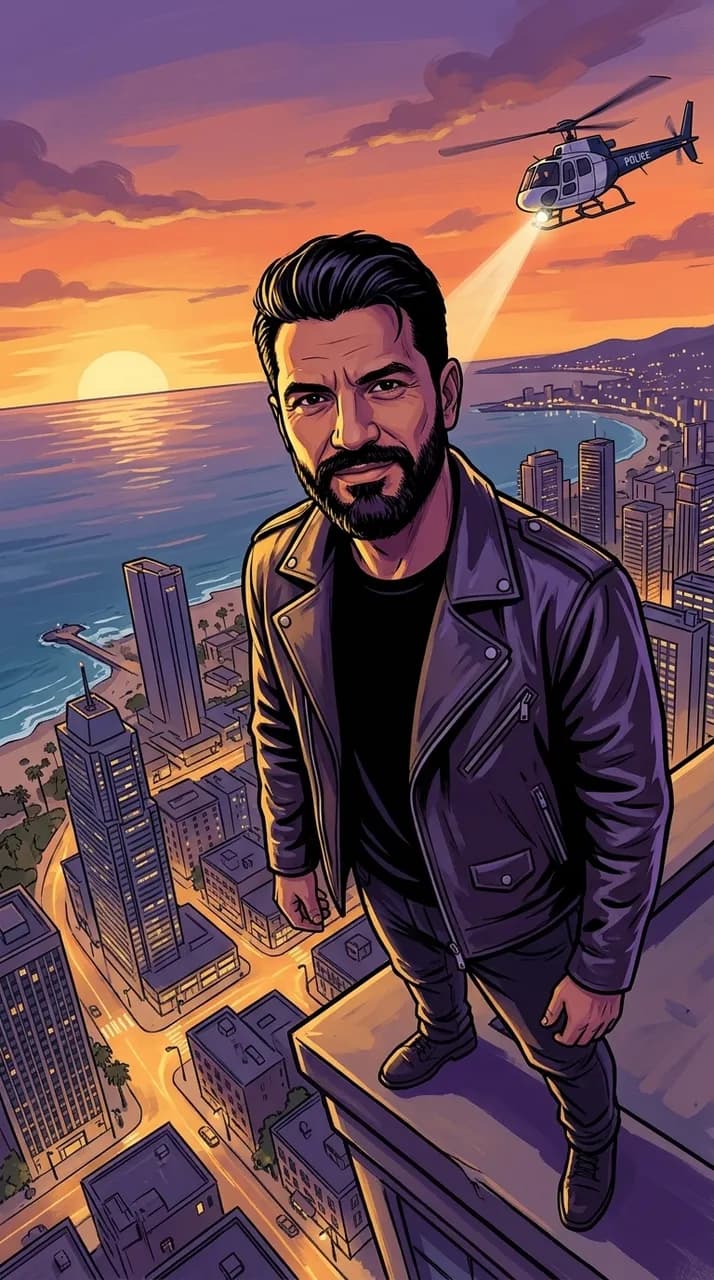
City skyline scene. A low camera angle, a coastal city at dusk and a helicopter overhead; the beard and haircut stay the same.
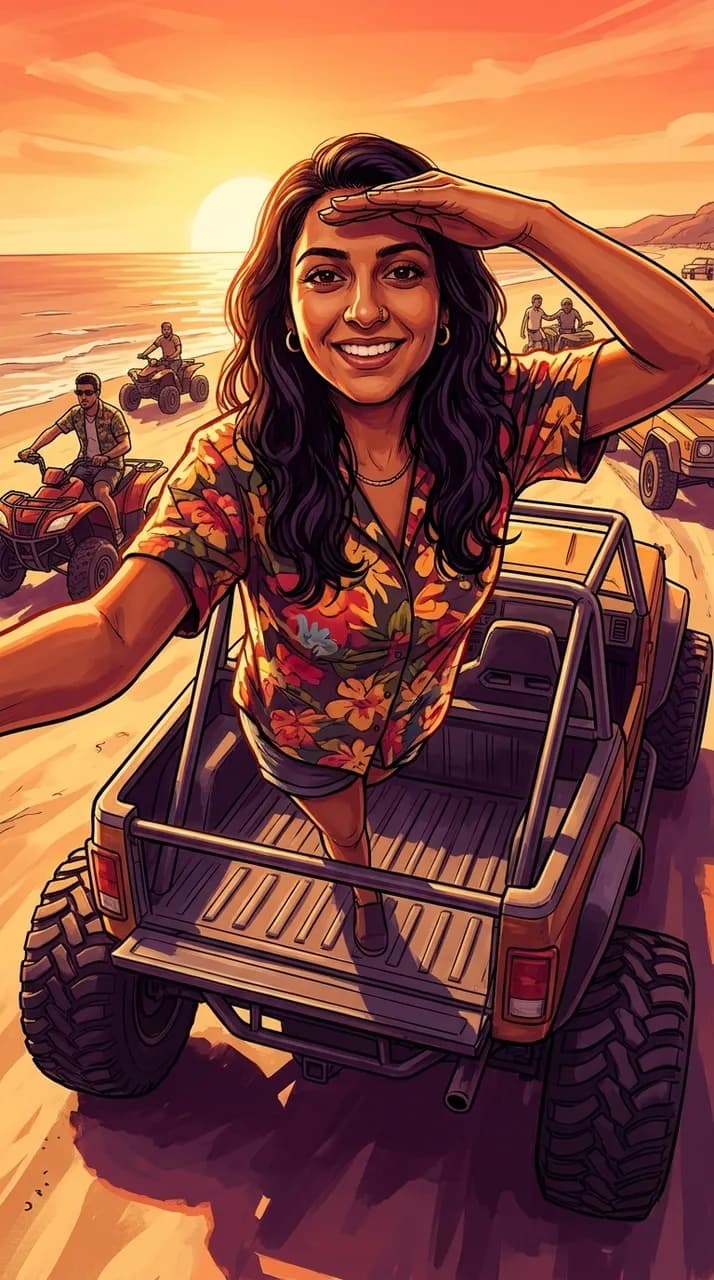 GTA 6 style
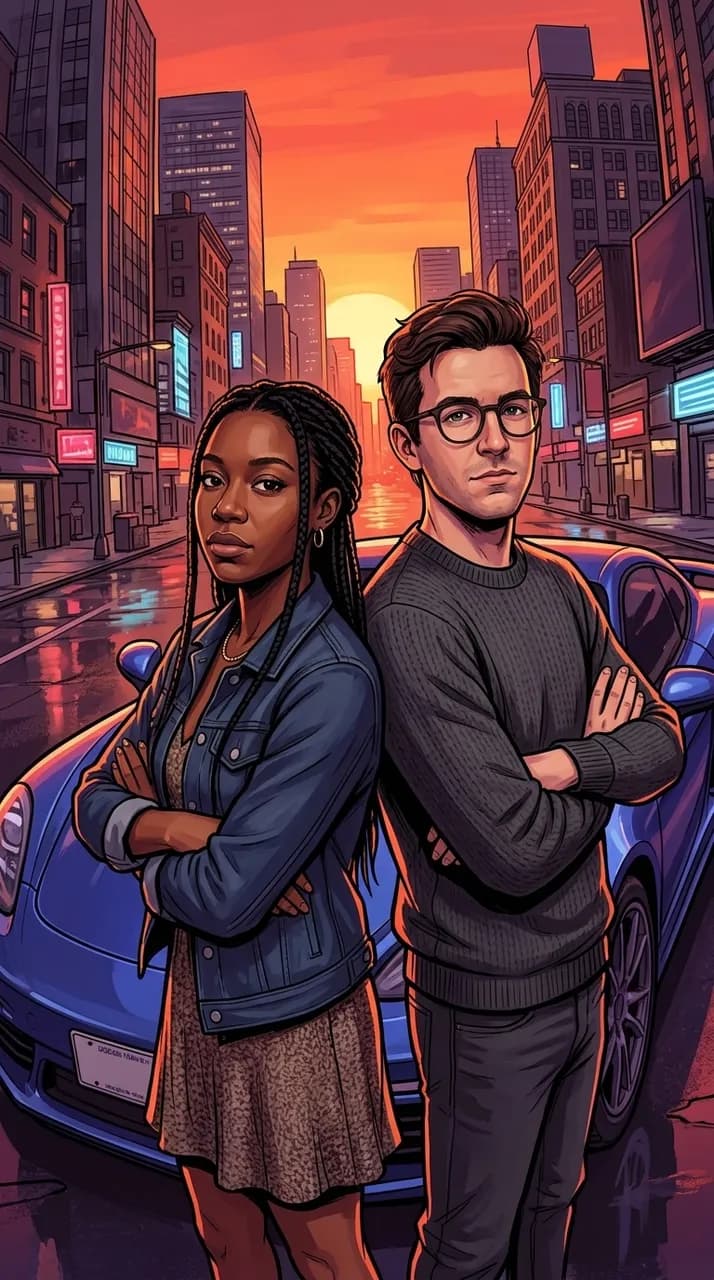 GTA 6 style
What Is the GTA 6 Filter?
The #gtafilter videos on TikTok come from a creator-made CapCut template called GTA 6 Screen AI. In about eight seconds, the original photo is wiped upward into a loading-screen style illustration and ends on a still poster. It took off in the week before Grand Theft Auto VI was released on November 19, 2026. This page gives you the same look without CapCut.
The look
Bold black outlines, painted shading, a warm rim light and a sunset sky in pink, orange and violet. Palm trees, classic convertibles, art deco hotels and neon streets set the mood. The poster is vertical, so it fits a phone screen, a Story or a TikTok.
GTA filter on TikTok and CapCut
Search #gtafilter on TikTok and open a video that shows a CapCut template link above the username, then tap it to use the template in CapCut. The template is not available in every region, and it uses CapCut’s own AI on your photo.
GTA filter on Instagram and Snapchat
On Instagram, search #gtafilter to find Reels made with the trend and the templates people used. In Snapchat, open Lens Explorer and search for GTA to try the camera lenses made by the community. Lenses change your live camera; they do not redraw a photo as a poster.
No app needed
If you do not want to install anything, use the tool at the top of this page. It works in any phone or desktop browser: upload a selfie, choose a scene and download your poster.
How to Use the GTA 6 Filter
- 1
Upload a clear selfie
Use a sharp photo where your face is easy to see, without sunglasses or a mask. A half-body shot gives the AI your outfit and posture to work with. For the Duo scene, upload one photo with both people in it.
- 2
Pick a scene and make the poster
Choose Sunset boulevard, Night neon, Beach day, City skyline or Duo. Each scene loads a ready-made prompt, so you do not need to write anything. In under a minute you get a vertical GTA 6 style poster; drag the slider to compare it with your selfie.
- 3
Turn it into a video
Press Make it a video under your poster to get a 5 to 6 second vertical clip that opens on your original photo: a line of light sweeps up the frame and redraws everything it passes as your poster, which then holds with the hair and palms moving. Download the MP4 and post it, or go back and try another scene on the same photo.
GTA Style Photo Prompt for ChatGPT and Gemini
Want to try the GTA style in ChatGPT, Gemini or another image app? Attach your photo and paste one of the prompts below. They follow the same recipe as the scenes in the tool above.
Sunset poster prompt
"Redraw the person in the attached photo as a hand-painted open-world crime game loading-screen illustration. Keep their face, skin tone, hairstyle and age the same. Low-angle shot: they sit on the hood of a pink 1980s convertible with a huge orange sunset, palm trees and pastel art deco hotels behind them. Bold black ink outlines, painted shading, orange rim light, violet shadows. Vertical 9:16. No text, no logo." ChatGPT often swaps the face for a different one; if that happens, use the tool above instead.
Night neon prompt
"Turn me from the attached photo into a vertical loading-screen style illustration: I walk toward the camera at night in front of a black sports car with its headlights on, magenta and cyan neon light on my face. Semi-realistic painted style with thick black outlines. Keep my face exactly the same. No text or signs." If your face comes out different, the tool on this page is built to keep it.
Duo prompt
"Redraw the two people in the attached photo as a loading-screen style crime game poster: they stand back to back in front of a glossy sports car at sunset, arms crossed. Keep both faces, skin tones and hairstyles the same. Bold ink outlines, painted shading, palm trees, vertical 9:16, no text." Chat apps sometimes drop one person; the Duo scene above keeps both.
GTA 6 Filter Video
Most people share the GTA 6 filter as a video, so every poster made here can become one. Press Make it a video under your result and you get a 5 to 6 second vertical MP4 at 480p: it opens on your original photo, a line of light wipes upward and turns it into your poster, then the poster holds while hair and palms move in the breeze. That is the same before-and-after reveal the trend is known for, and your face stays recognizable the whole way. If the poster was made from a text prompt instead of a photo, or the reveal model is busy, the poster itself comes to life instead. A video costs 10 credits and needs a signed-in account; if it fails, the credits go back. Do not count on built-in sound: pick a song when you post it to TikTok or Reels. Whether you call it a GTA filter, a GTA 6 AI filter or a GTA loading screen maker, it is the same tool, and for any other edit of your photos you can use our image to image AI.
Frequently asked questions
Anything else? Contact us.
Is the GTA 6 filter free?
The poster is free to try. Everyone gets 1 free generation a day, signed in or not, reset at 00:00 UTC, with no watermark. Turning a poster into a video uses 10 credits from a credit pack or plan.
Is this an official GTA 6 filter?
No. This is a fan-made tool and is not affiliated with, endorsed by or connected to Rockstar Games or Take-Two Interactive. GTA and Grand Theft Auto are their trademarks, used here only to describe the style. Every result is an original AI illustration with no game logos, screenshots or characters.
Will the GTA 6 filter change my face?
The prompt tells the AI to keep only your identity, your face shape, features, skin tone, hairstyle and age, and to redraw everything else. Because it becomes a painted illustration, small details can shift. A sharp, front-facing selfie in good light keeps you closest to yourself.
How do I make a GTA 6 filter video?
Make a poster first, then press Make it a video under the result. The video takes one to two minutes; you can leave the page and find it later in My Creations. You get a 5 to 6 second vertical MP4 that you can download and post.
Does the video have sound?
Do not count on it. Most clips are silent and some come with light background sound. The video is made to be posted with your own track, so pick a song in TikTok, Reels or CapCut when you share it.
How do I get the GTA filter on Instagram or TikTok?
On TikTok, search #gtafilter and open the CapCut template linked on a trend video. On Instagram, search #gtafilter to find Reels and the templates behind them. If the template is not available where you live, make the poster and video here and upload them yourself.
Why does ChatGPT change my face when I use a GTA prompt?
Chat apps usually redraw the whole picture from your description, so the face can turn into someone else. Adding "keep my face exactly the same" helps, but results vary. The tool on this page is built for photo edits and always tells the AI to keep your identity from the uploaded photo.
Looking for the in-game vignette or photo mode filter?
This page is a photo effect for your own selfies, not a game setting. To change the vignette or other screen filters inside GTA 6, look in the game’s Display or Graphics settings.
Your GTA 6 poster is one selfie away
Pick a scene, keep your own face, then make it move. Free to try, no watermark on the poster.